
Ruby Kinglet
Photoshoots
The studio, without the studio.
Retail-ready imagery and product video for any piece. Brilliance and dispersion, exact angles and lighting, plus stands, hands, and wrists with controllable skin tone. CAD goes in as easily as photos.
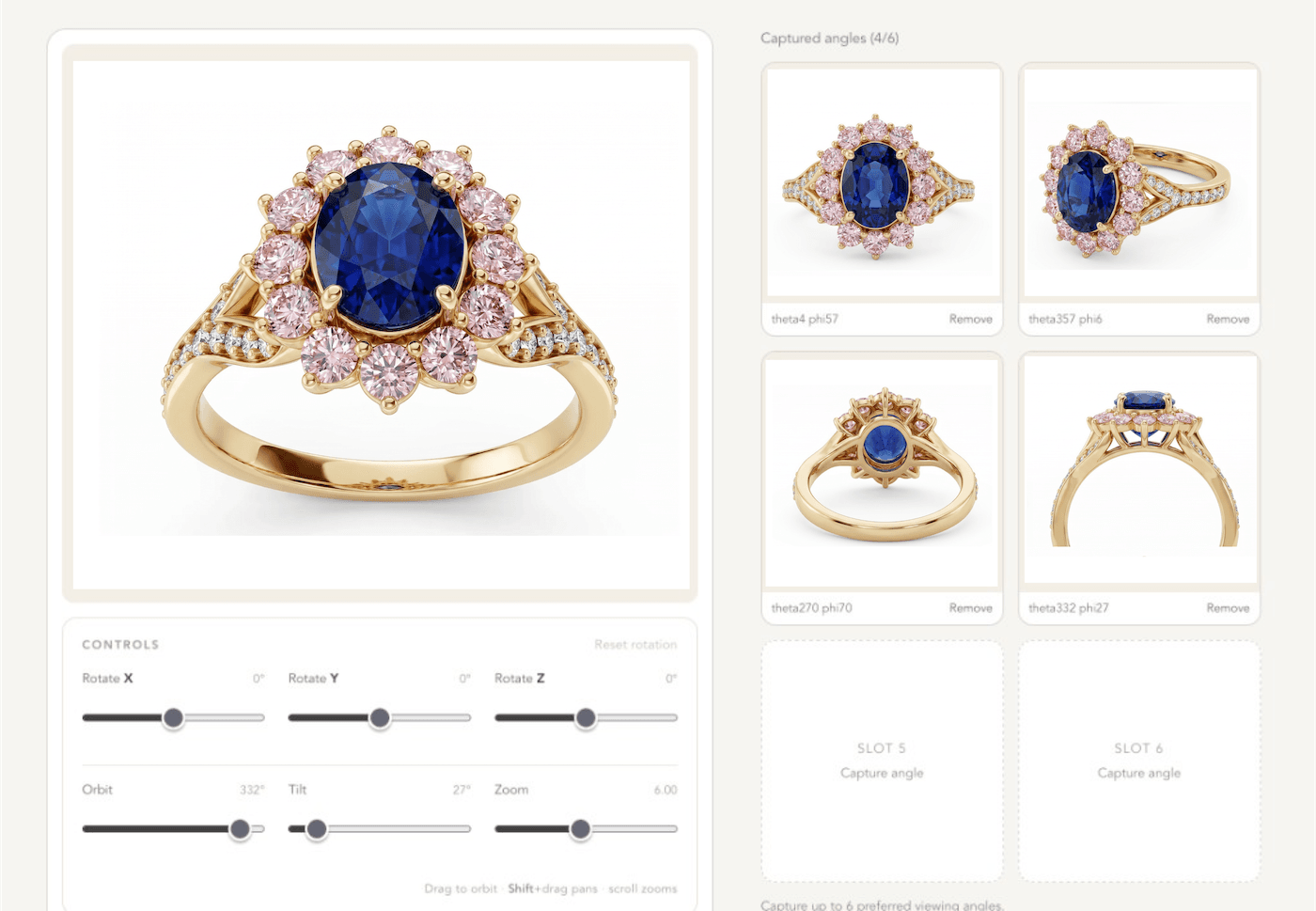
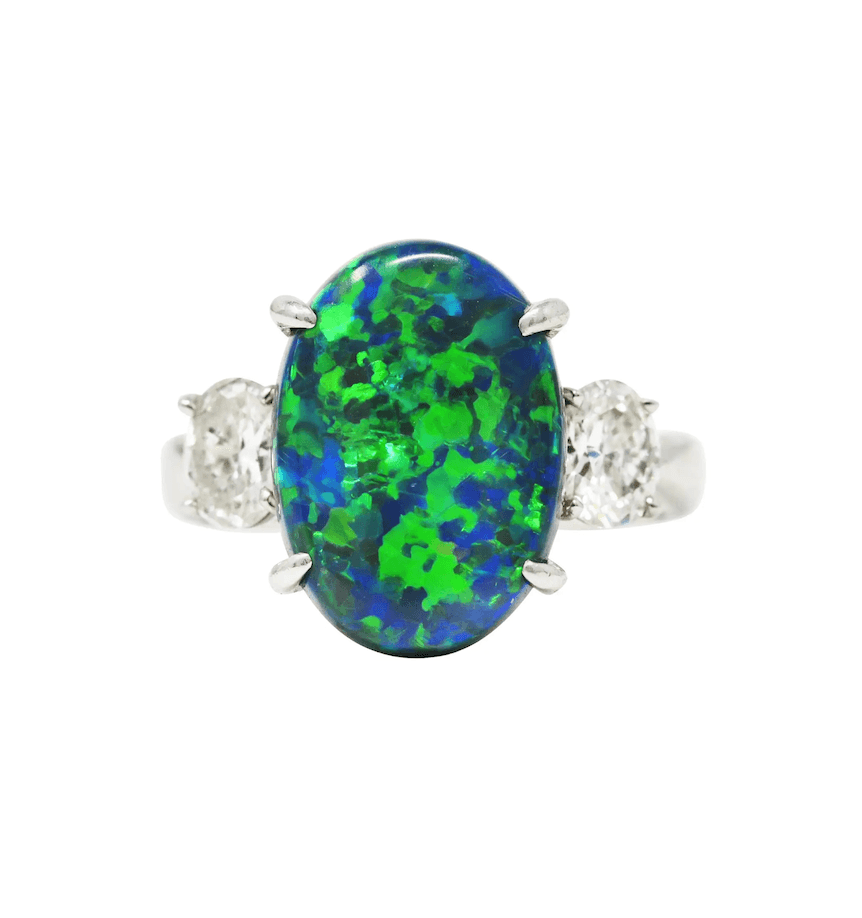
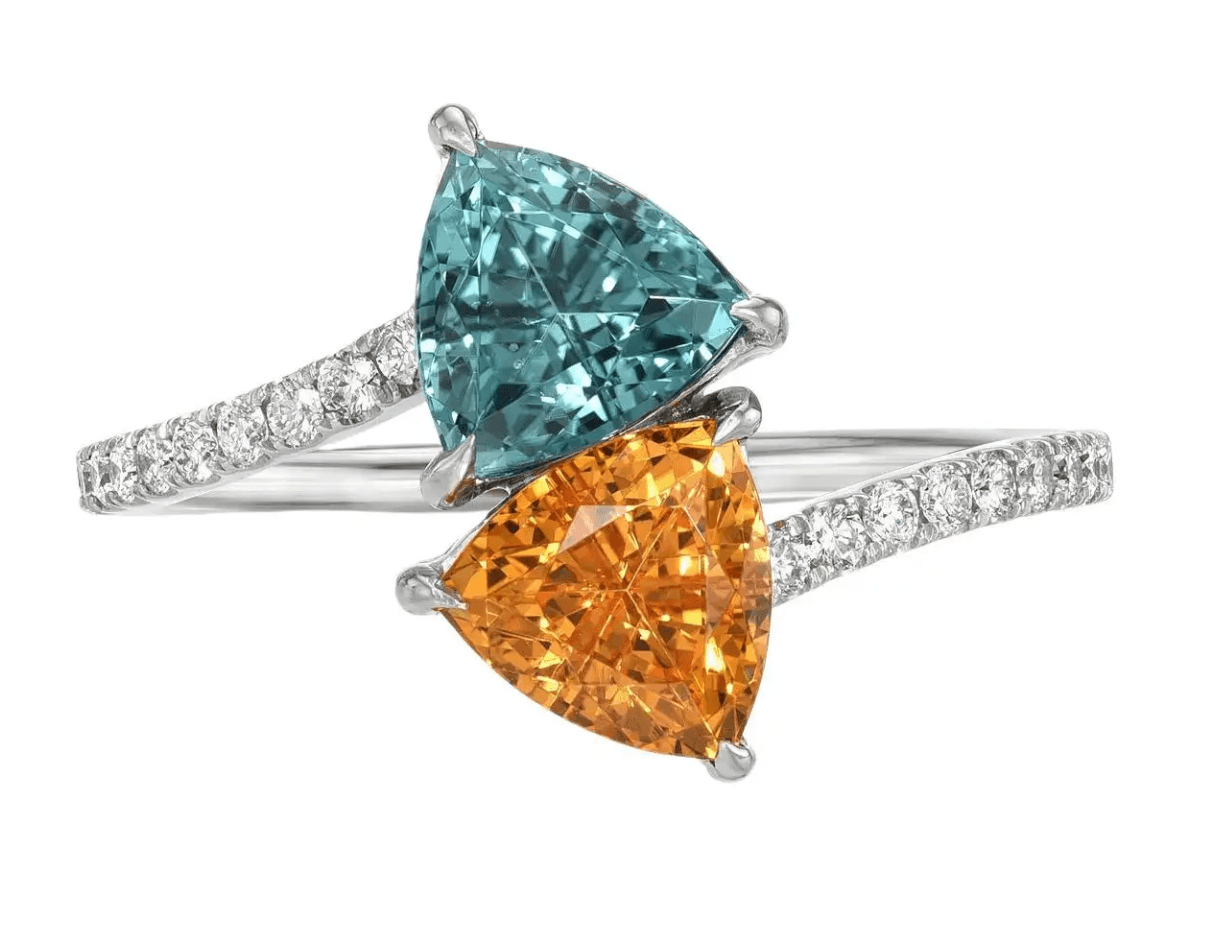
Sapphire ring, rendered on Ruby Kinglet from a 3DM file.
Lookbook
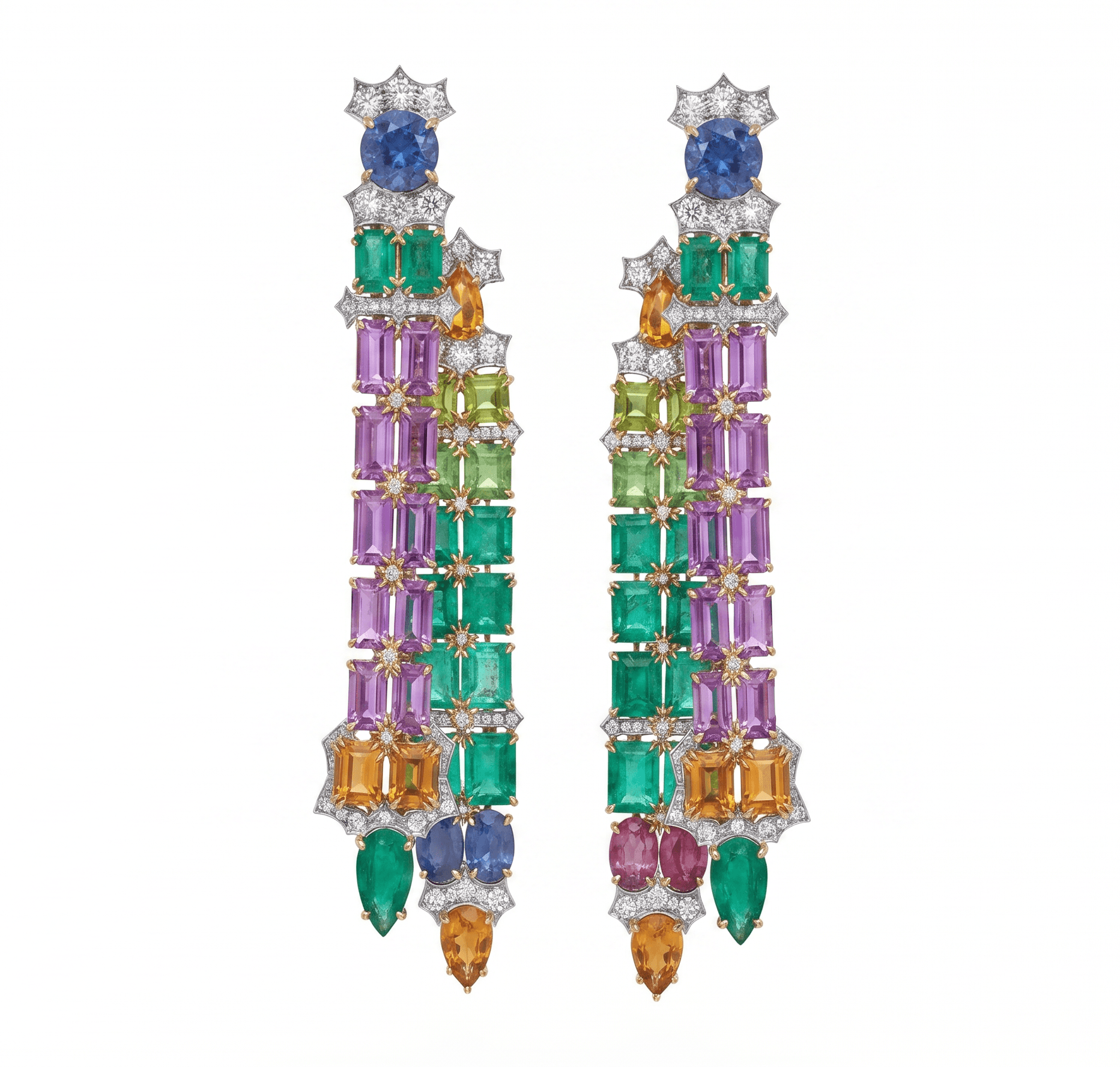
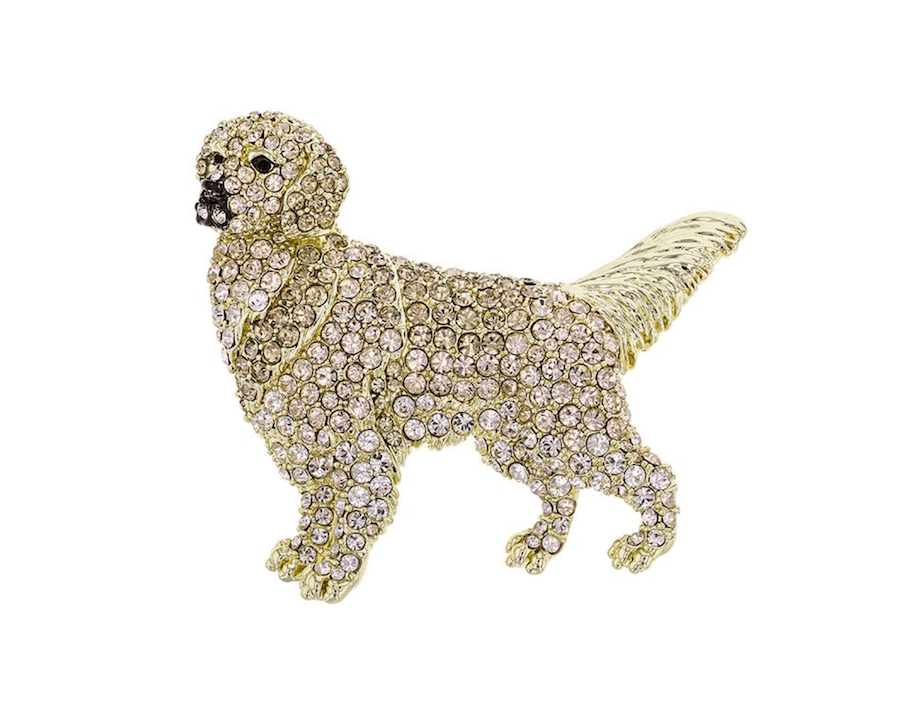
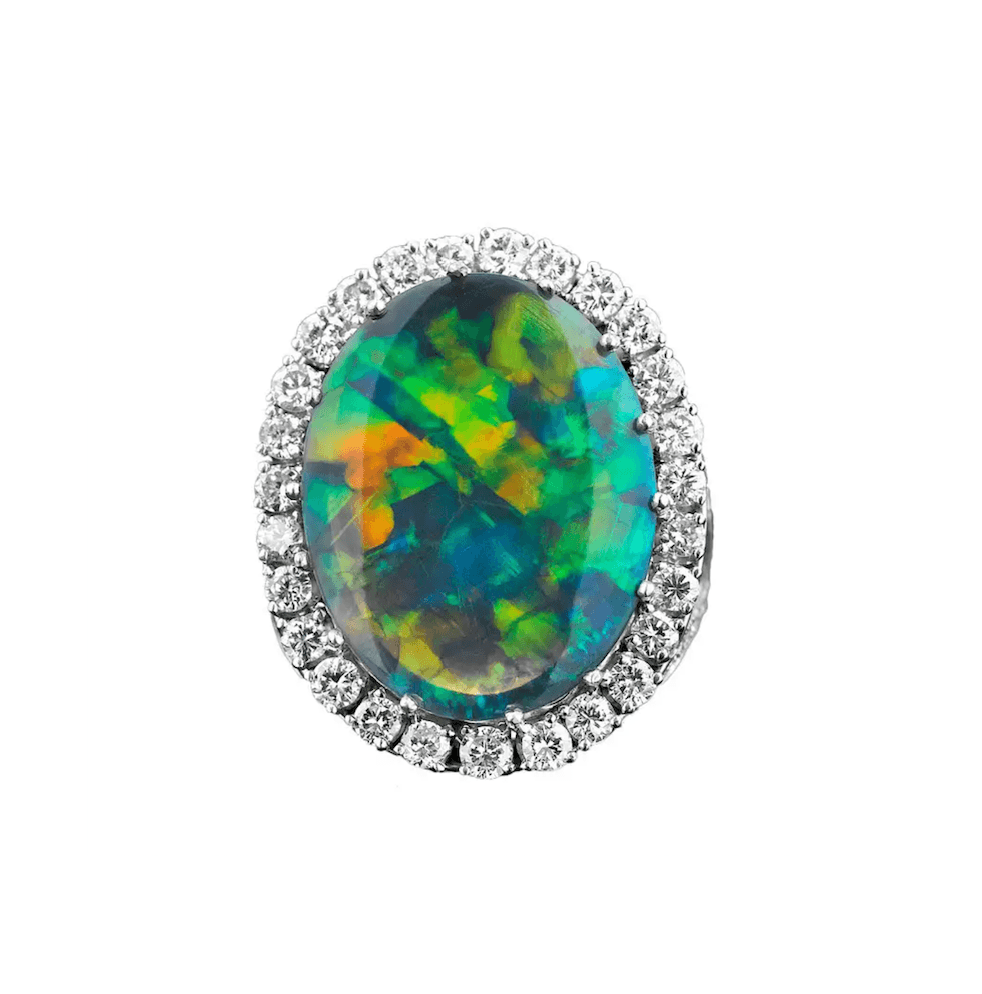
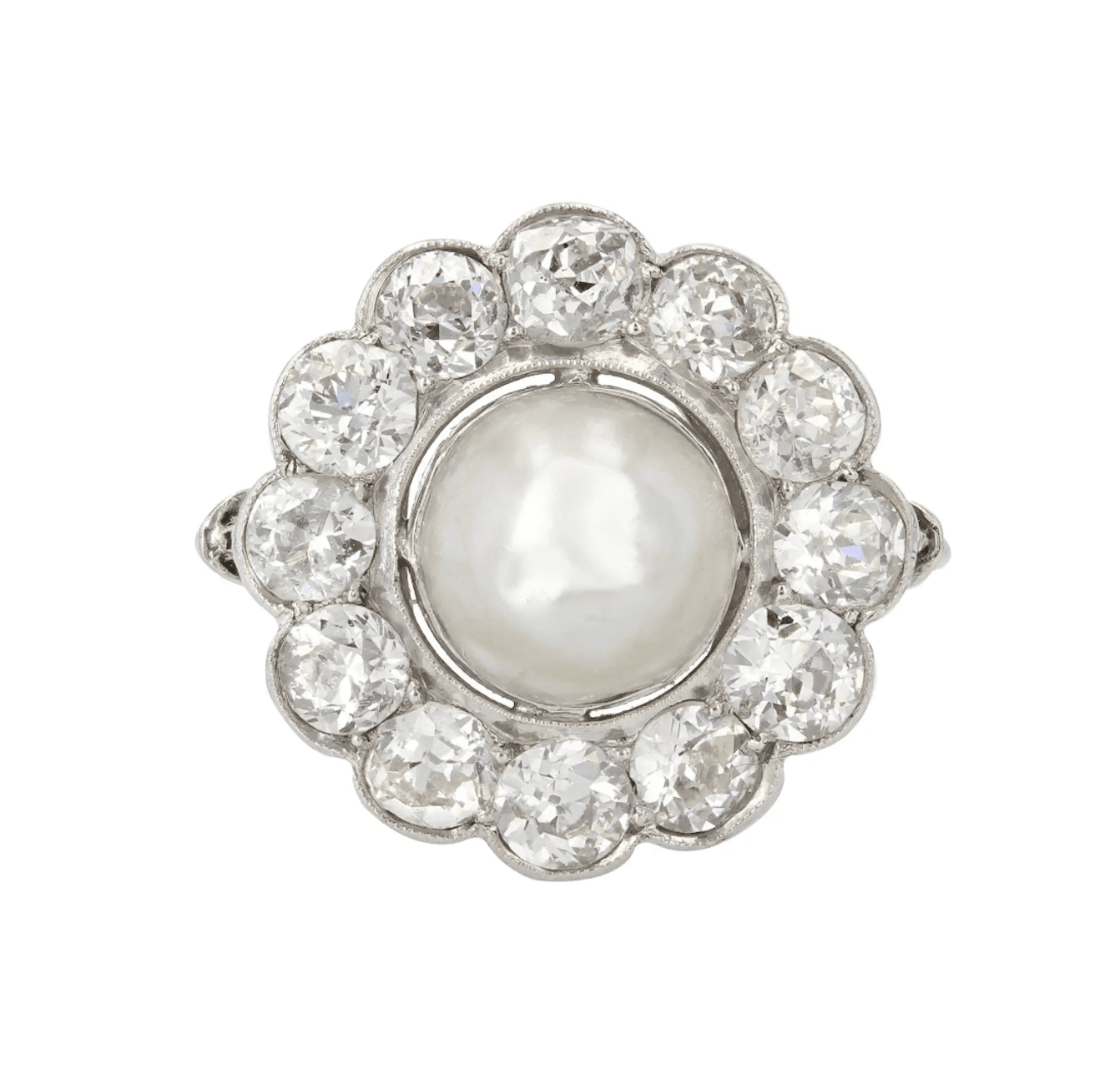
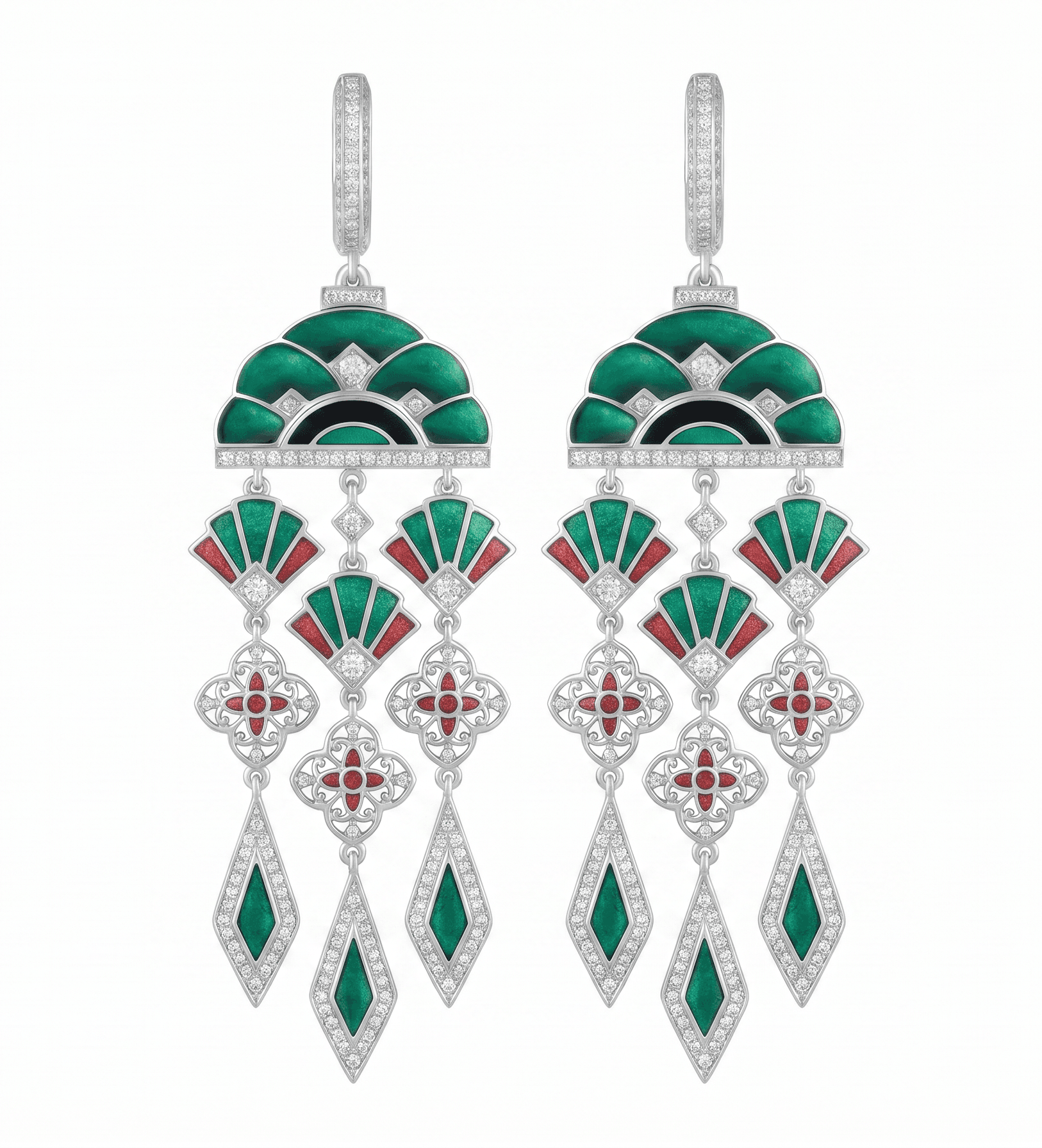
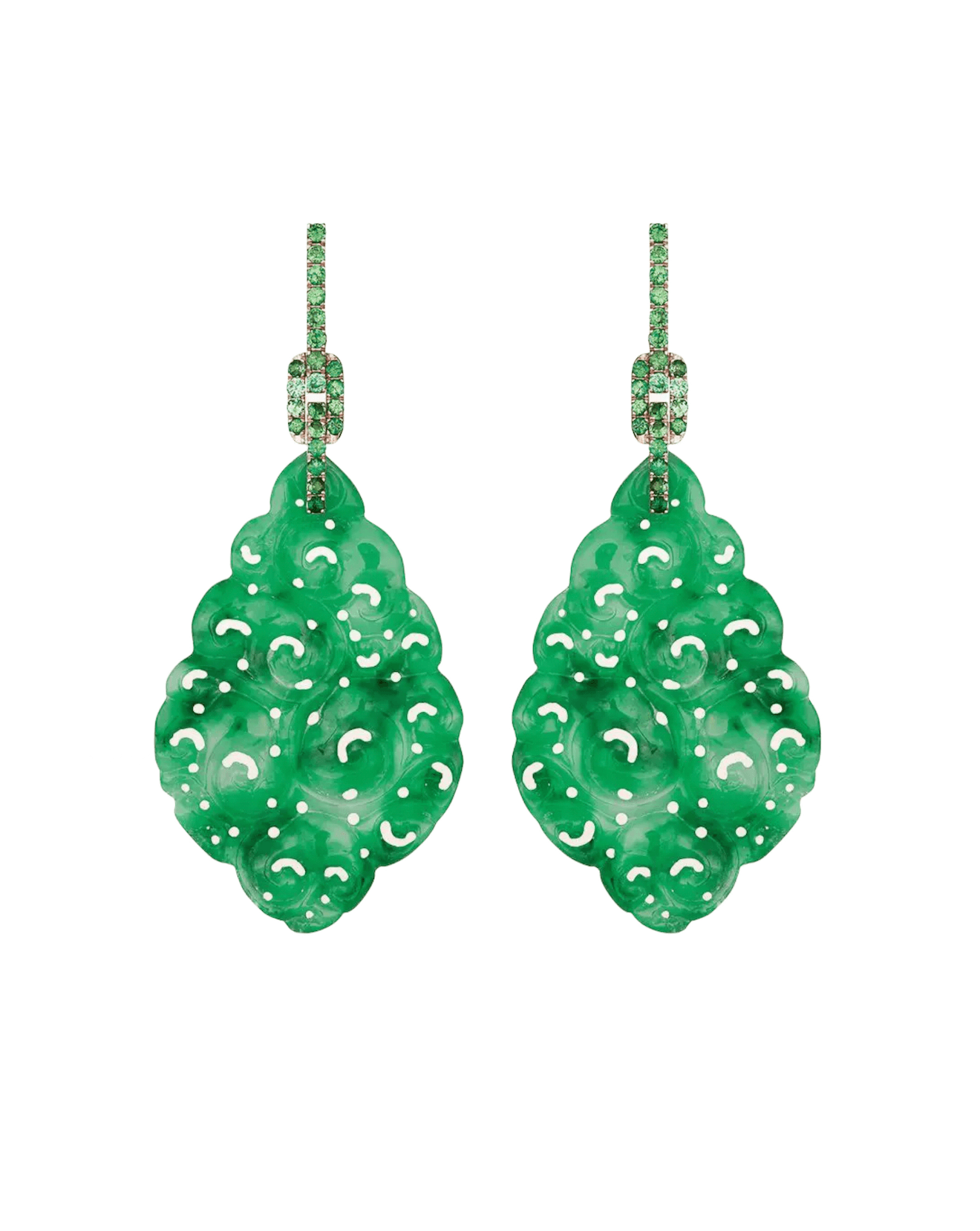
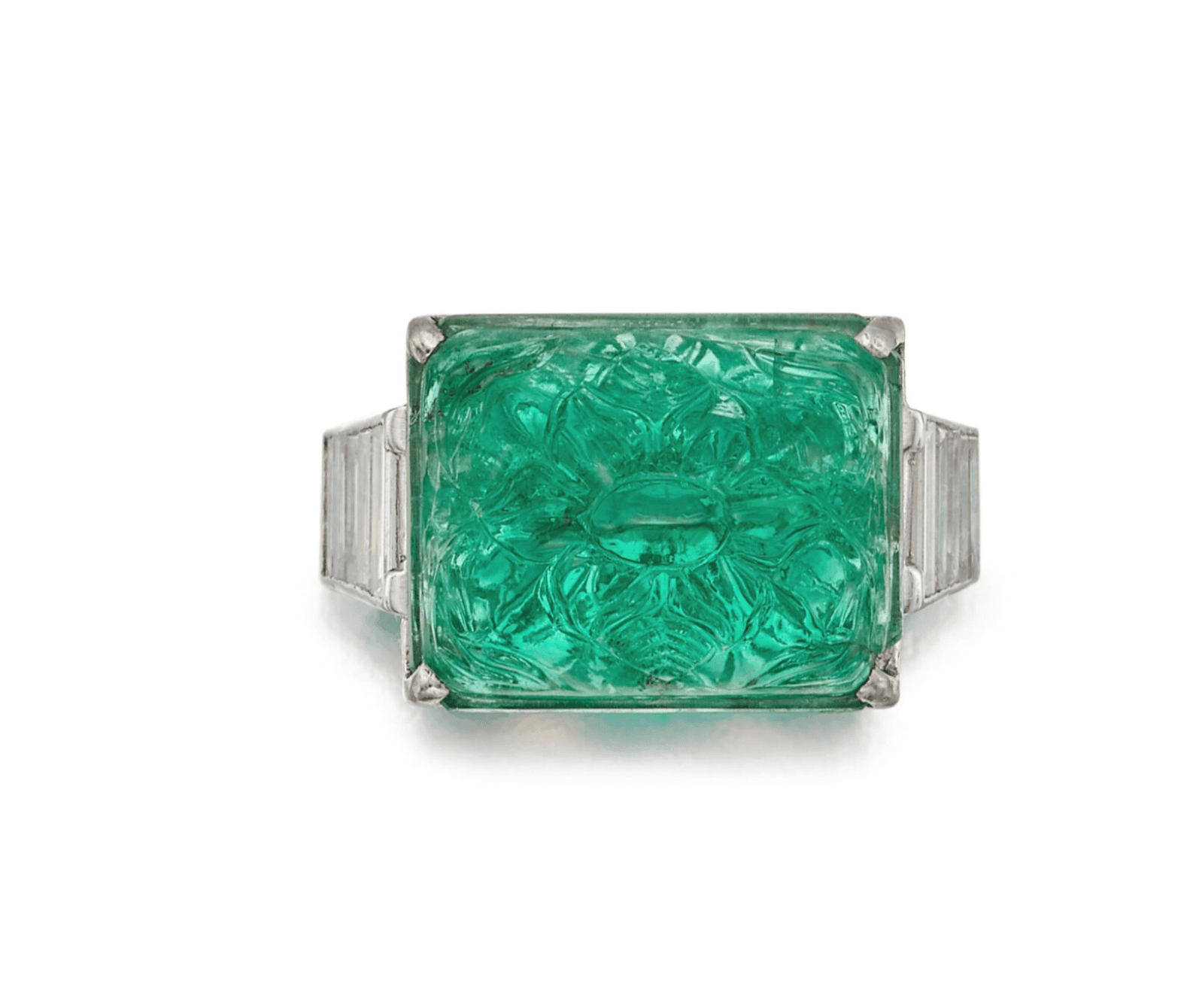
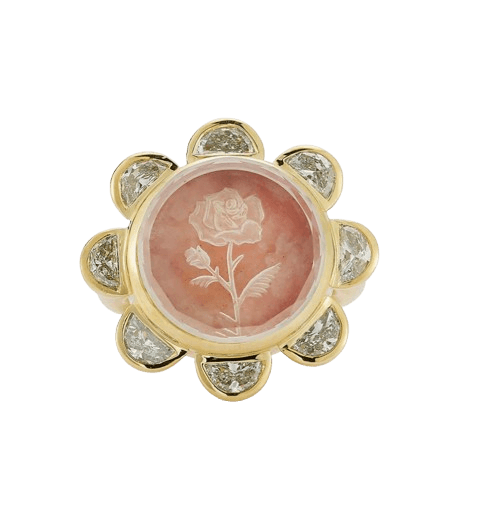
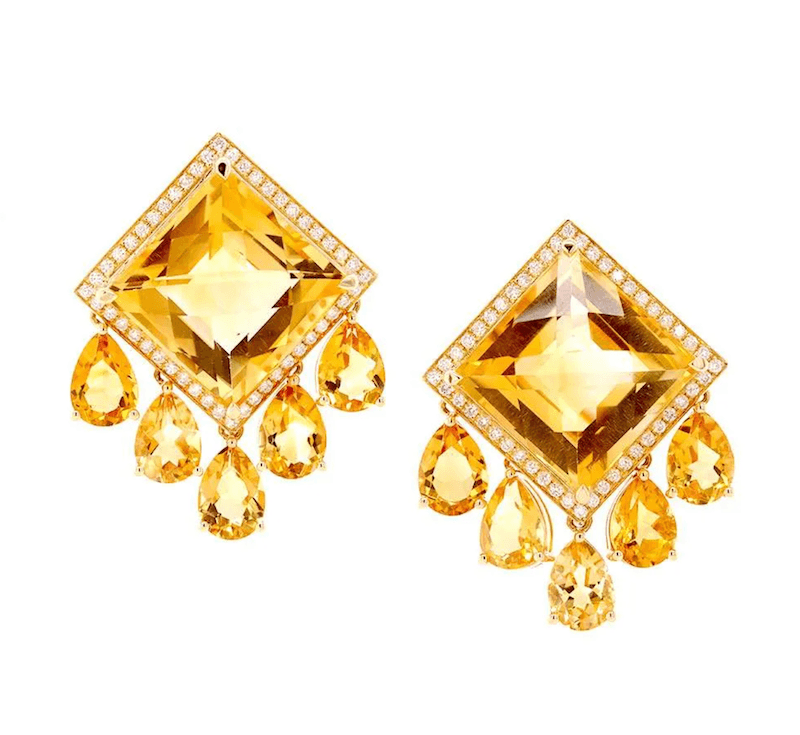
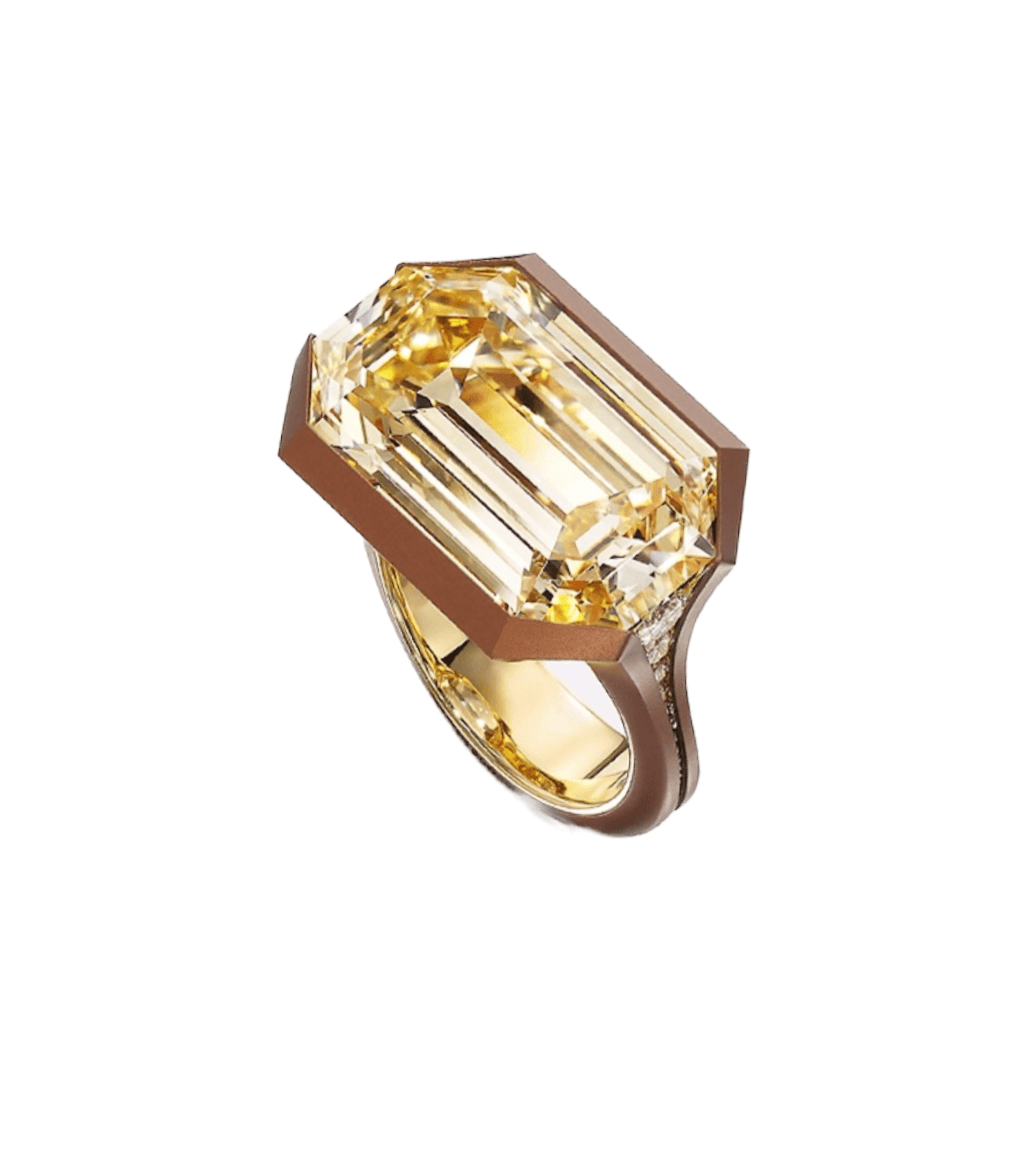
Real pieces, rendered on the platform.
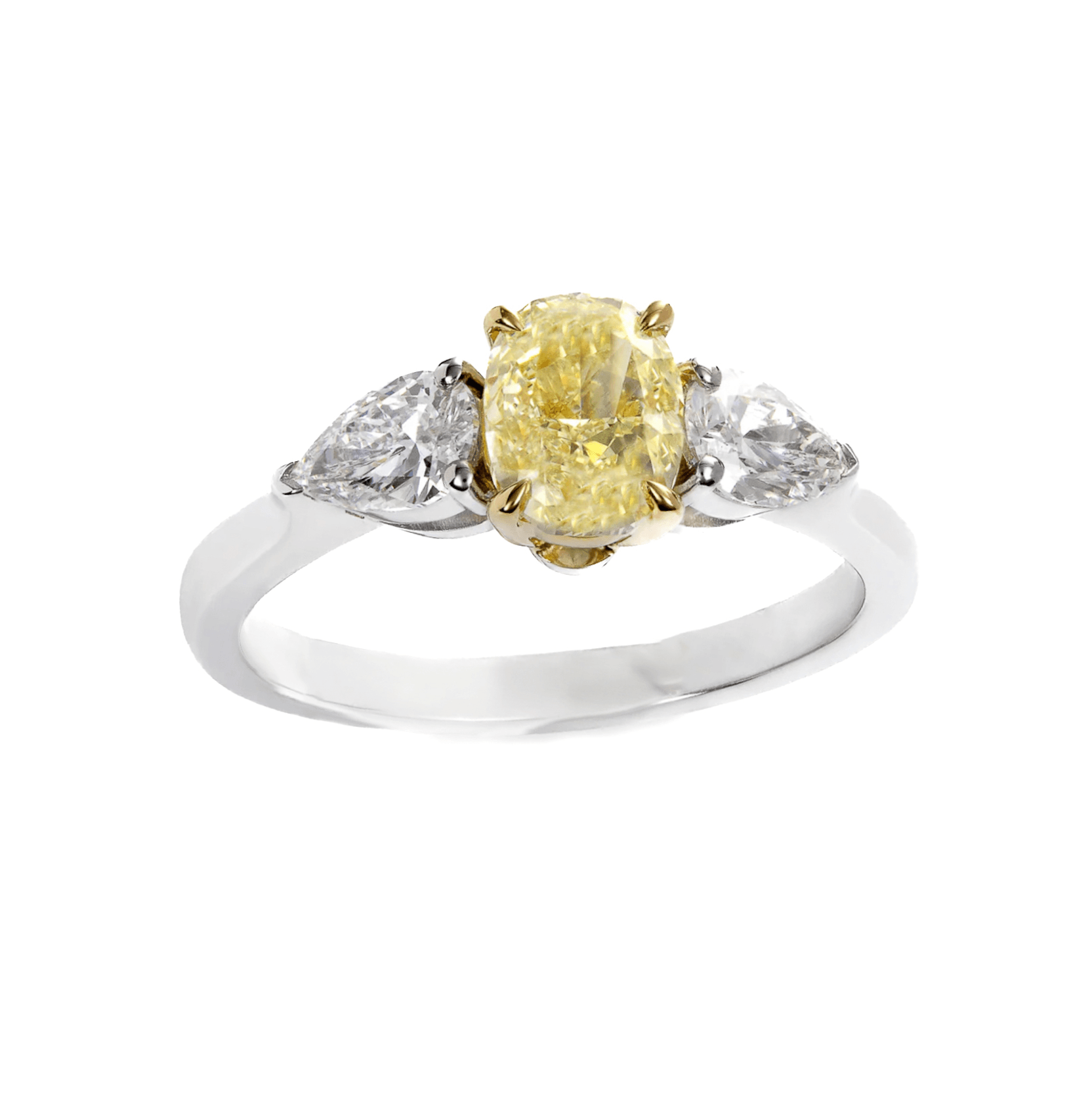
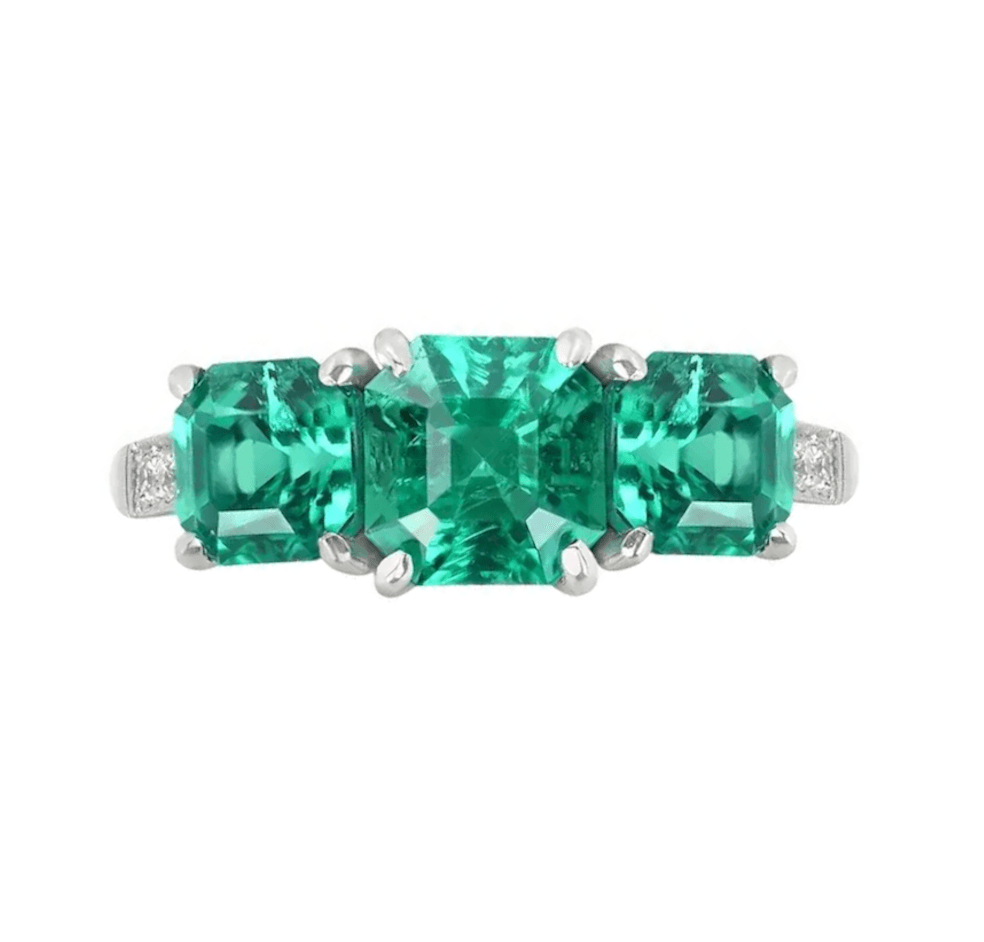
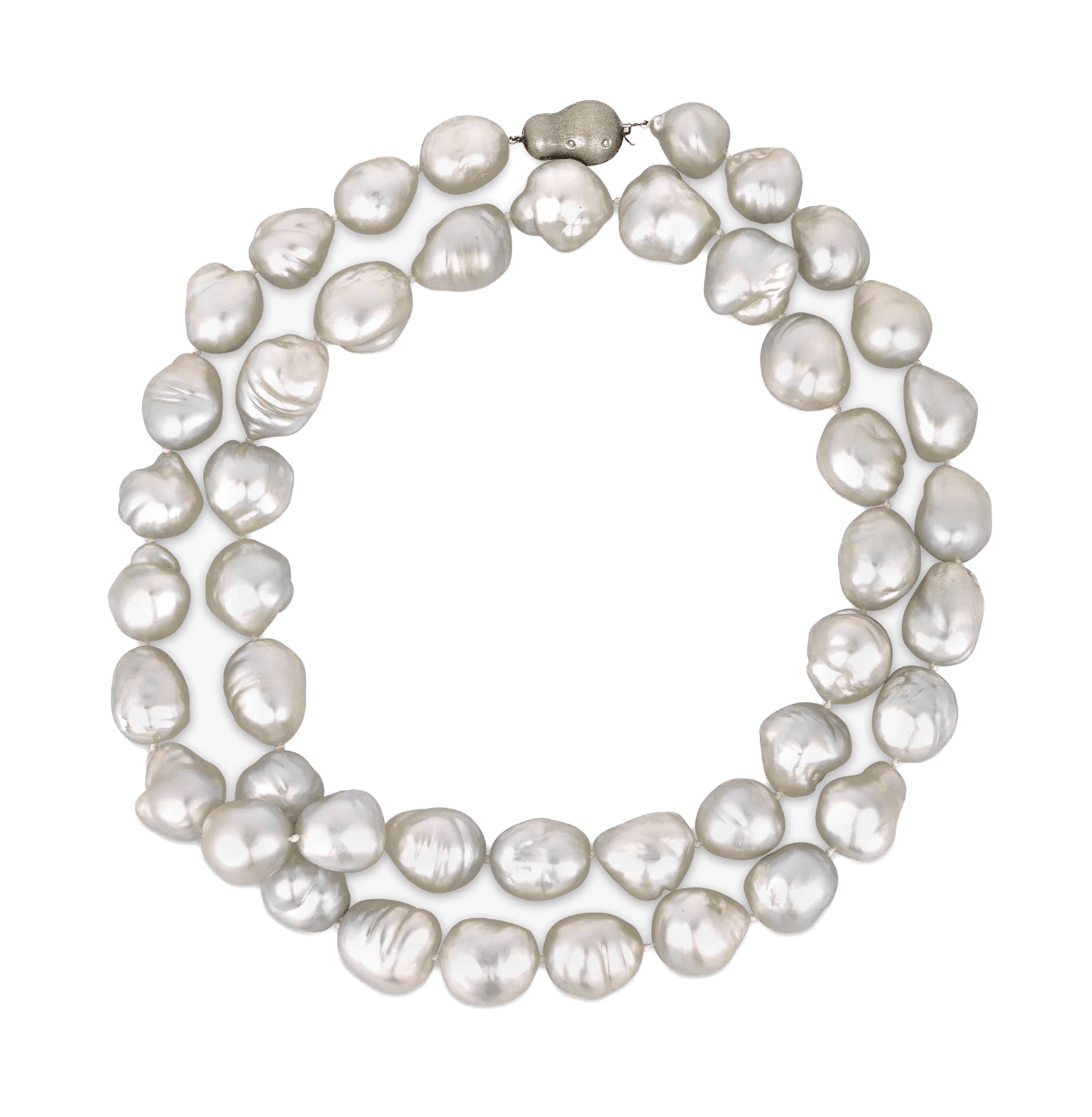
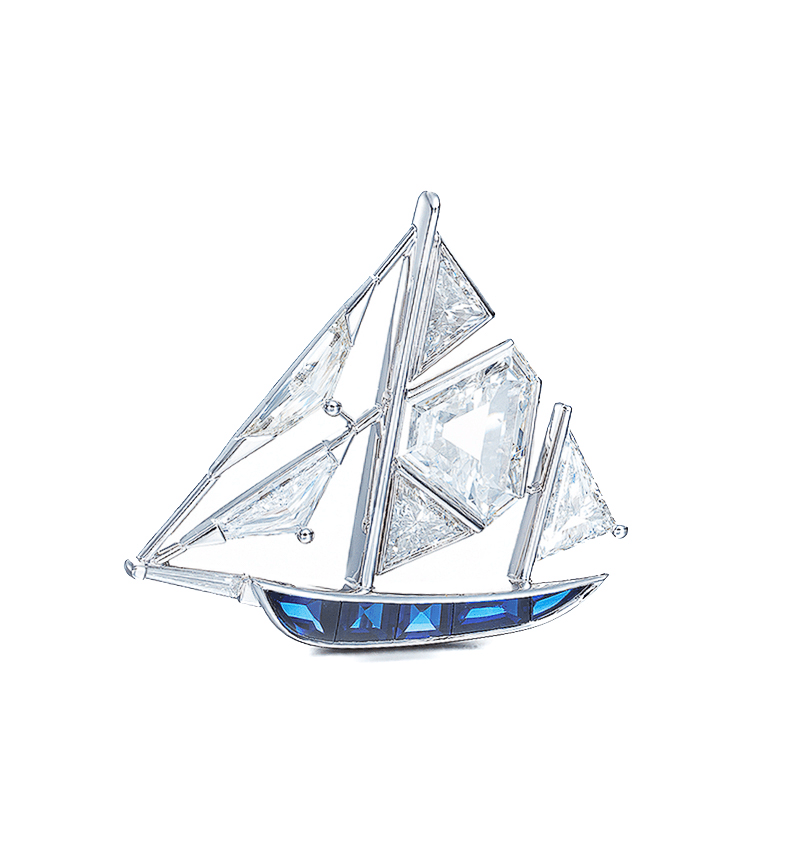
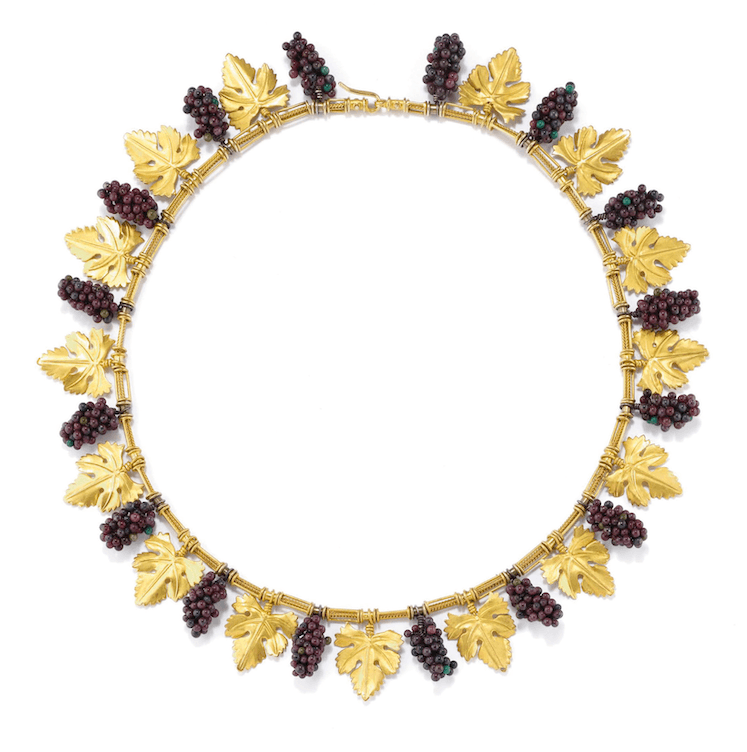
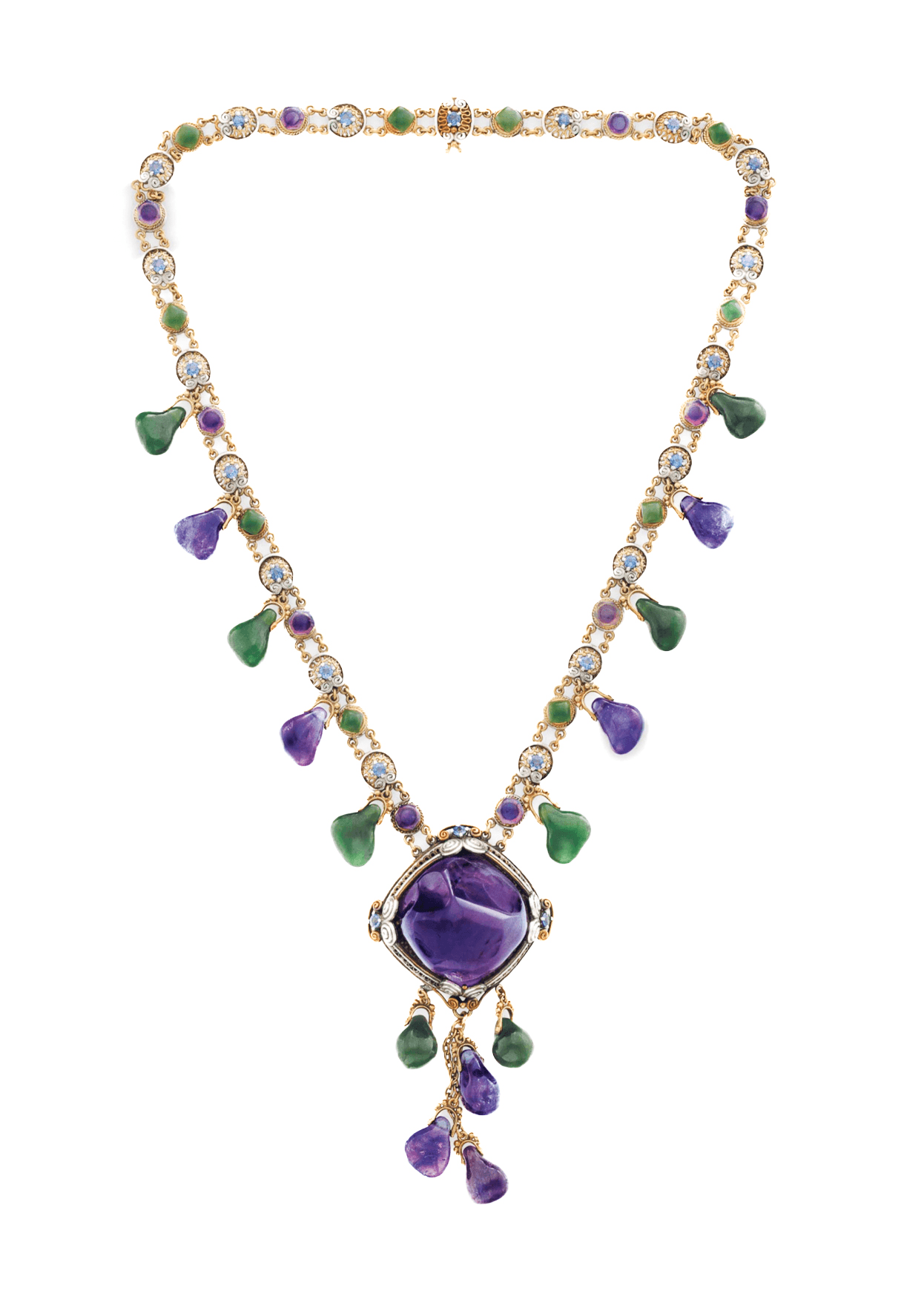
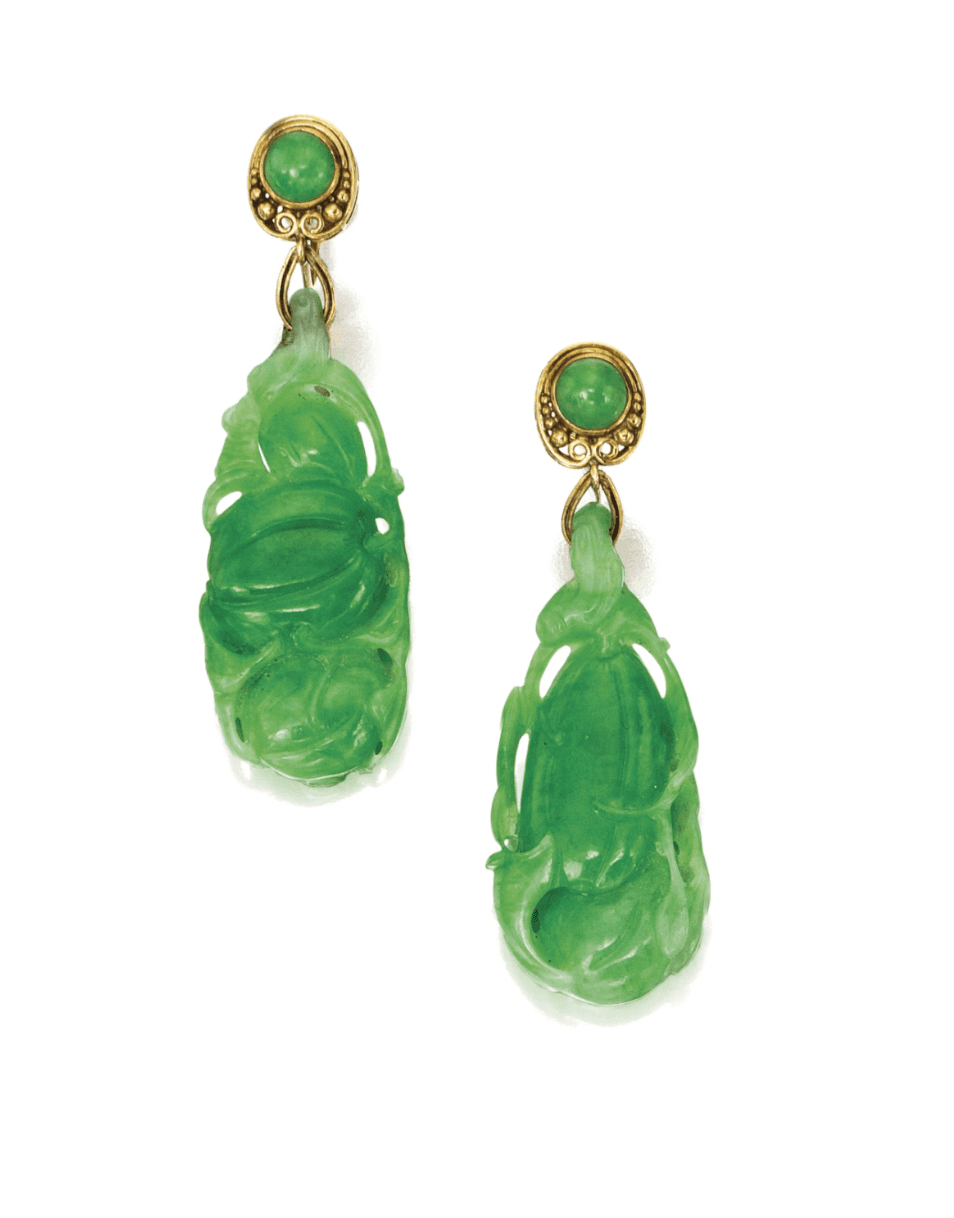
A small selection from working jewelers using Ruby Kinglet today.
What's in the studio
Brilliance, dispersion, exact angles. Compose the brand around the piece.
Brilliance, dispersion, and exact angles
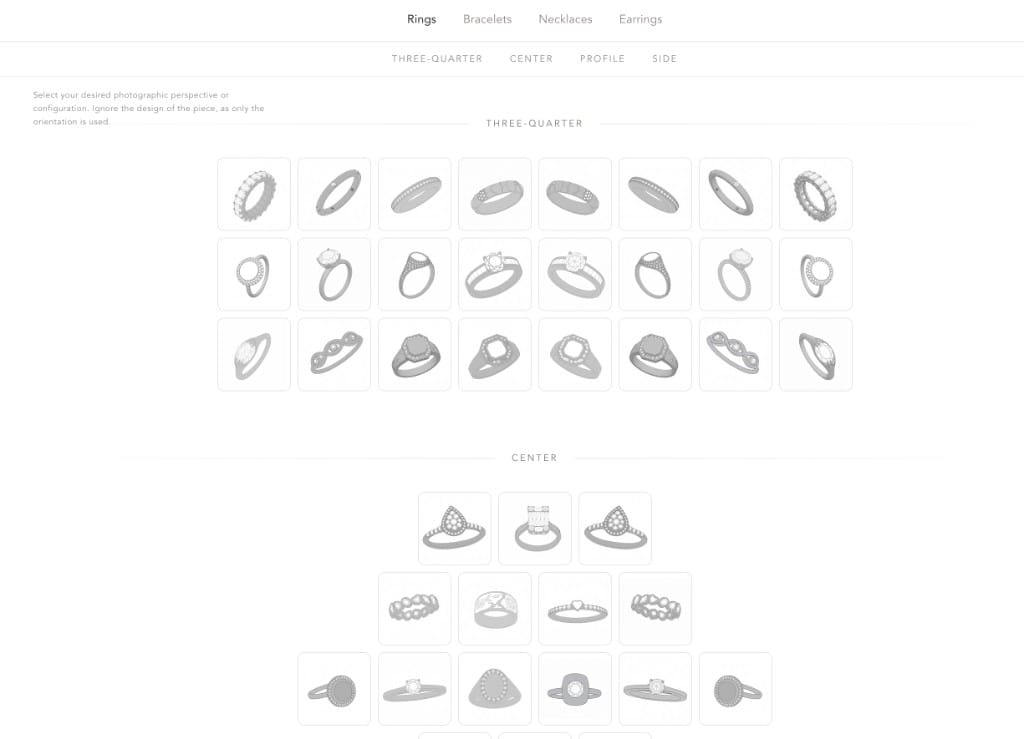
Fire on a diamond, the way a sapphire holds light, satin vs. polished gold. A controllable angle library means a whole catalog can match. Sparkle, brilliance, dispersion, and metal sheen are direct controls, not a generic filter.
Direct controls for brilliance, dispersion, sparkle, and sheen
Angle library for catalog consistency
Satin, polished, brushed, oxidized metal finishes
Compose branding around the piece
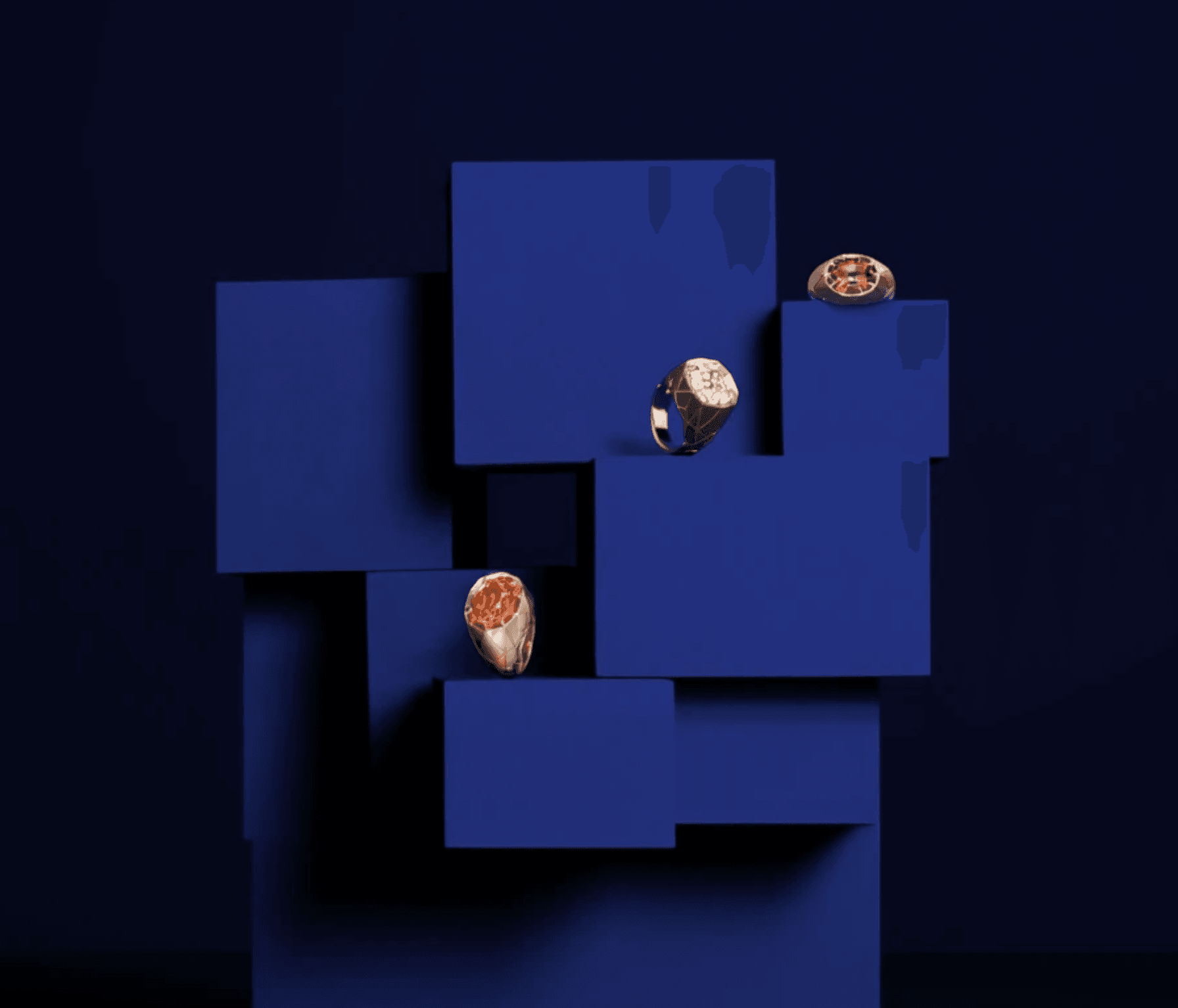
Display stands, model hands and wrists, scenes, and skin tone are all configurable. Layer your own brand creatives on top. Mood boards plug in so the imagery stays on-brand across a season.
Stands, hands, wrists, and scenes
Controllable skin tone and lighting
Layer your own brand creatives
Compose scenes with multiple pieces
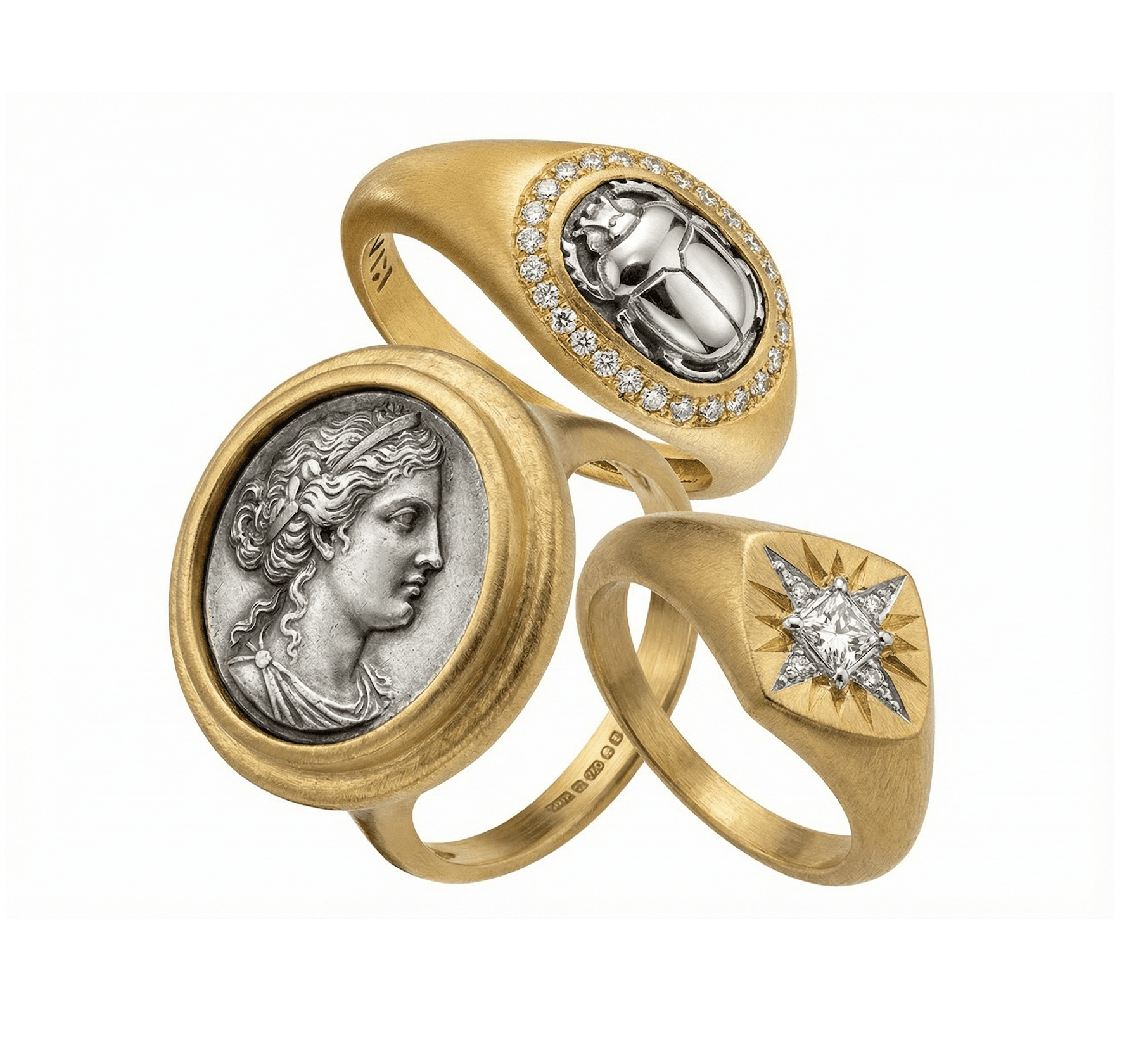
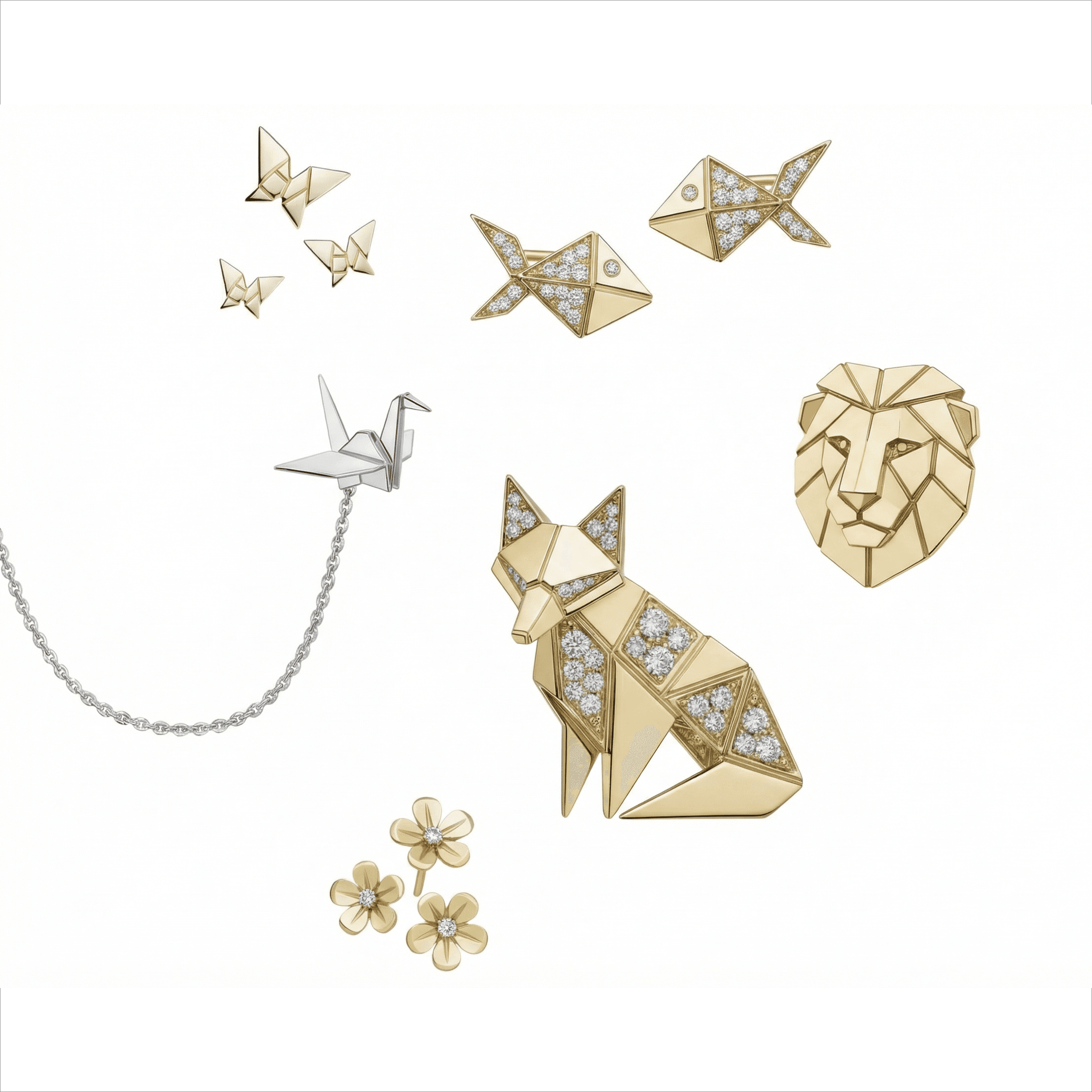
Photograph more than one piece in the same frame. Sets, suites, capsule collections, family pieces, props and material studies, all in a single composed render. Pick the pieces, the arrangement, and the material context. The render keeps the geometry and the brand consistent across every piece in the scene.
Sets, suites, and capsule collections in one render
Place pieces against material and prop studies
Same brand model carries across every piece in the scene
Per-piece workspaces
Every piece gets a dedicated workspace where you can shoot, edit, and build usable assets. Variations for color, lighting, scene, and orientation, all in one place.
One workspace per piece
Shoot, edit, and asset-build side by side
Reuse assets across listings and ads
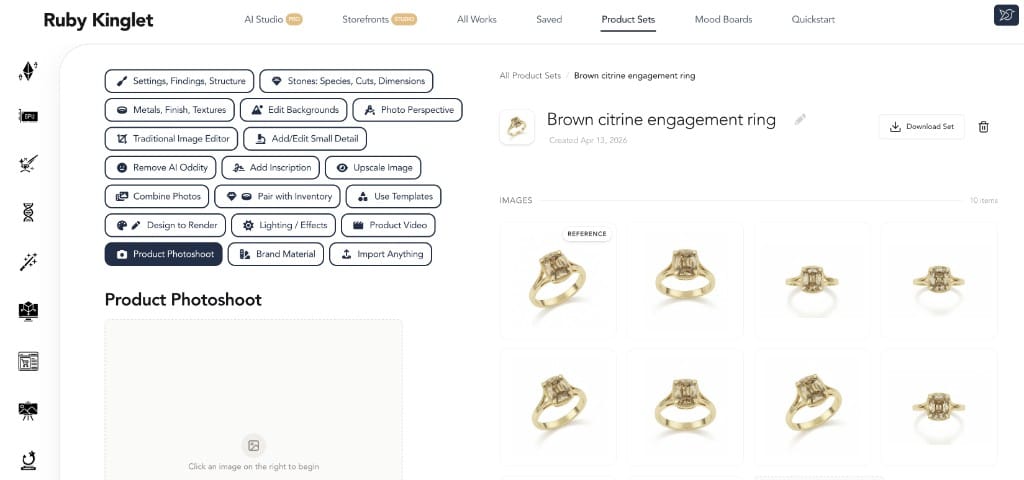
Use CAD in photoshoots
Use your STL or 3DM file as the seed for the render. Geometry stays exact. The output is your piece in studio-grade imagery, not an AI reinterpretation. You can sell the piece before you cut metal.
STL or 3DM in, retail-ready imagery out
Exact geometry, not a reinterpretation
List and pre-sell before manufacture
Mobile capture
Snap a piece on your phone from the bench, the studio, or a trade-show table. Load straight into a photoshoot. The pipeline is the same whether the seed is a phone photo, a DSLR shot, or a CAD file.
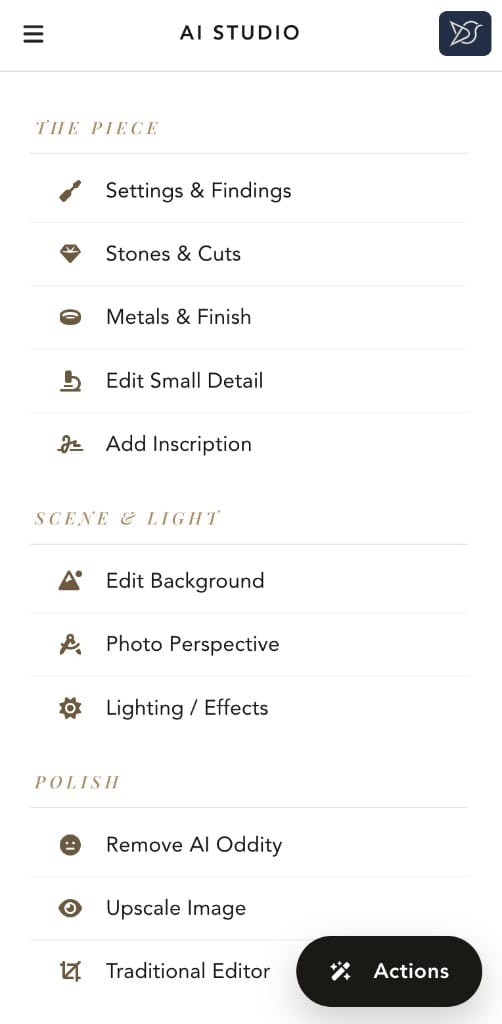
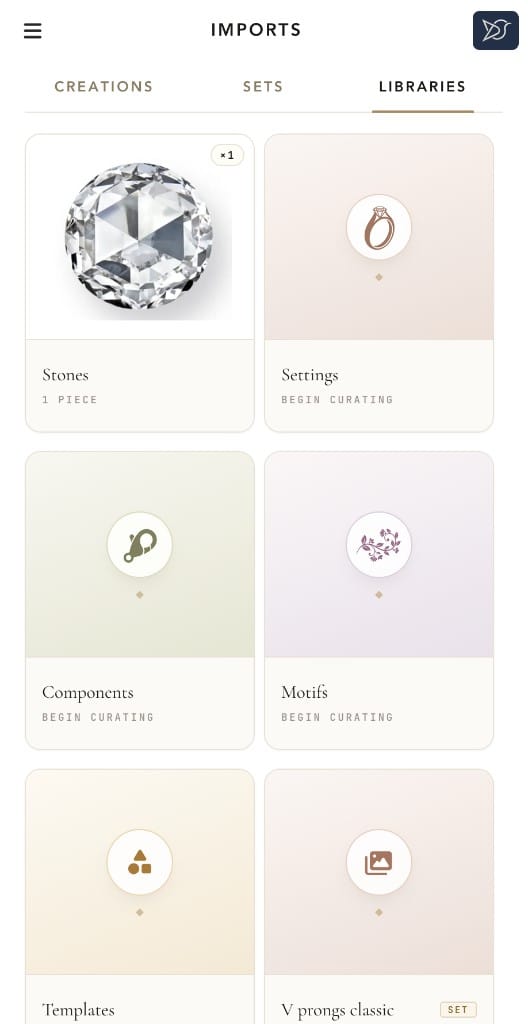
Snap → photoshoot
Product video
Product video.
Studio-quality clips with editing and extension tools built in. Turn a still piece into a hero video for a product page, a social post, or a paid ad.
Hero clips for product pages and paid social
Editing and extension tools built in
Same piece, multiple aspect ratios
Use cases
Use cases.
Concrete examples of jewelers and brands using the photoshoot tools to replace, supplement, or scale studio work.
Jewelry retailer
Catalog launch on a deadline
The problem
A 40-piece collection drops in three weeks. A traditional shoot would take eight days of studio time and another two for retouching.
What we do
Each piece gets a workspace. Set the brand angle and lighting once, apply across the collection. Generate hero stills and product videos in the same pass.
The outcome
A consistent catalog, on-brand imagery, hero videos, and time left over for marketing.
Bespoke jeweler
Sell before you cut metal
The problem
A client wants to see the finished piece before approving the casting cost.
What we do
Take the CAD into the photoshoot tools. The piece is rendered in studio-grade imagery, the same exact geometry that will be cast.
The outcome
Approval and deposit on a piece that has not yet been cut, with imagery the client can already share.
Brand and design studio
Editorial brand campaign
The problem
You need editorial imagery that matches your house aesthetic across a campaign and a season.
What we do
Use mood boards as the brand reference. Train a brand-style model. Compose stands, hands, and scenes. Export across aspect ratios.
The outcome
On-brand editorial imagery in days, not weeks, with full control over scene and styling.
DTC jewelry brand
Product video for paid social
The problem
Static product photography does not perform on paid social.
What we do
Generate hero clips of every SKU in the photoshoot tools. Edit, extend, and re-export per platform.
The outcome
Per-SKU video at scale without booking studio time per piece.
FAQ
Common questions about jewelry photography AI.
Can AI replace a jewelry photo studio?
+
For catalog scale, variations, and pre-sale imagery, yes. Most working brands are already there. For hero campaigns where the styling itself is the product, no, and a real photographer is still the right tool. The honest answer most retailers land on is that AI replaces about 80% of the studio work and a physical shoot covers the remaining 20%.
How do you photograph a piece you have not manufactured yet?
+
Render it from CAD, or generate imagery from a sketch or rough photo. CAD-seeded renders preserve exact geometry and are safe for listing and pre-sale; sketch- or photo-seeded renders are looser and best treated as concepts. The practical workflow for bespoke jewelers is to use the rough version for client approval and the CAD-seeded version for the storefront once the piece is locked.
How does AI handle stone brilliance and dispersion?
+
Two different problems with two different floors. Brilliance (white light return) is largely a lighting problem and most modern AI handles it well. Dispersion (the fire from a diamond, the way a sapphire holds light) requires the model to understand the optical signature of the specific stone, which generic tools fake and jewelry-specific tools model. The visible difference is whether a sapphire in your render reads as a sapphire or as a generic blue gem.
Is product video worth it for jewelry under $500?
+
Yes for most price points above roughly $50, and the cost-benefit gets stronger the higher the price. Static images alone underperform on paid social and product detail pages, and the conversion lift from short hero clips is consistent across every brand we have watched try it. The break-even has dropped from "only worth it for $5K+ pieces" two years ago to most jewelry categories now.
How do small jewelers compete with big-brand photography?
+
With AI, the gap stopped being equipment and turned into taste. A studio shoot used to require a $1500/day photographer, lights, a model, and post. Most small jewelers could not afford to compete. Today the same imagery, at the same retail-ready quality, is achievable from a phone photo or a 3DM file in minutes, which means the differentiator is now "do you have a coherent aesthetic" rather than "can you afford the studio."
What does retail-ready jewelry imagery actually need?
+
Three things, in order of how often teams get them wrong. First, brilliance and dispersion that read correctly for the stone. Generic tools approximate this and it shows. Second, consistent angles across a collection so the catalog reads as one set rather than a stitched-together batch. Third, clean composition with nothing in frame that pulls focus from the piece. A controllable angle library is the single biggest time-saver across a 30+ piece launch.
Can AI imagery be used commercially?
+
Yes, with one caveat: outputs from tools that train on user-uploaded data without clear ownership terms can be a legal grey area. Tools that keep your inputs and trained models exclusively to you (Ruby Kinglet does; they are yours unless you choose to share with the community) avoid this. Always read the data section of any AI tool's terms before you put a paid campaign behind it.
What input formats does Ruby Kinglet accept for photoshoots?
+
Phone photos, DSLR photos, STL files, and 3DM files. The pipeline is the same regardless of seed. The difference is that CAD seeds preserve exact geometry, while photo seeds give you a more interpretive render.
Can I match a brand style across a whole collection?
+
Yes. Train a brand-style model in the design tools and use it for photoshoots. Combined with the angle library and the lighting controls, a 40-piece collection can be made to match without a per-piece styling pass.
Can I generate product video?
+
Yes. The same workspace produces hero clips for product pages, social, and paid ads. Editing and extension tools are built in, and you can re-export the same clip across aspect ratios for different platforms.
Are the images mine to use commercially?
+
Yes. Outputs are yours, including for paid commercial use. Your inputs and any models you train are also yours and stay private unless you choose to share them.
Skip the studio booking. Shoot it today.
3,000+ jewelers on the platform. 30-day money-back guarantee on Pro plans. Outputs are yours, including for commercial use.