


ruby kinglet
The future of jewelry, end to end.
The complete AI workbench built by jewelers and jewelry software experts. Design, photoshoot, CAD, and store customizers, all integrated into your workflows. From demi-fine to high jewelry.
Design tools, jewelry-first.
Industry-leading component-based builders and editors, workflows with your own assets first, train AI models in your own style, 6,000+ community templates.
the bench.
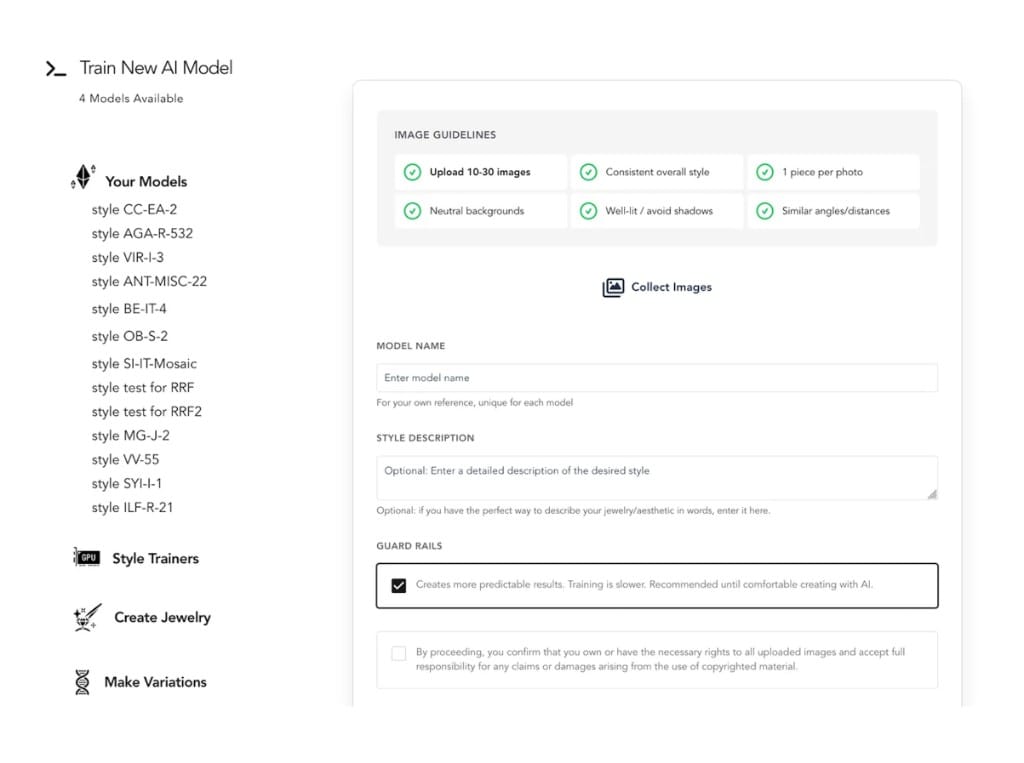
Train models
Your own exclusive AI models
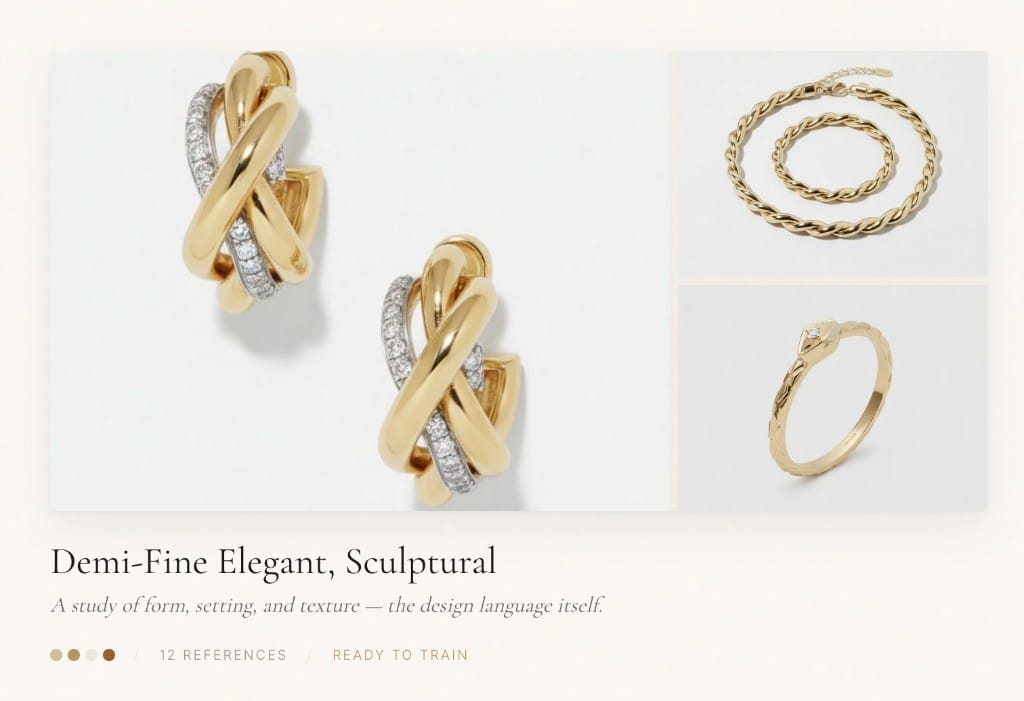
Mood boards
Capture a design language
feeds your model
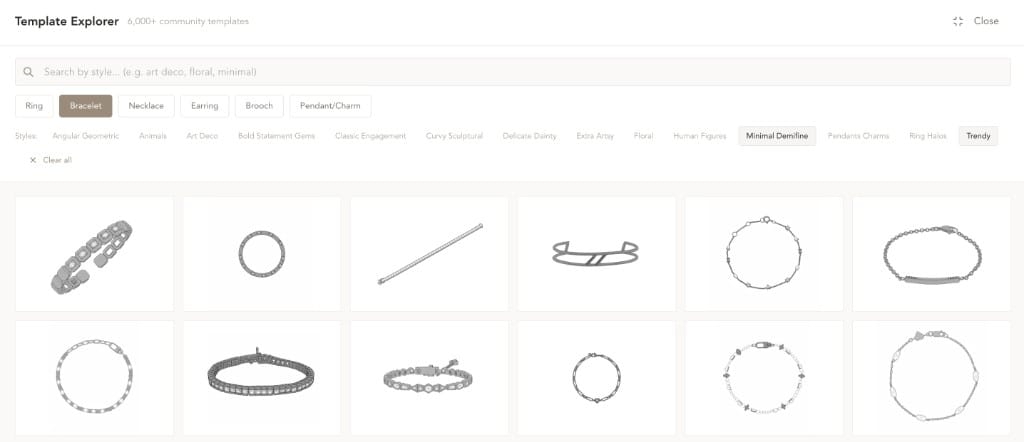
Templates
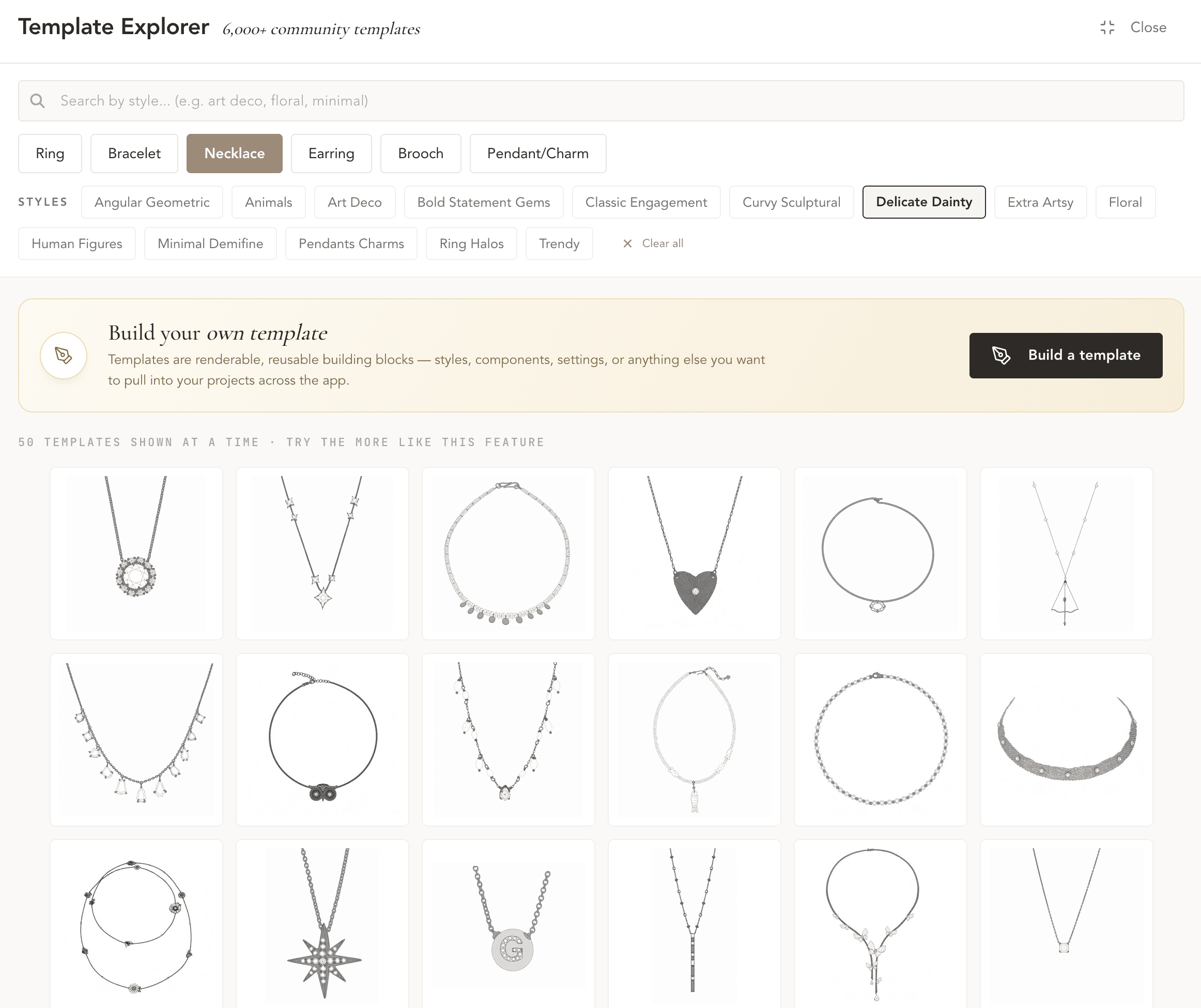
6,000+ community templates
for complex designs
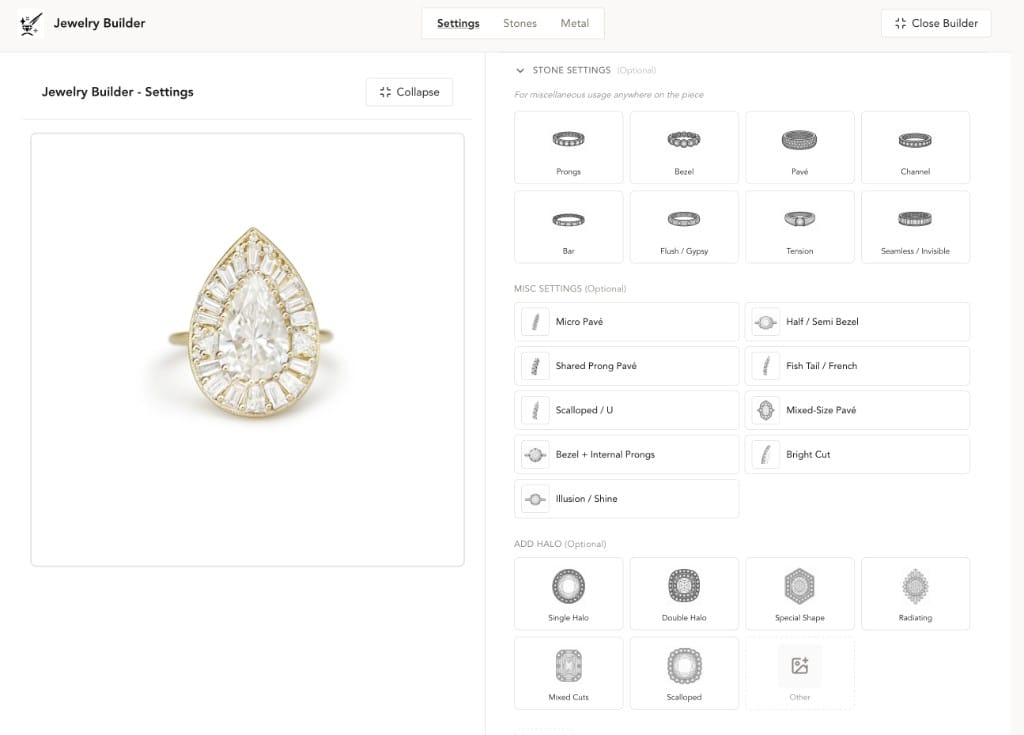
Settings
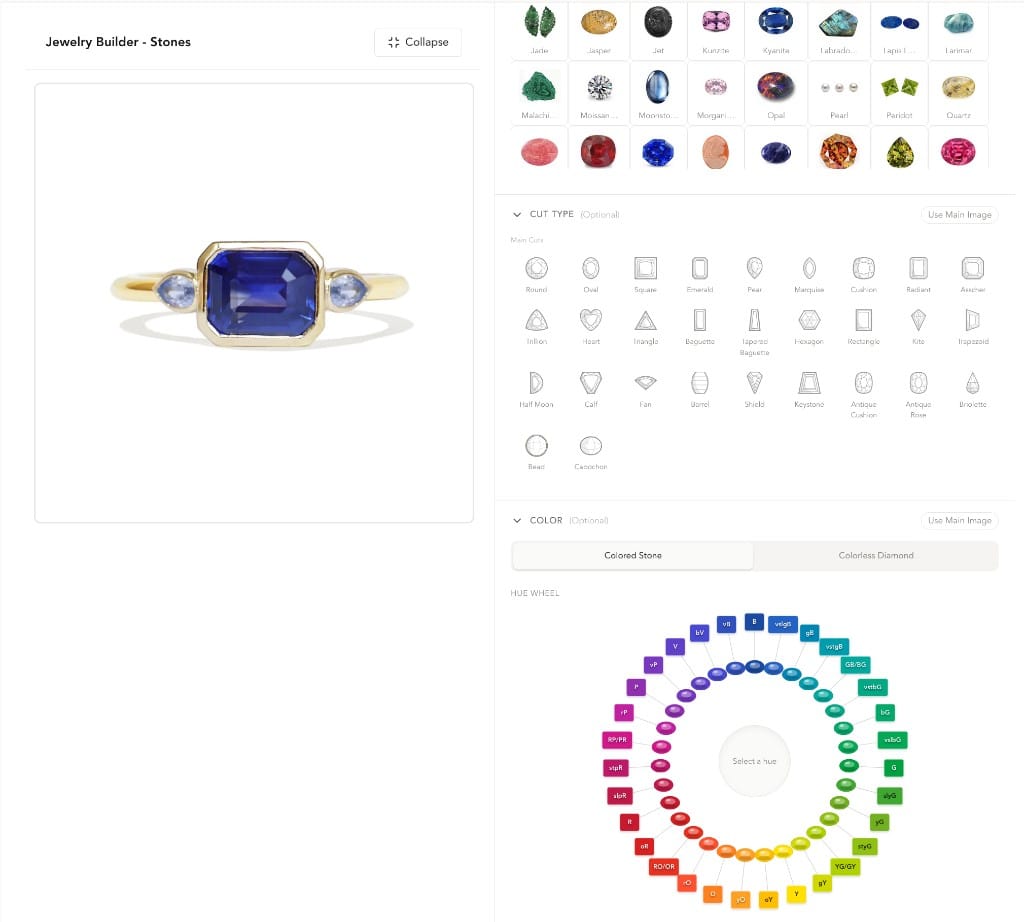
Stones
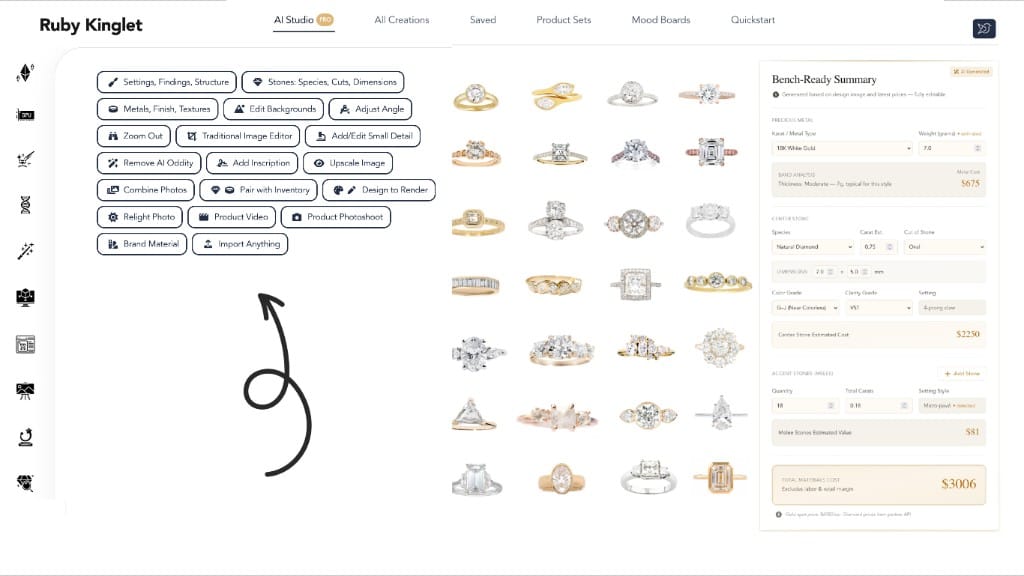
AI Studio
20+ tasks · BOM breakdowns
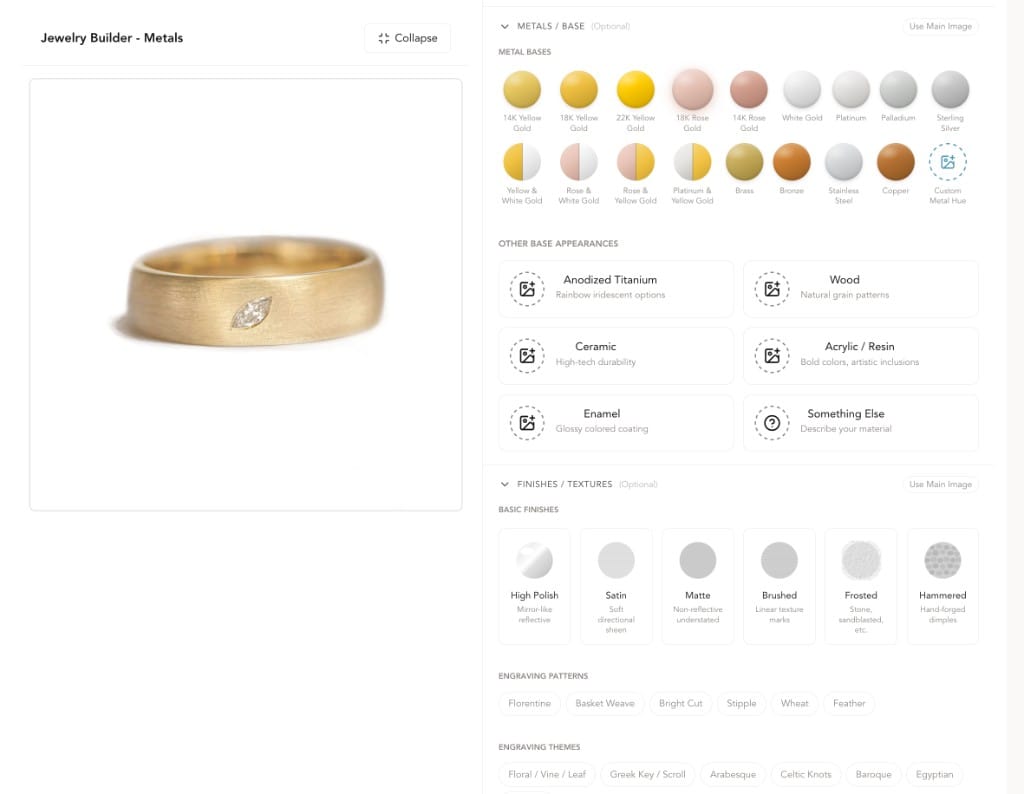
Metals
About the platform
Ruby Kinglet is not a single tool.
Powered by a jewelry-specific AI system built by ML & jewelry software experts, jewelers, and GIA gemologists. Real jeweler knowledge at every step.
The Library
Components · starting templates · community models
Perks
Material on memo · Marketplace partnerships
Jewelry-AI Kernel
The Core
Purpose-built. Powering all four surfaces.
Component primitives library
Jewelry-trained foundation models
Rhino-based parametric engine
Stones · settings · findings DB
ML & jewelry software specialists
The Library
Components · starting templates · community models
Jewelry-AI Kernel
The Core
Purpose-built. Powering all four surfaces.
Component primitives library
Jewelry-trained foundation models
Rhino-based parametric engine
Stones · settings · findings DB
ML & jewelry software specialists
four surfaces
Perks
Material on memo · Marketplace partnerships
Design tools, jewelry-first.
Industry-leading component-based builders and editors, workflows with your own assets first, train AI models in your own style, 6,000+ community templates.
Jewelry is an artform— Express yourself precisely.
Beyond training & generations, all manner of AI-powered and traditional image editing to ensure your exact desired details.
AI Studio
replica · pre-scripted
Findings & Settings
preview
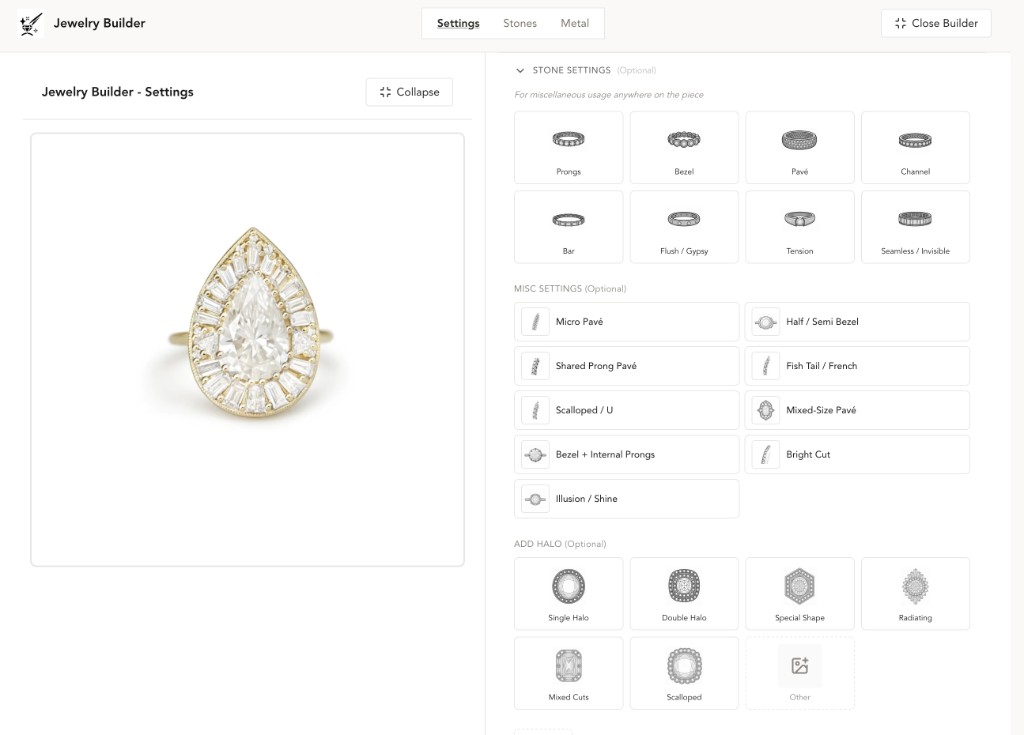
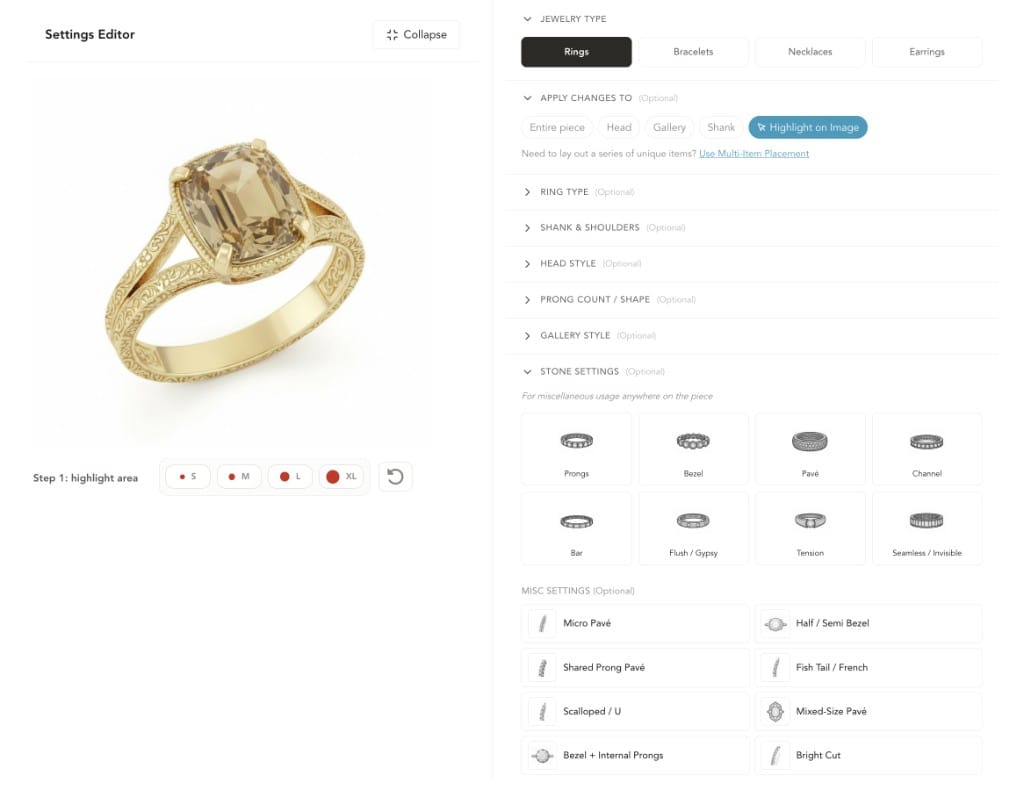
Swap prongs, heads, shanks, and settings component by component.
Run it in the app →
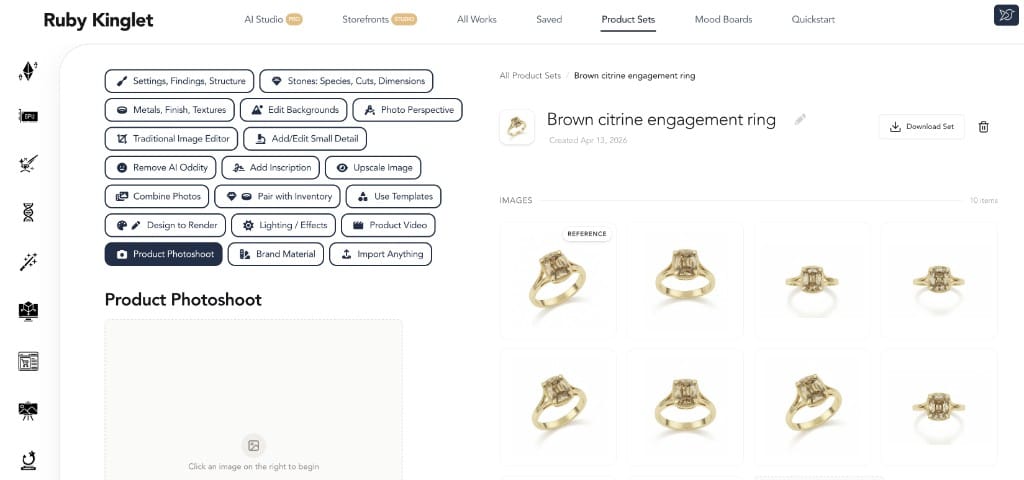
Lightbox replacement. Studio-grade.
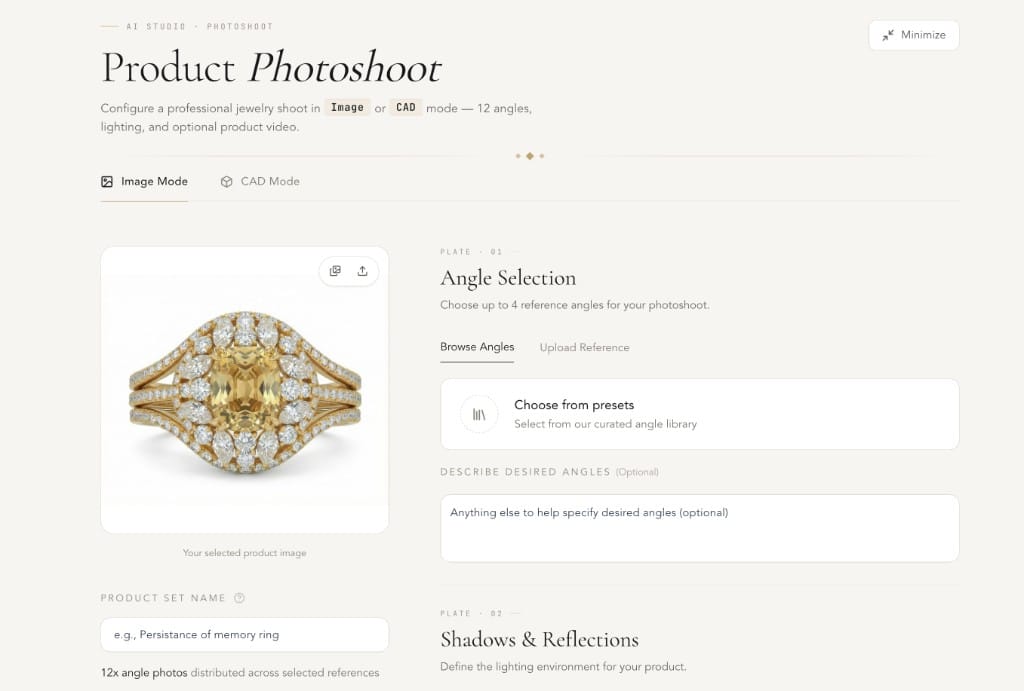
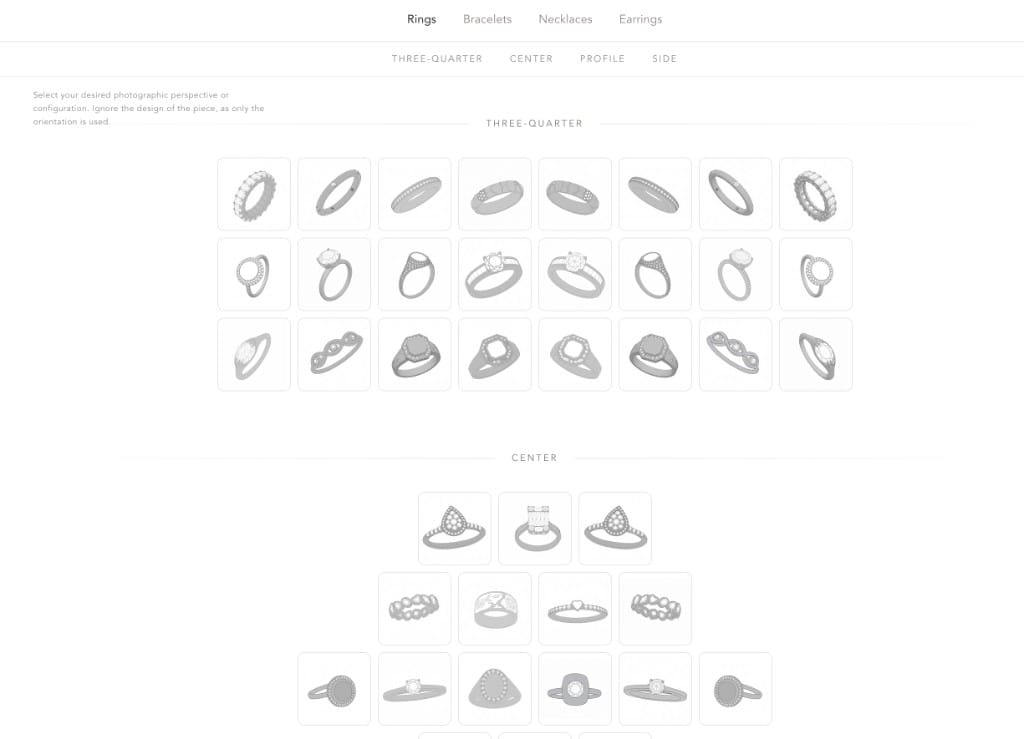
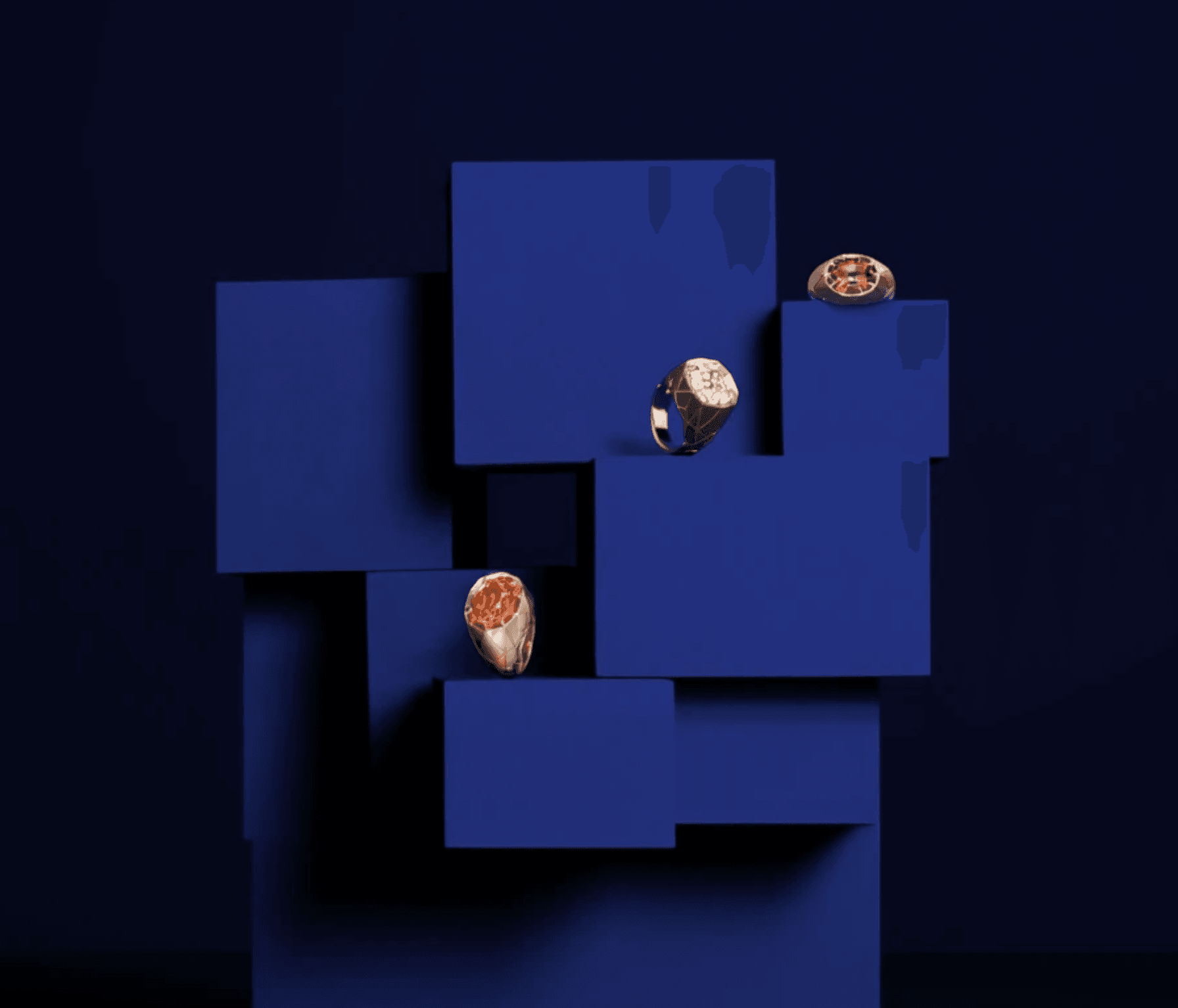
Retail-ready imagery and product video without the studio. Brilliance and dispersion, exact angles and lighting, plus stands, hands and wrists with controllable skin tone. CAD goes in as easily as photos.
Mobile-first features
Snap a piece. Upload from anywhere.
The whole app works on your phone. Capture a piece at the bench, upload it straight into the photo studio, kick off a shoot — then keep shaping it from anywhere.

Camera → Photo Studio
Snap a piece, the upload feeds straight into a new shoot.
Render in the cloud
Kick off jobs from your phone, walk away, come back to results.
Full app surface
AI Studio, builders, product sets — all phone-native, not a cut-down view.
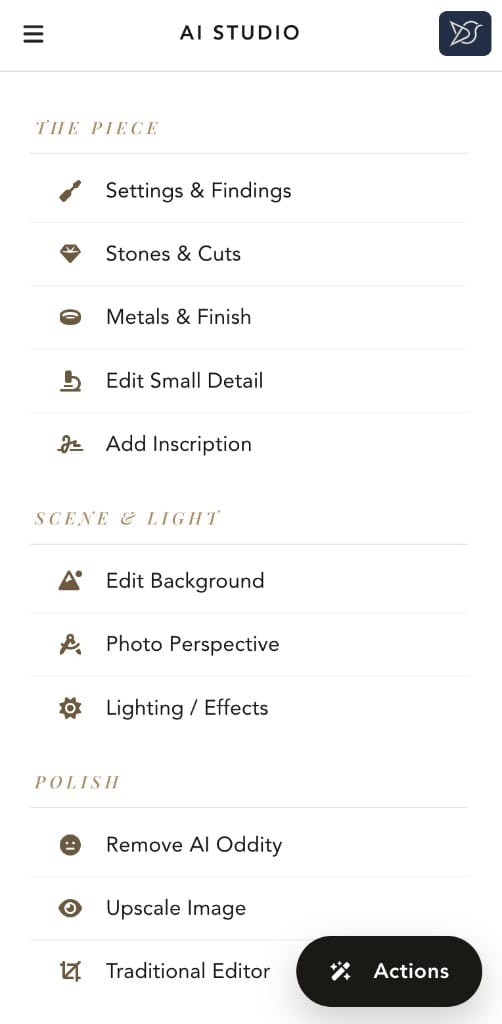
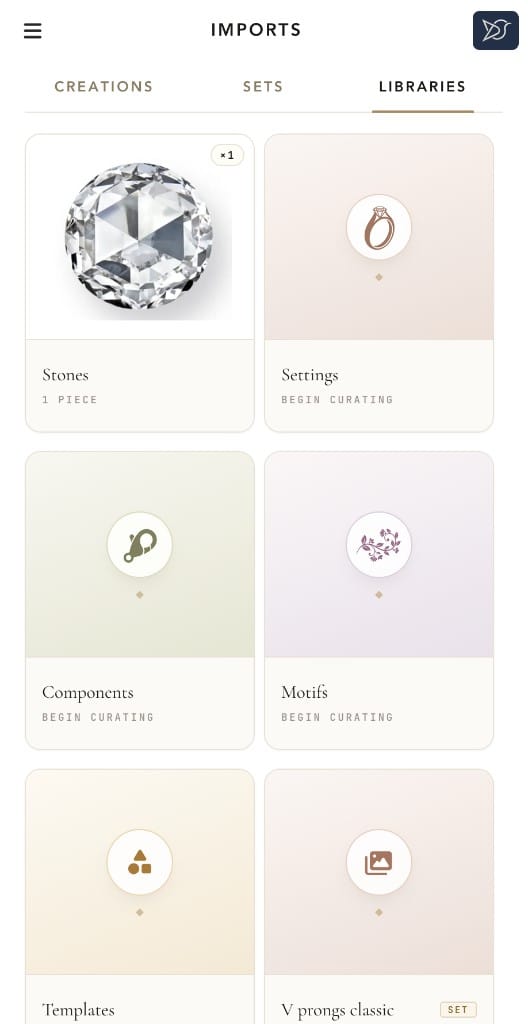
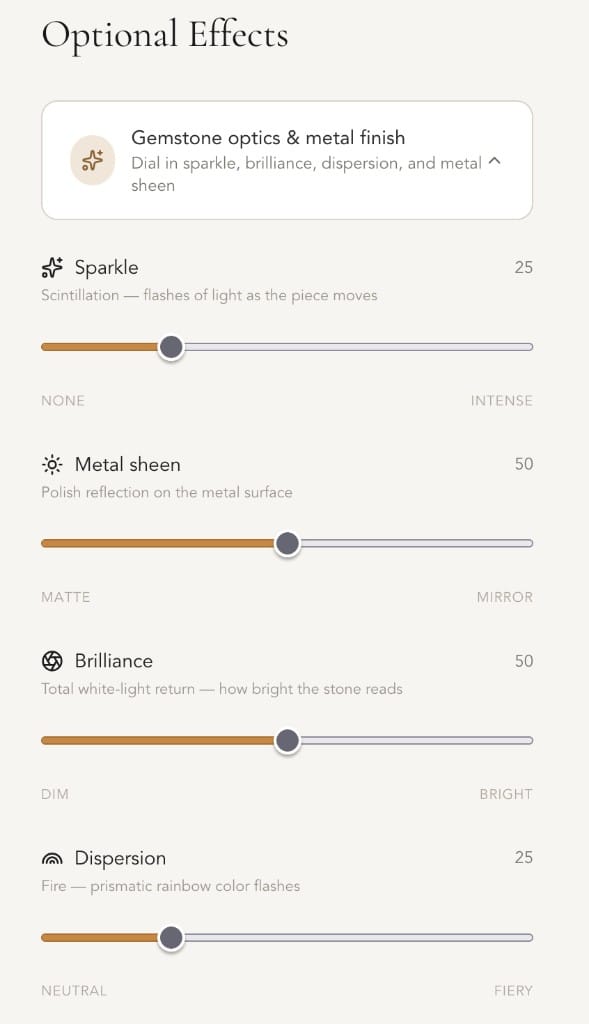
Snap → AI Studio
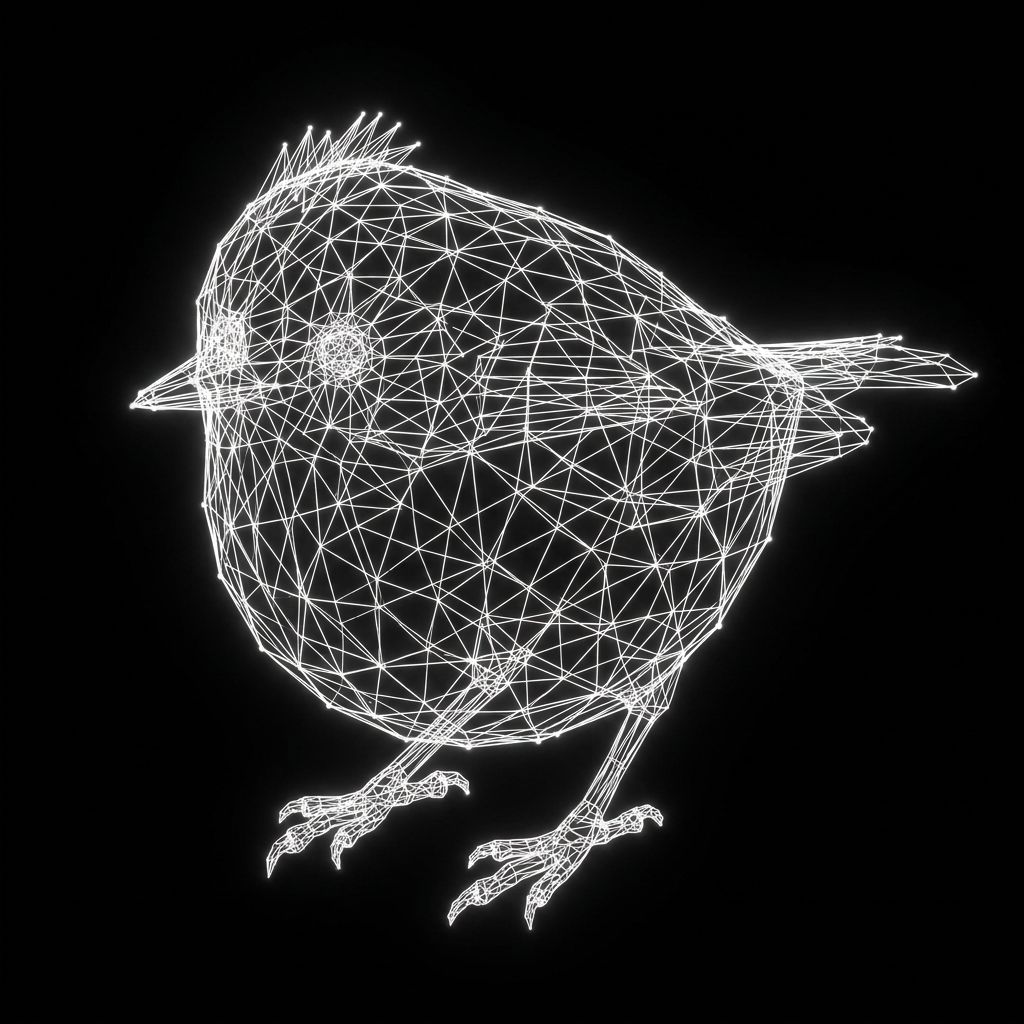
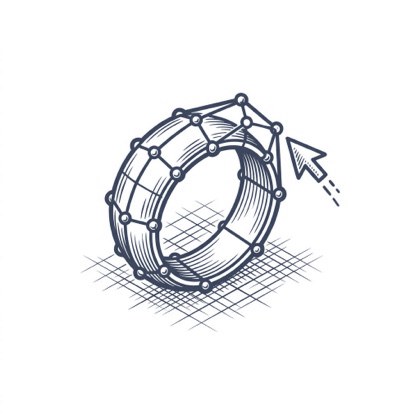
CAD Workflows
12+ STL & 3DM WORKFLOWS
Our parametric engine is pushing what's possible.
12+ use cases involving STLs and parametric 3DMs, from creation and editing to photoshoots, storefront customizers, video creation, and more. The bridge between design and manufacture, built around how a CAD jeweler actually works.
Pro · Photo to .STL

Single Photo
One image, complete .STL / GLB models
Multi Photo
Enhanced precision from multiple views

Edit .STL
Change textures and appearances
CAD Photoshoot
Send to CAD-based photoshoots
Studio · Parametric .3DM
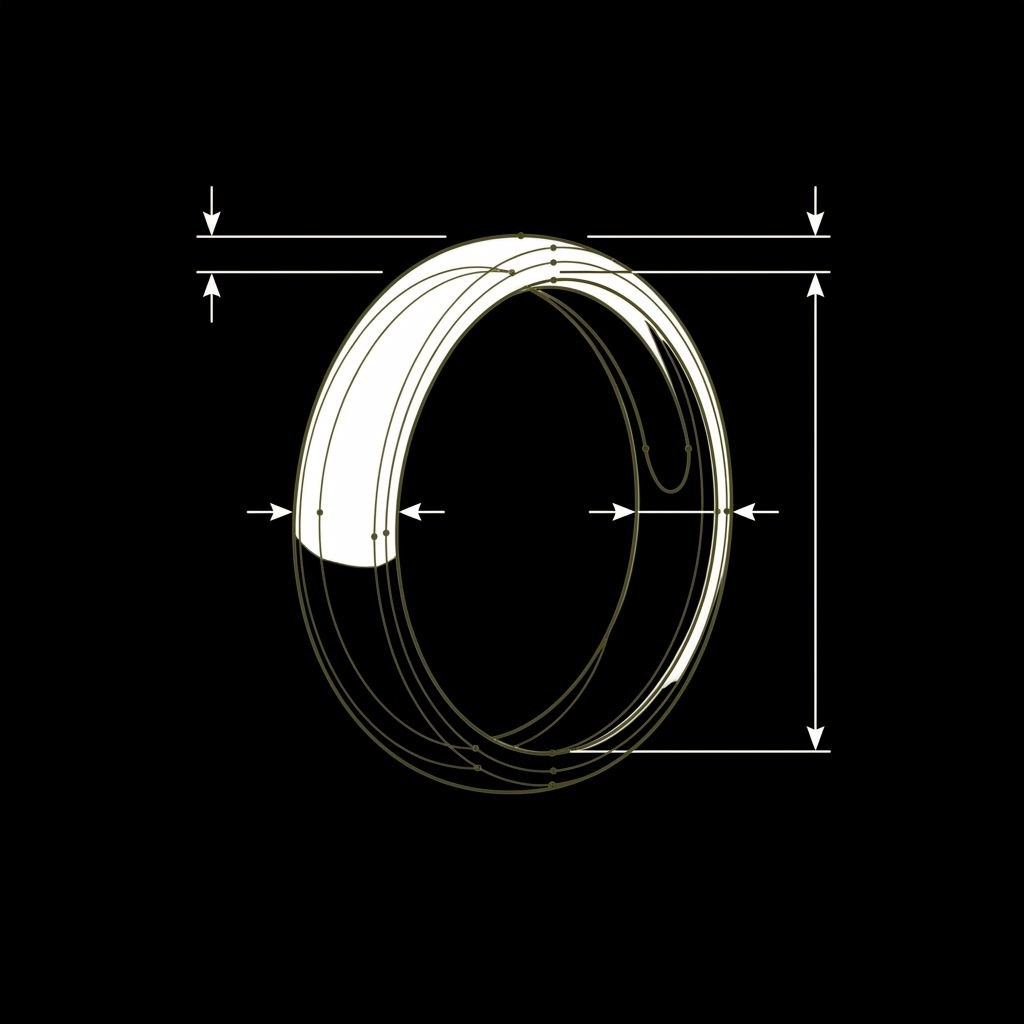
Parametric .STL
Rhino-grade casting files, sized in mm
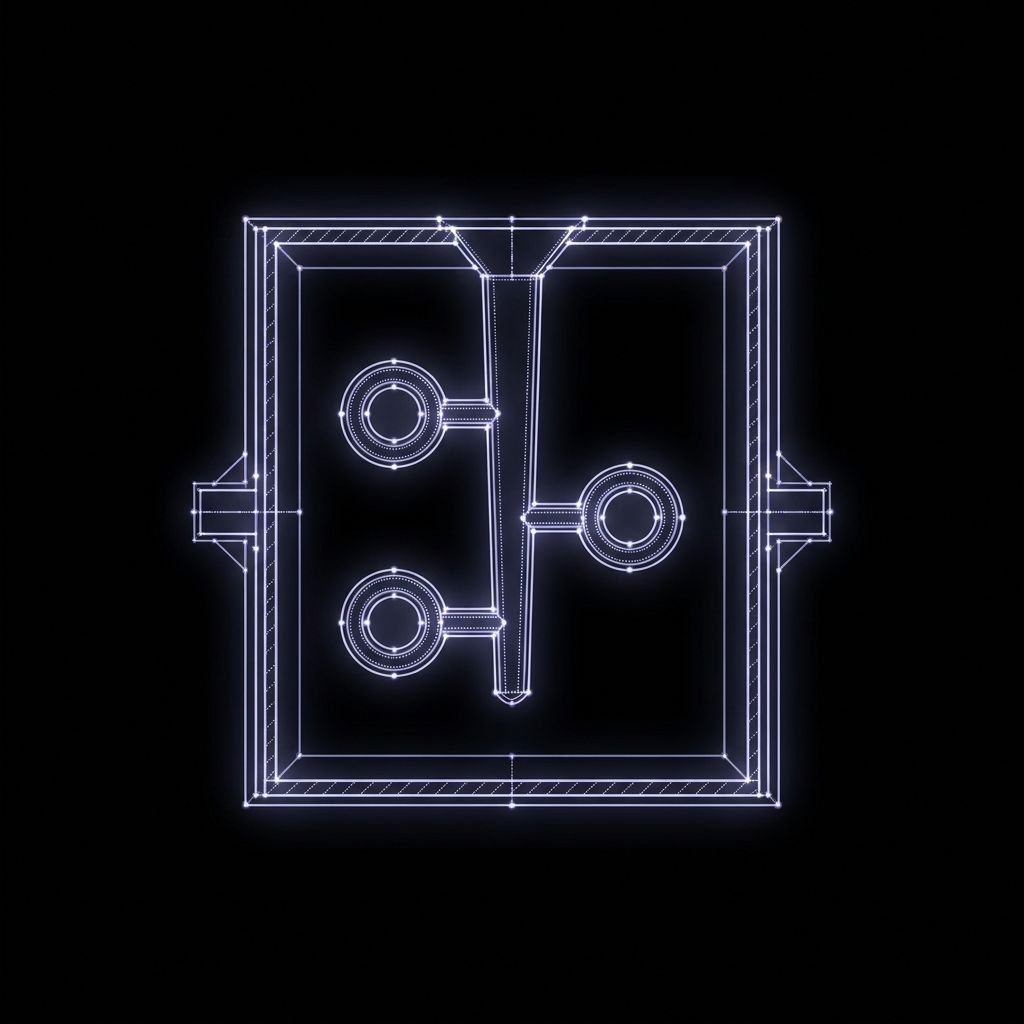
Manufacturing
Repair & prep an .STL for casting
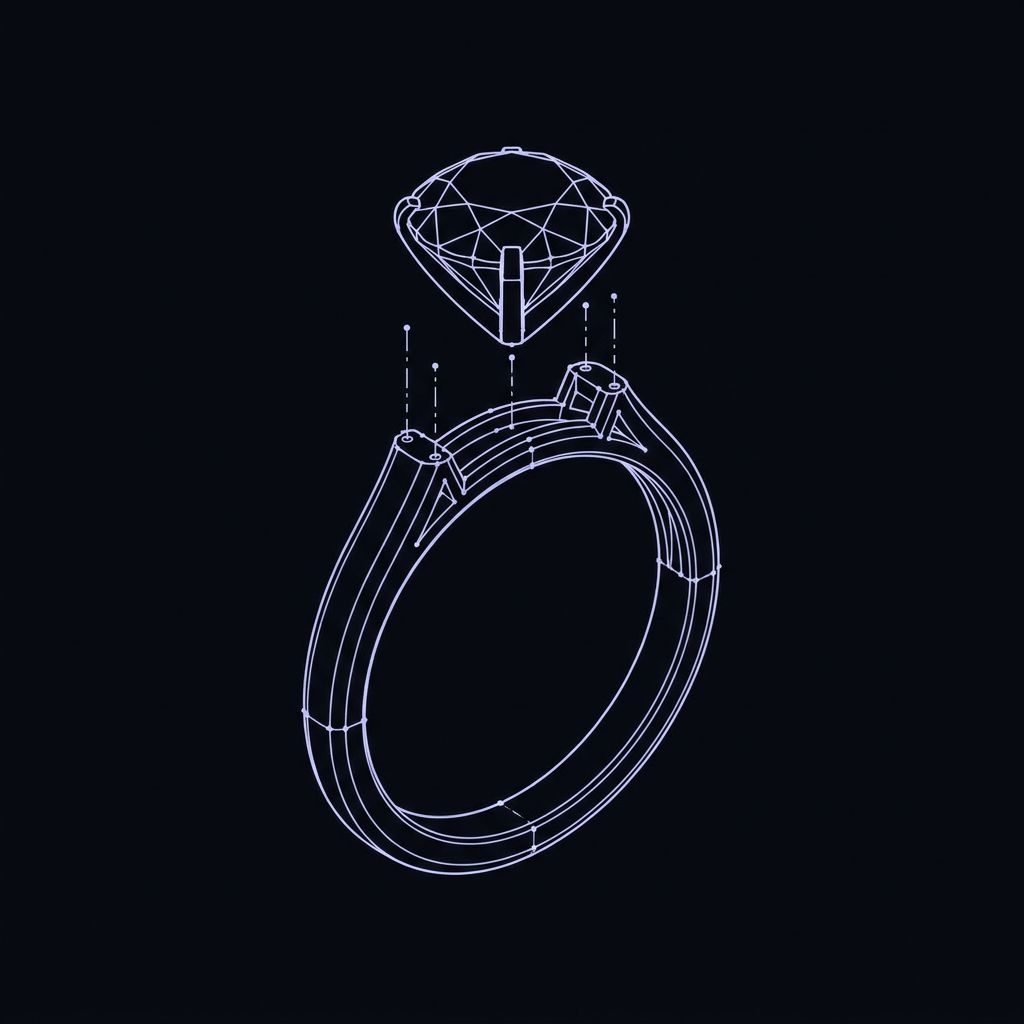
Swappable renders
.3DM / .GLB with interchangeable parts

Edit .3DM
Touch up a .3DM without opening Rhino
MESH · WATERTIGHT
RES · 0.05mm
EXPORT · STL / 3DM
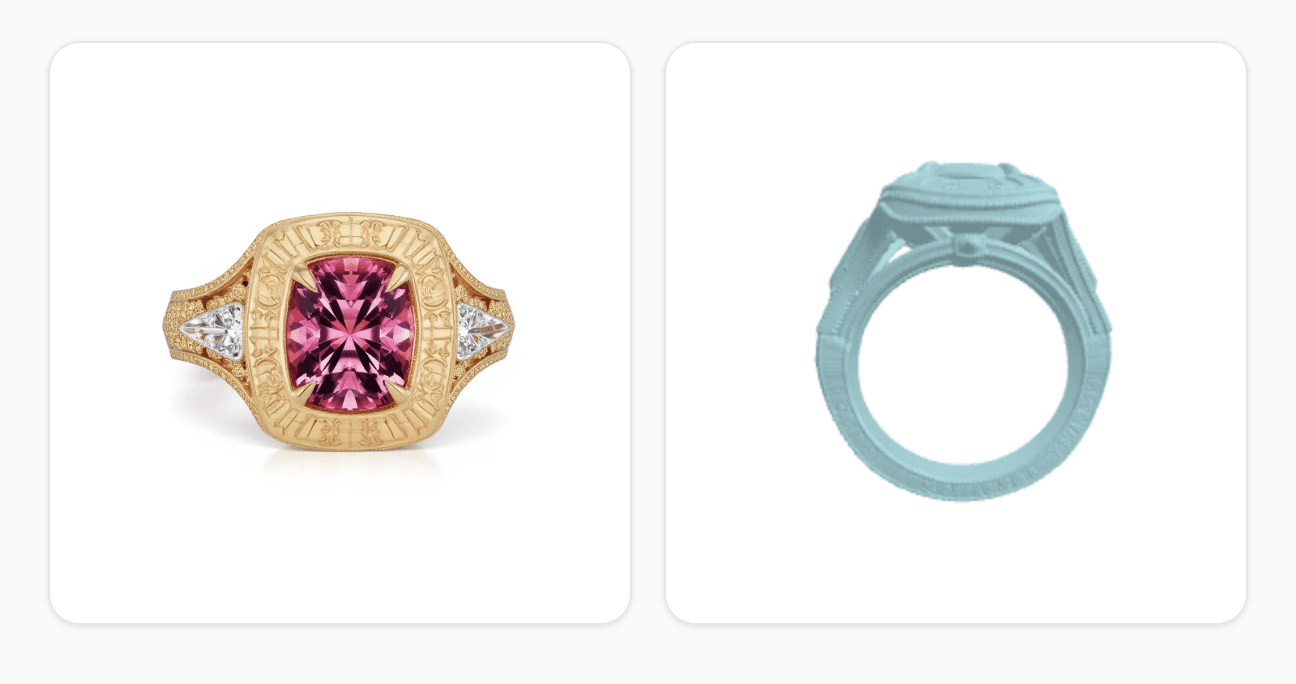
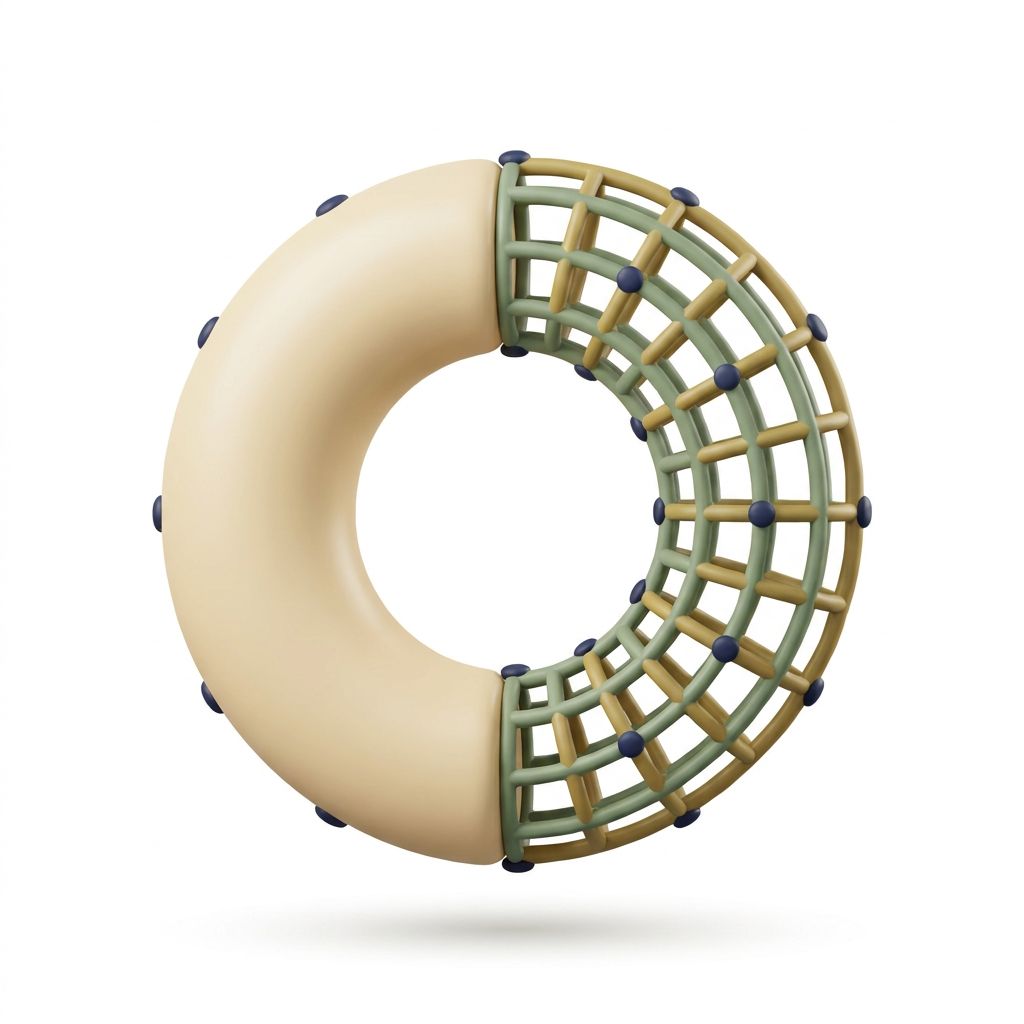
Generate STLs
Printable STL or GLB from one or several photos, free retries.
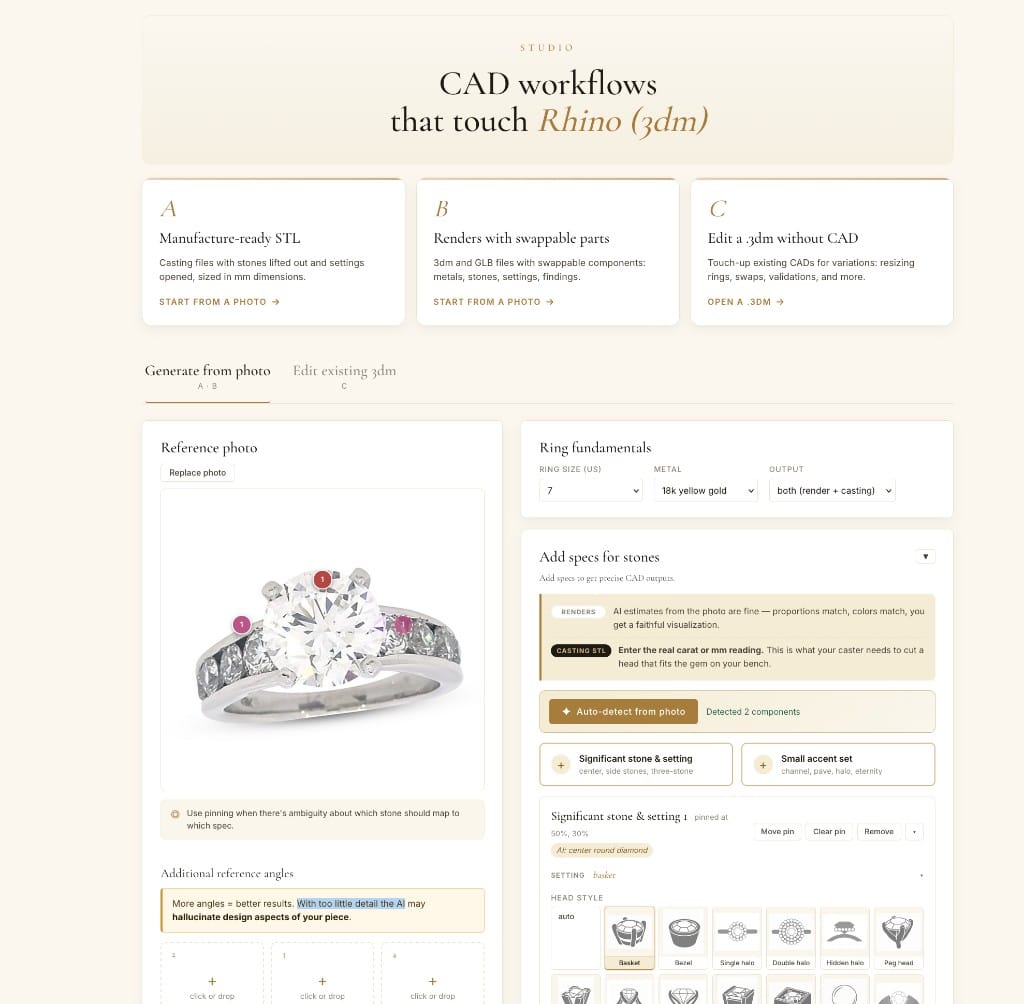
Edit STLs or 3DMs
Edit existing assets for new piece variations. Rhino-backed parametric engine + libraries enables unique workflows.
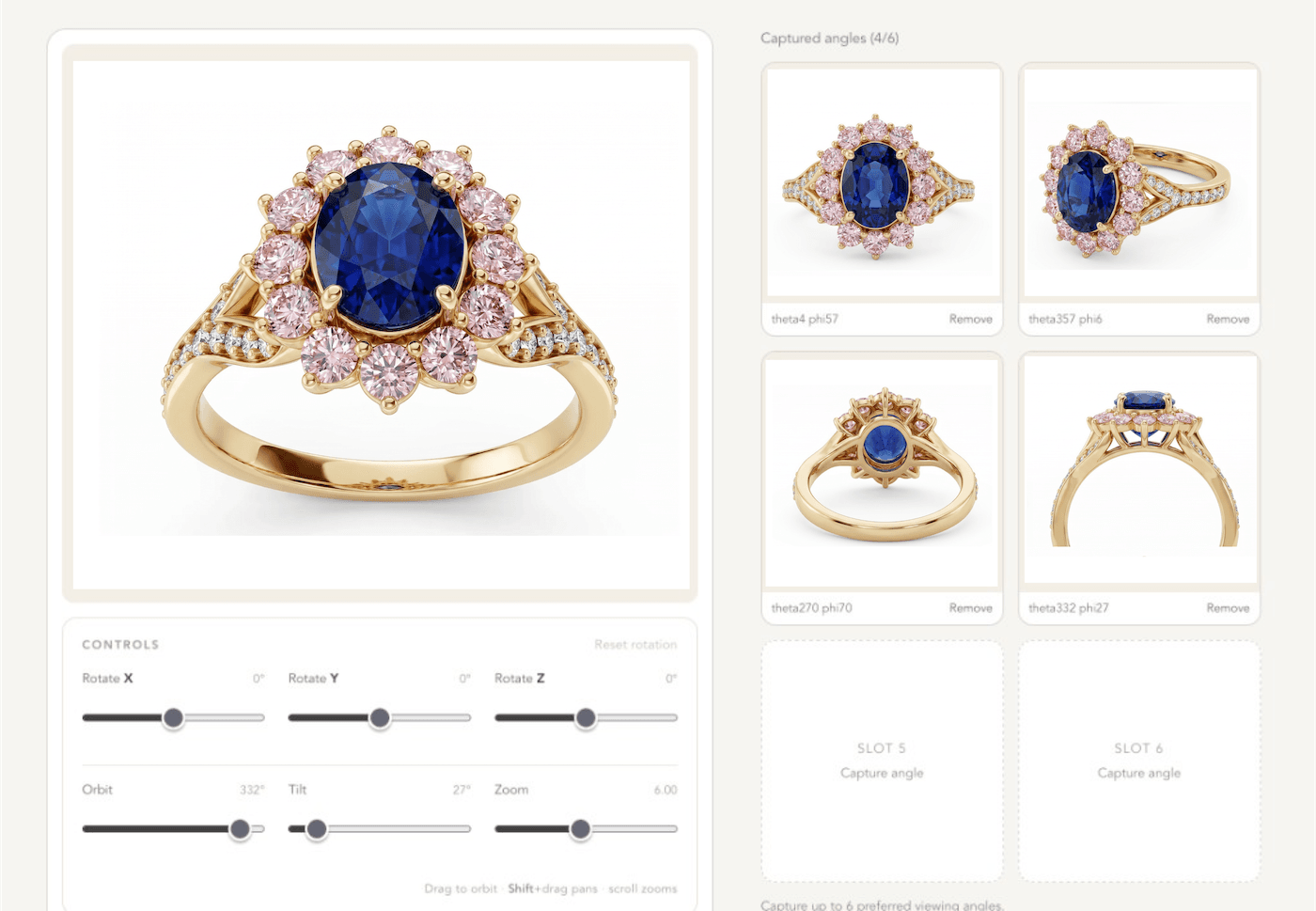
CAD for photoshoots
Use STL or 3DM files for precision, convert 3D models to photorealism.
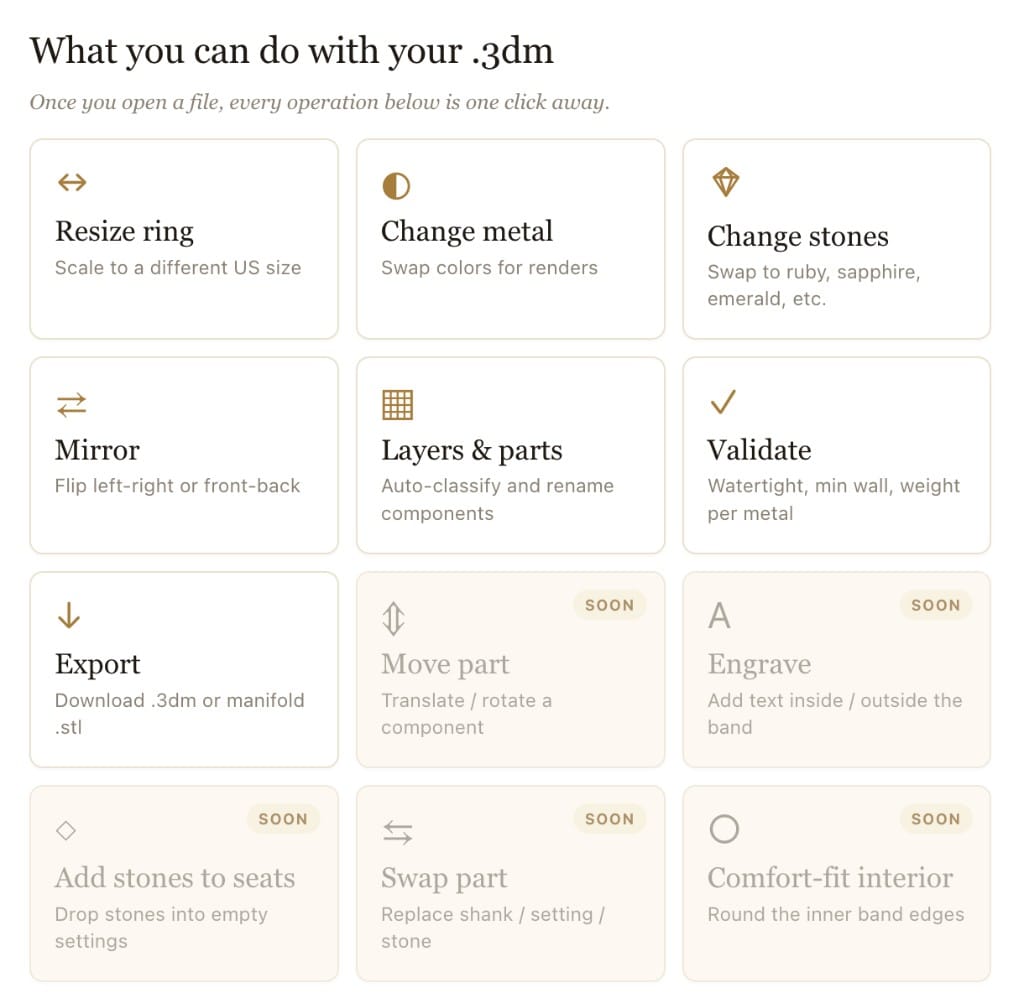
Manufacturing prep
A range of pre-manufacturing tasks, evaluate meshes, check thickness, organize layers, etc. Standard exports: STL · 3DM · OBJ · GLB.
Built for the AI workbench
STL
·
3DM
·
OBJ
·
GLB
Storefronts
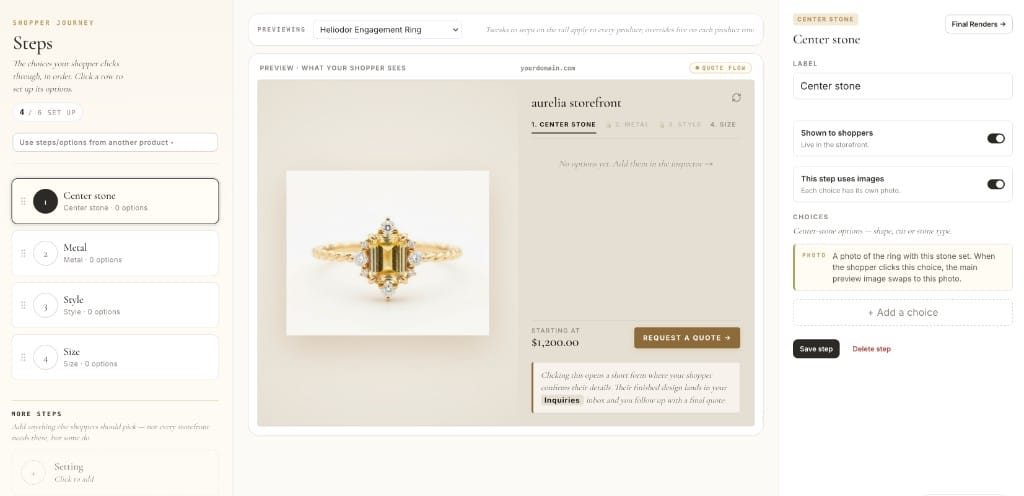
Let shoppers design their own jewelry
Right on your product page. They build the piece, watch it render, and send you the design. Or show every combination as a real photo with add to cart. Build it yourself, with us on call.
Two ways, one product page
Design live
Full AI customization
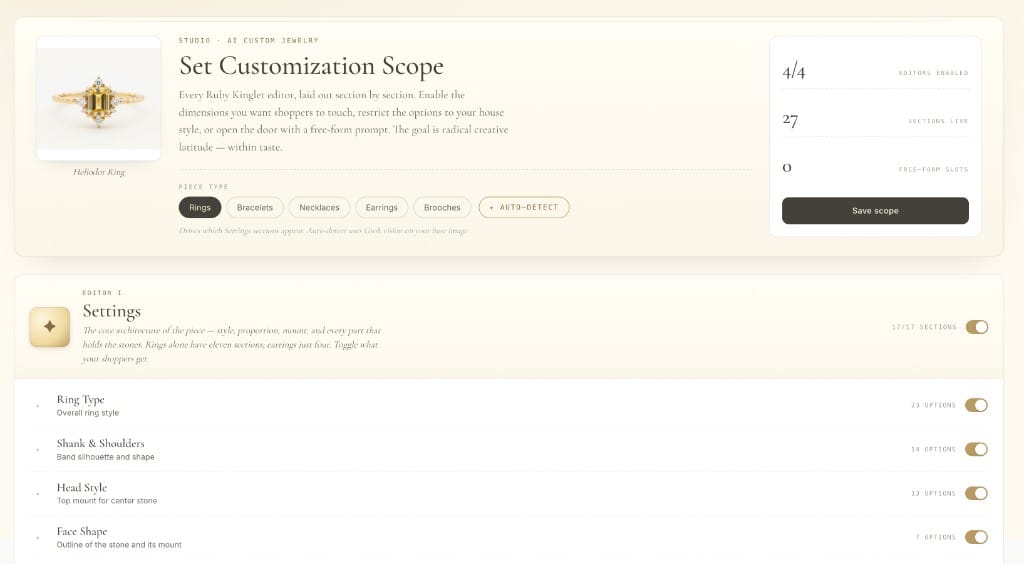
Design live · render · quote
Shoppers design their own jewelry and watch it render live. The design lands in your inbox as a quote.
Buy box
Pre-rendered beauty shots
Options · real photos · cart
Every version of the piece, shown as a real photo. Add to cart still works, plus paid upsells.
Drops into
Shopify
Webflow
Wix
WooCommerce
Squarespace
BigCommerce
End to end · self-managed
Self-serve, help on call.
Not live on your store the way you want within 30 days? Money back.

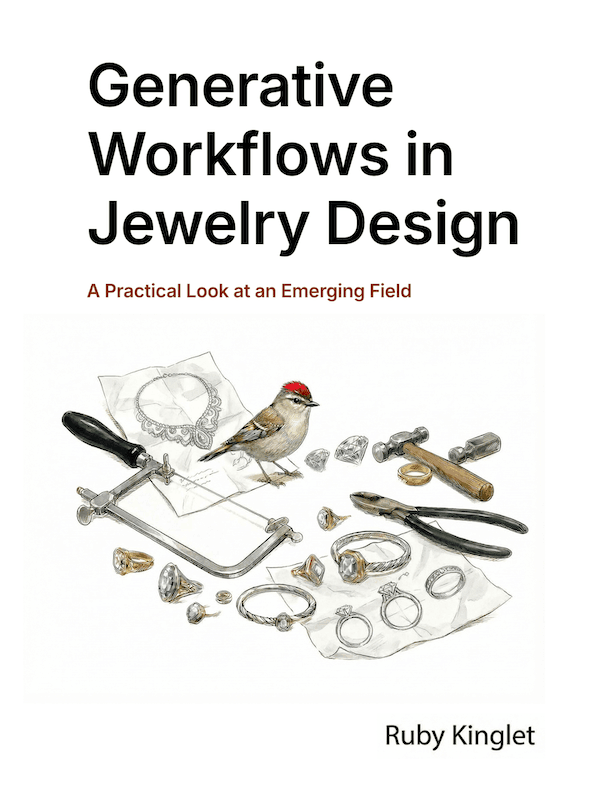
The playbook · free
From Demi-Fine to High Jewelry
A working guide to generative jewelry workflows — across materials, techniques, and aesthetics. Organic or dainty, gemmy or statement, jade or enamel, vintage-inspired or modern heirlooms.
Read the playbook
The kingdom · community contributions
A celebration of indie jewelry.
Build your own templates and explore a wide range of community templates as starting points for complex work. Play around with community models which span a range of styles.
Community templates
Reusable & renderable.
Start from a fully-modeled template. The structural work is done — edit and refine until it's yours.
TEMPLATES
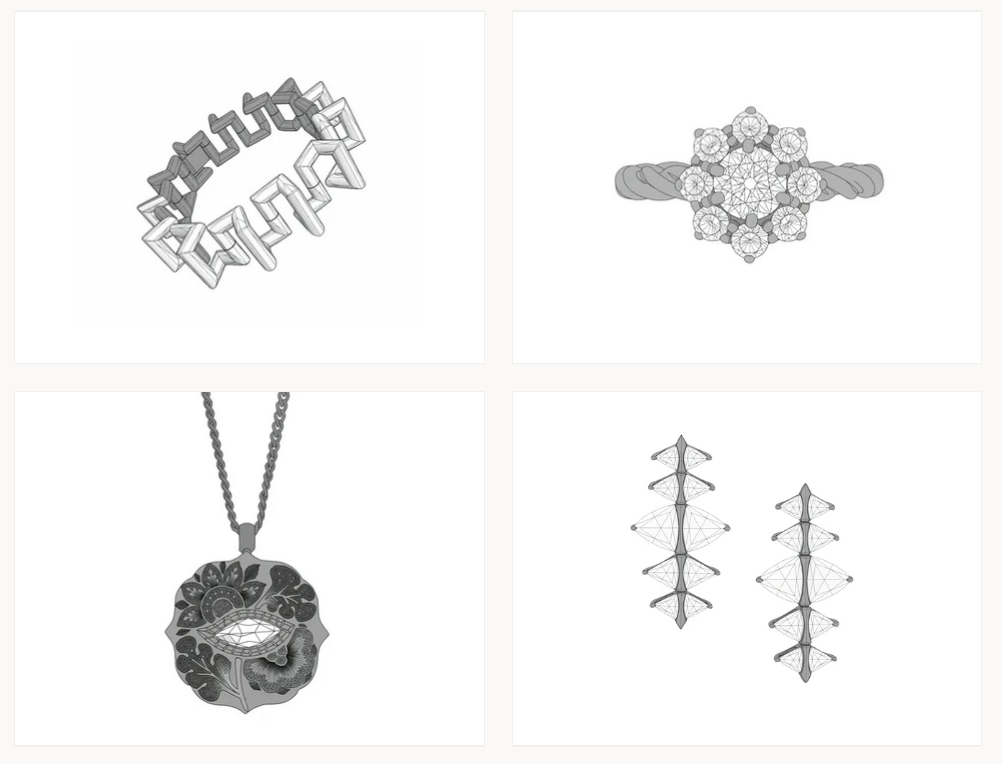
TEMPLATE BUILDER
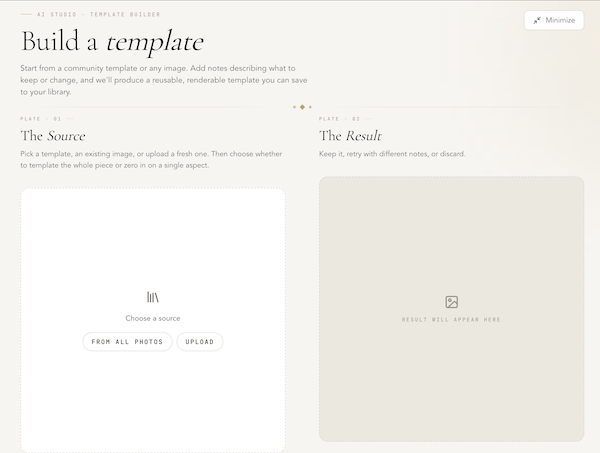
6,000+ community templates
Browse
Pretrained community models
Get a bit of inspiration
Beyond training your own styles, play with pretrained community models across styles like Art Deco, California casual, ancient motifs, and many more.
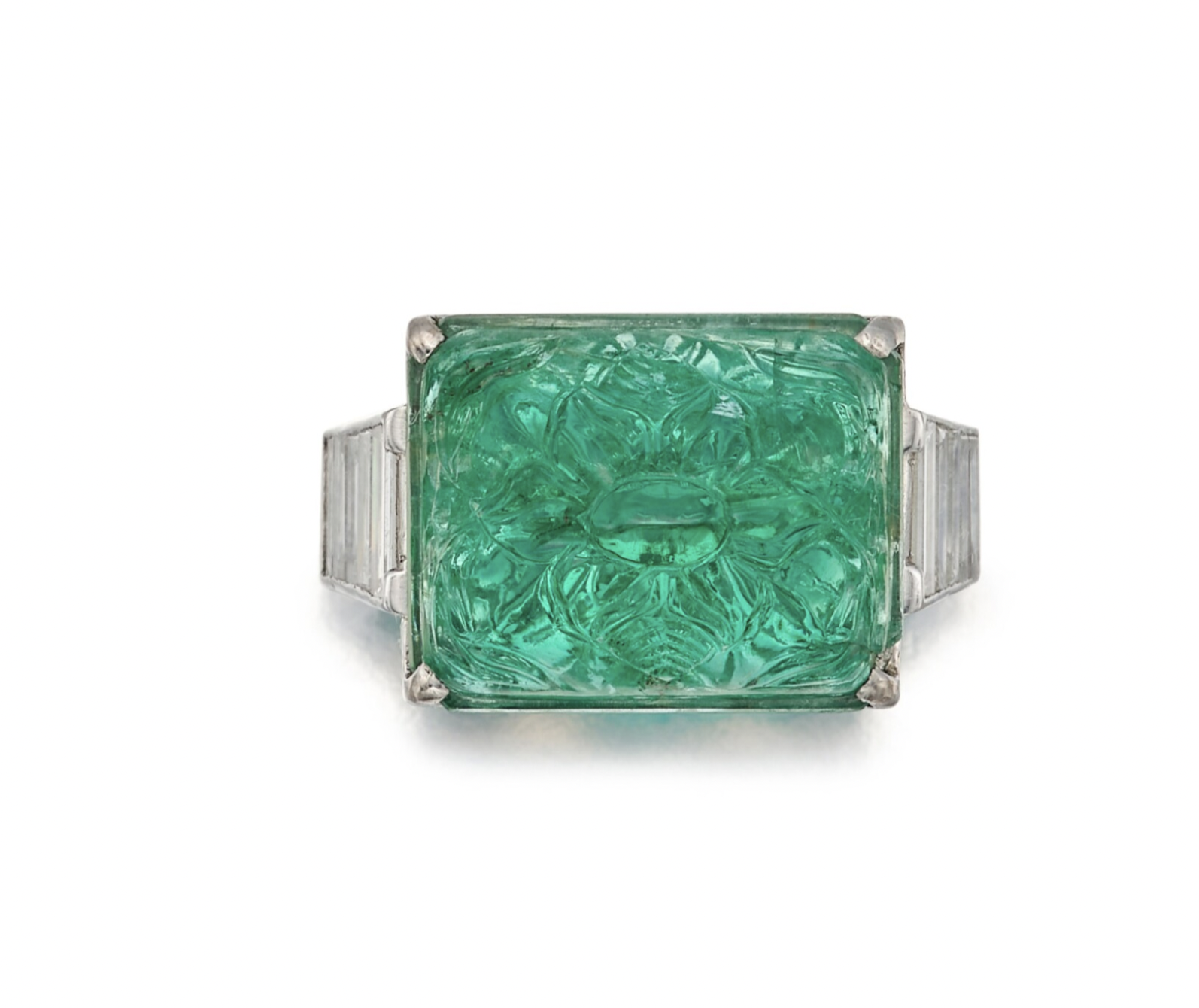
Art Deco
PRETRAINED
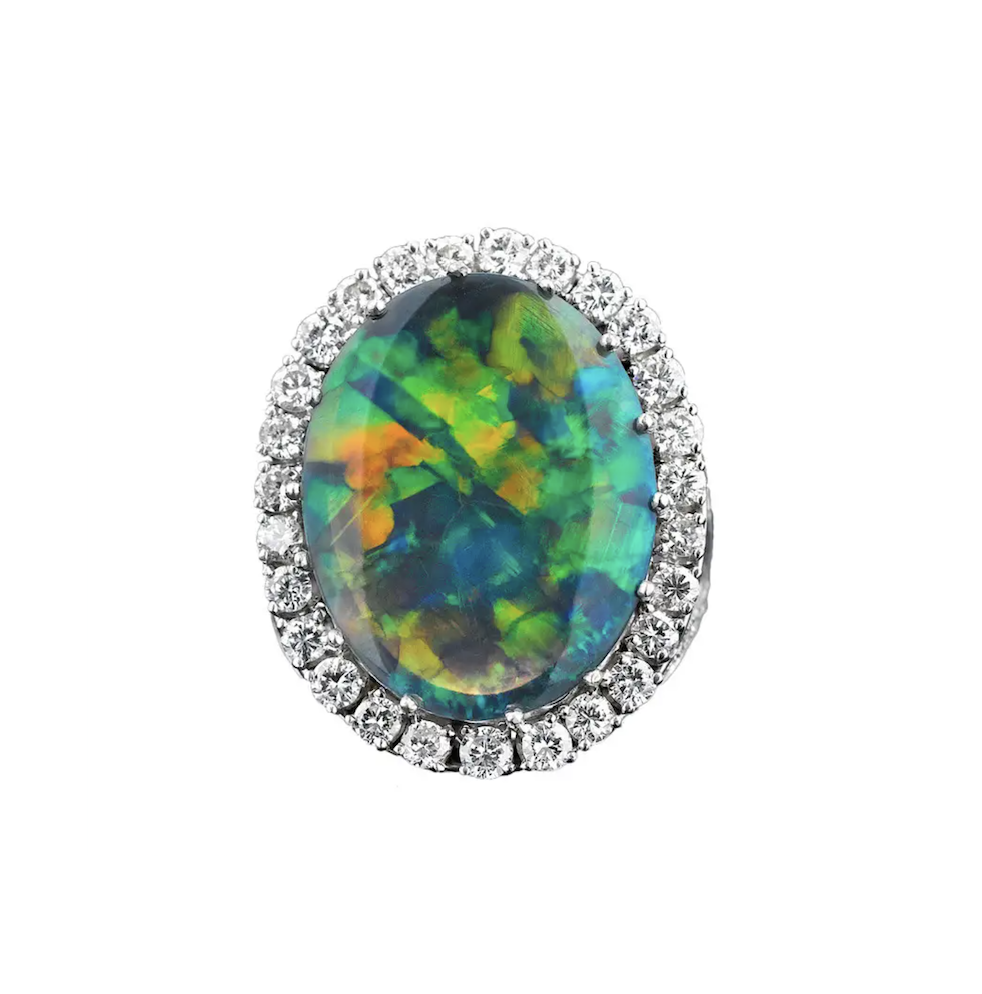
California Casual
PRETRAINED
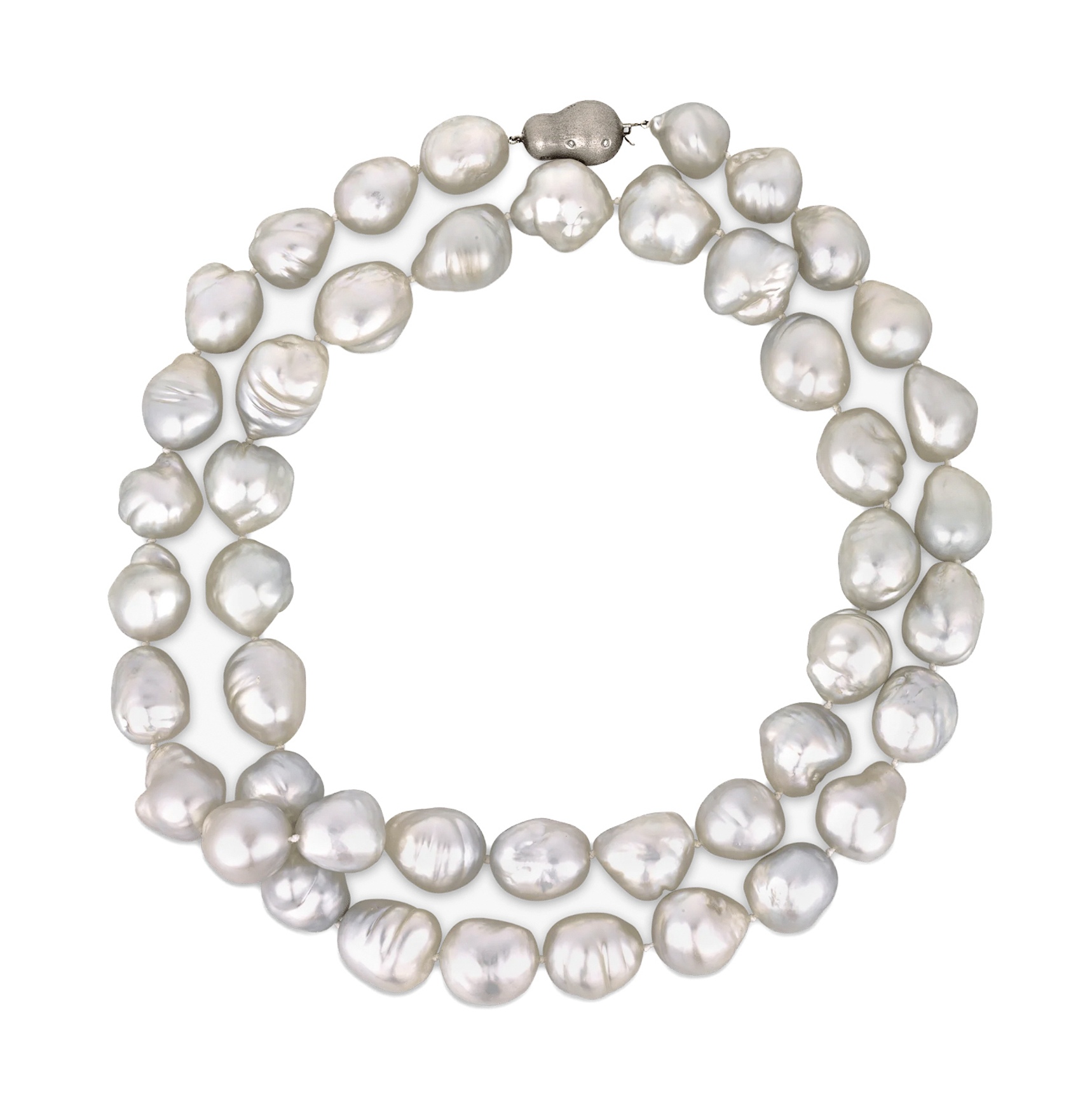
Freshwater Pearls
PRETRAINED
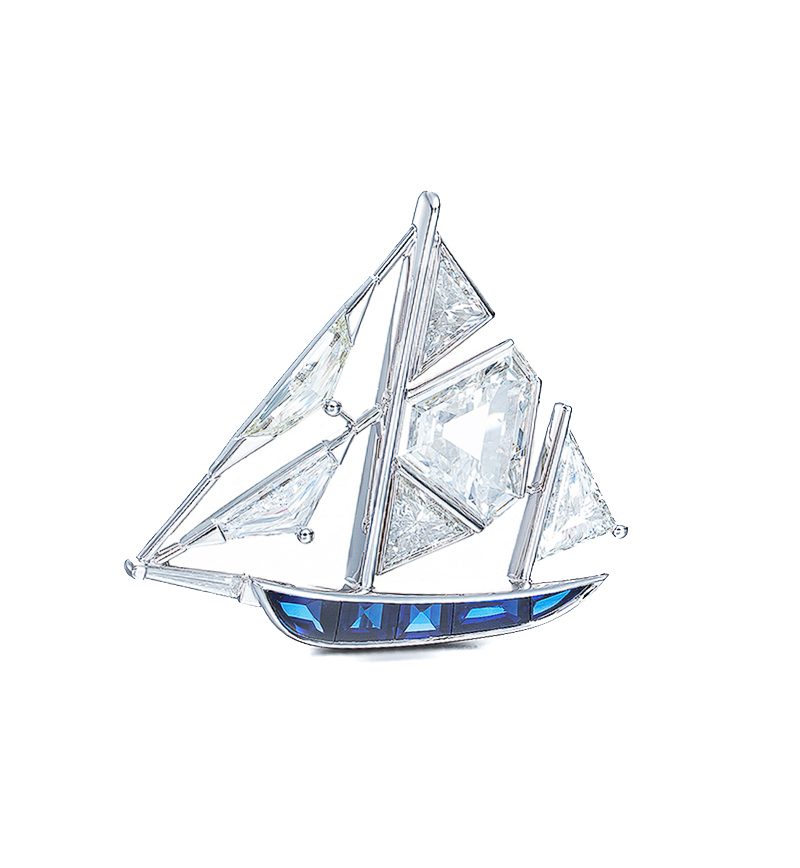
Vintage Revival
PRETRAINED
Did you know? Earn on usage by publishing a community model.