
Ruby Kinglet
Design
Build a piece in your style.
Component-based builders for settings, stones, metals, and findings. AI Studio with 20+ editing tasks. Train AI models in your own style and use them across the platform. 6,000+ community templates as starting points.
6,000+
Templates
20+
AI Studio tasks
Yours, trained
Models
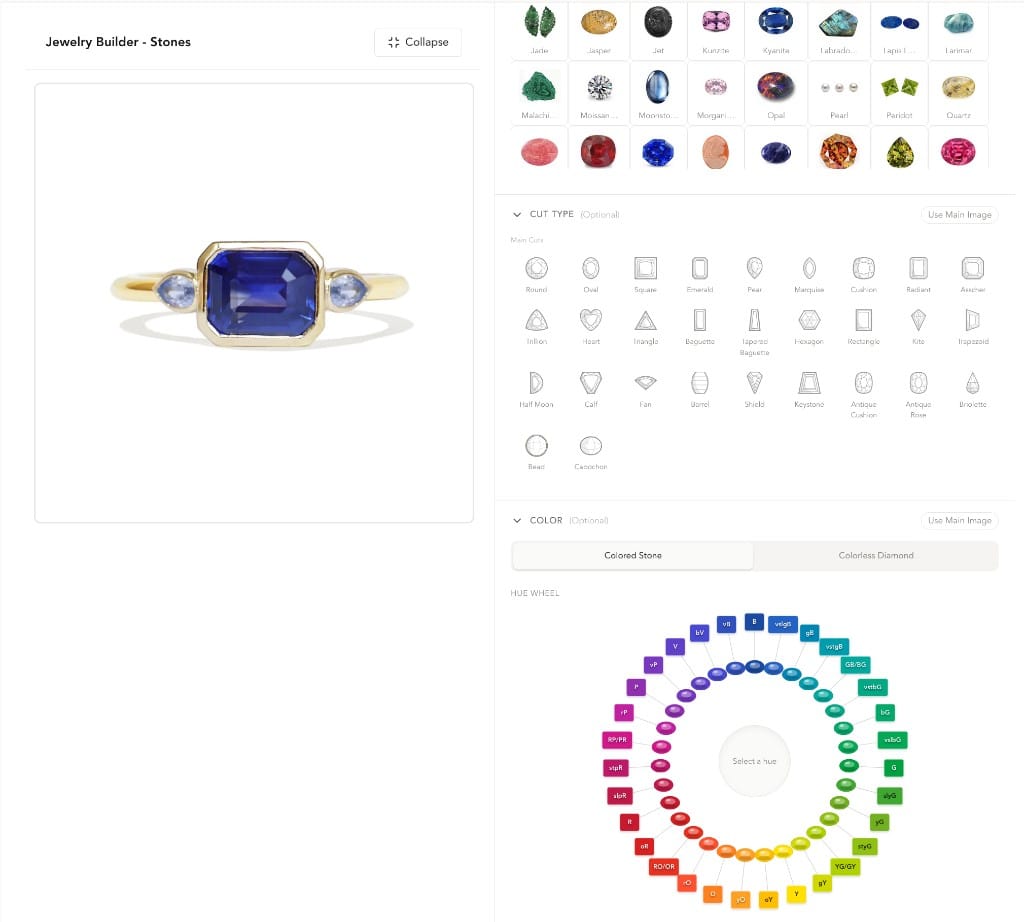
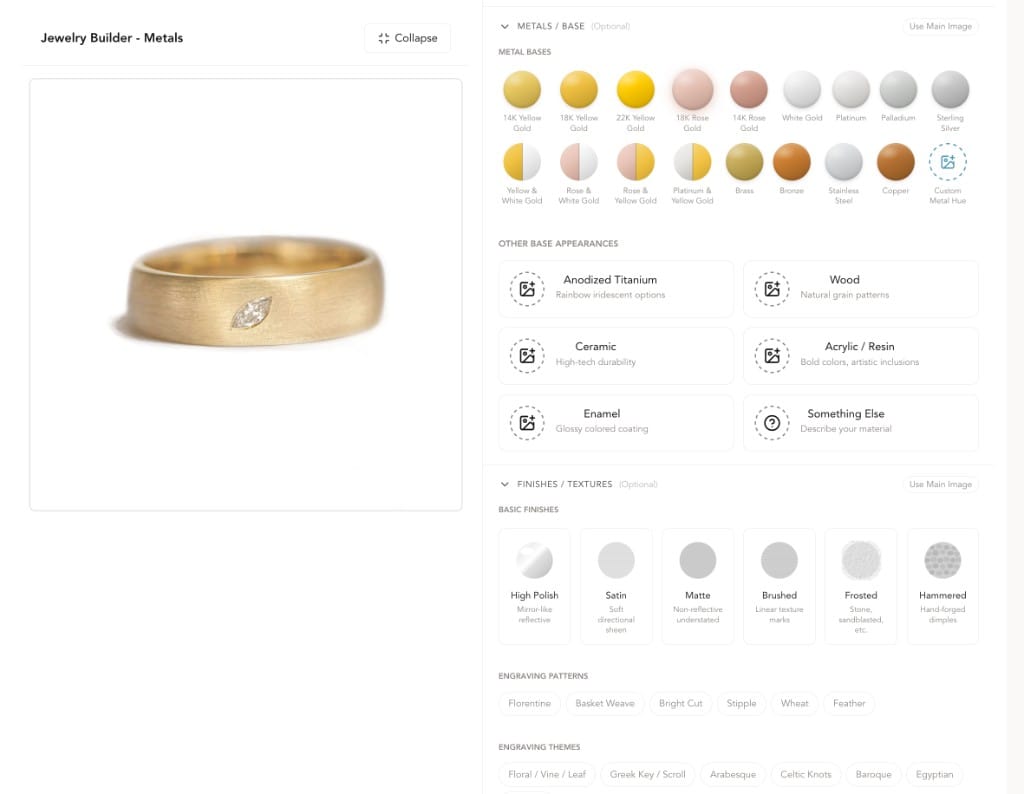
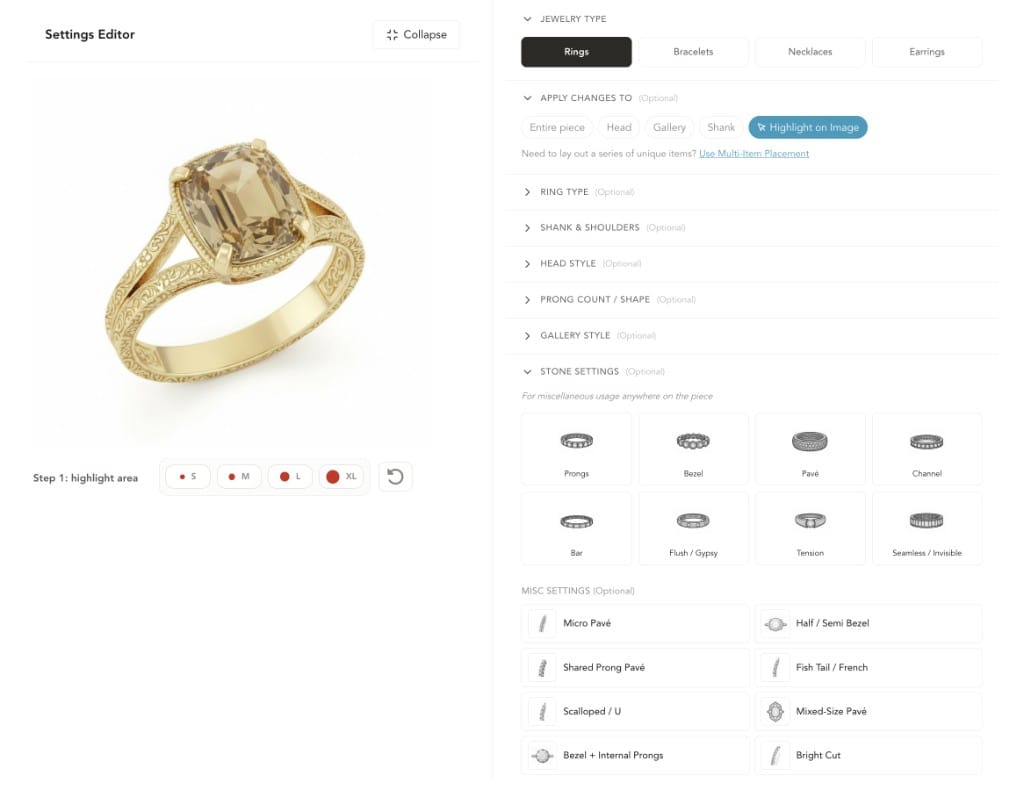
Three component builders: settings, metals, stones.
The range
From demi-fine to high jewelry, rendered from scratch.
Pieces produced on Ruby Kinglet by working jewelers today.
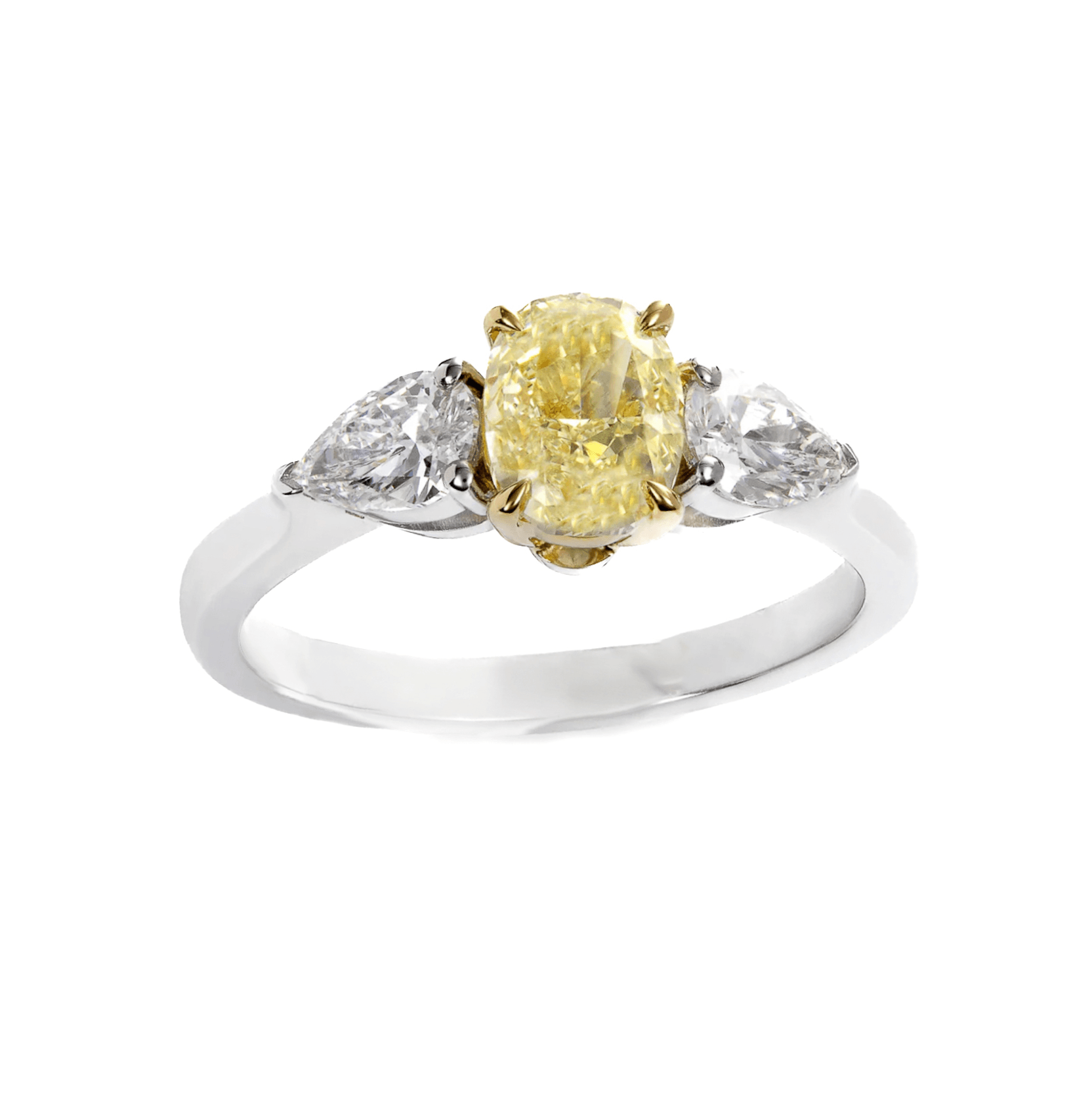
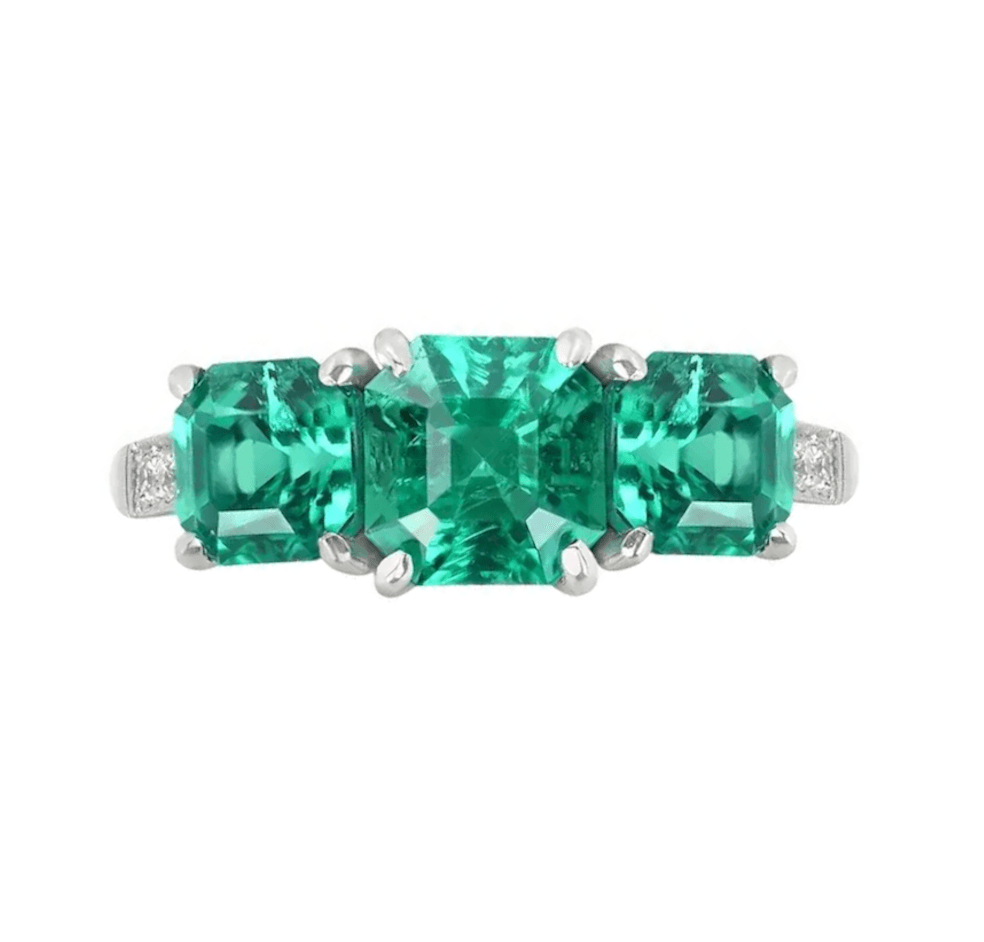
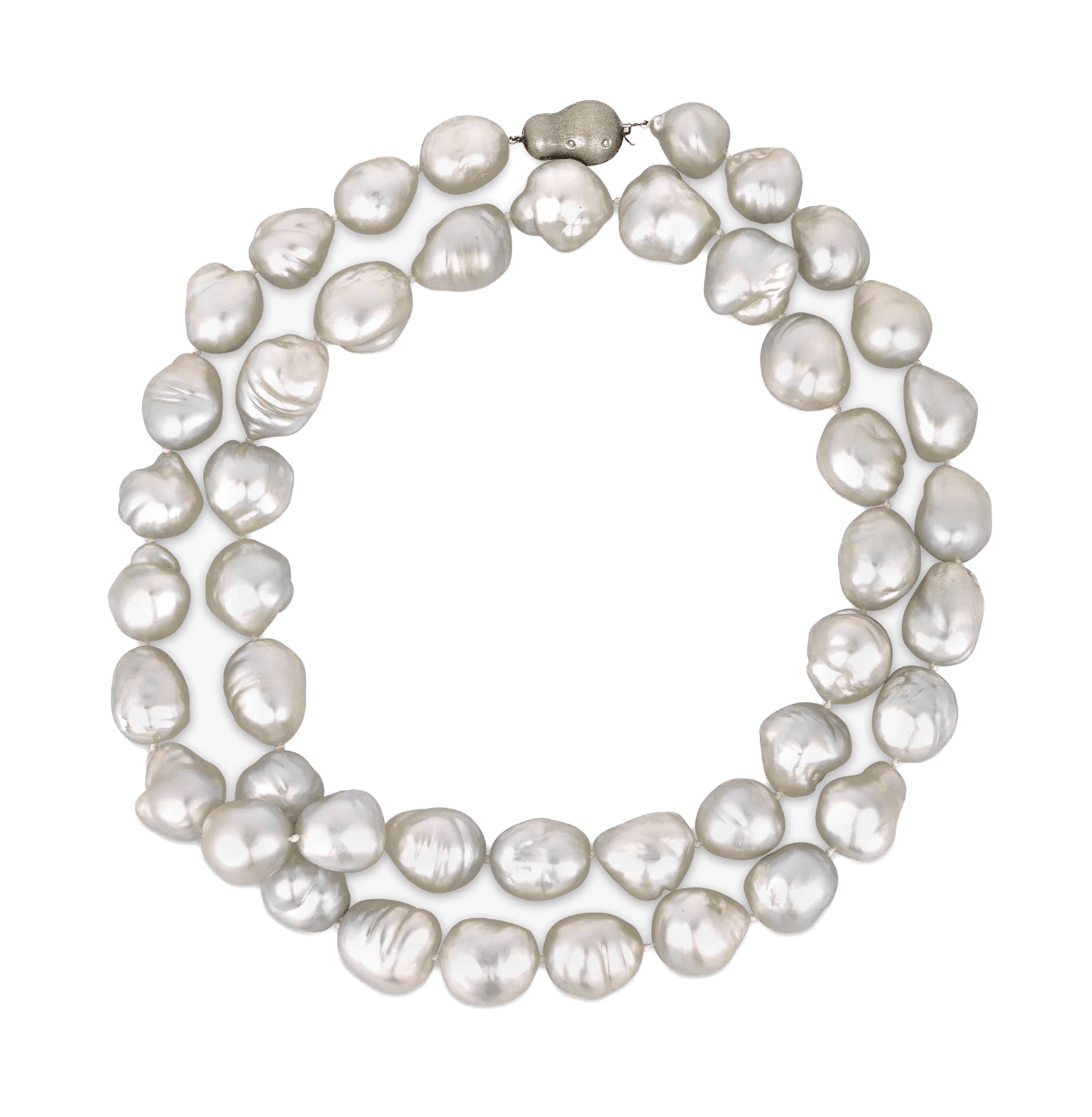
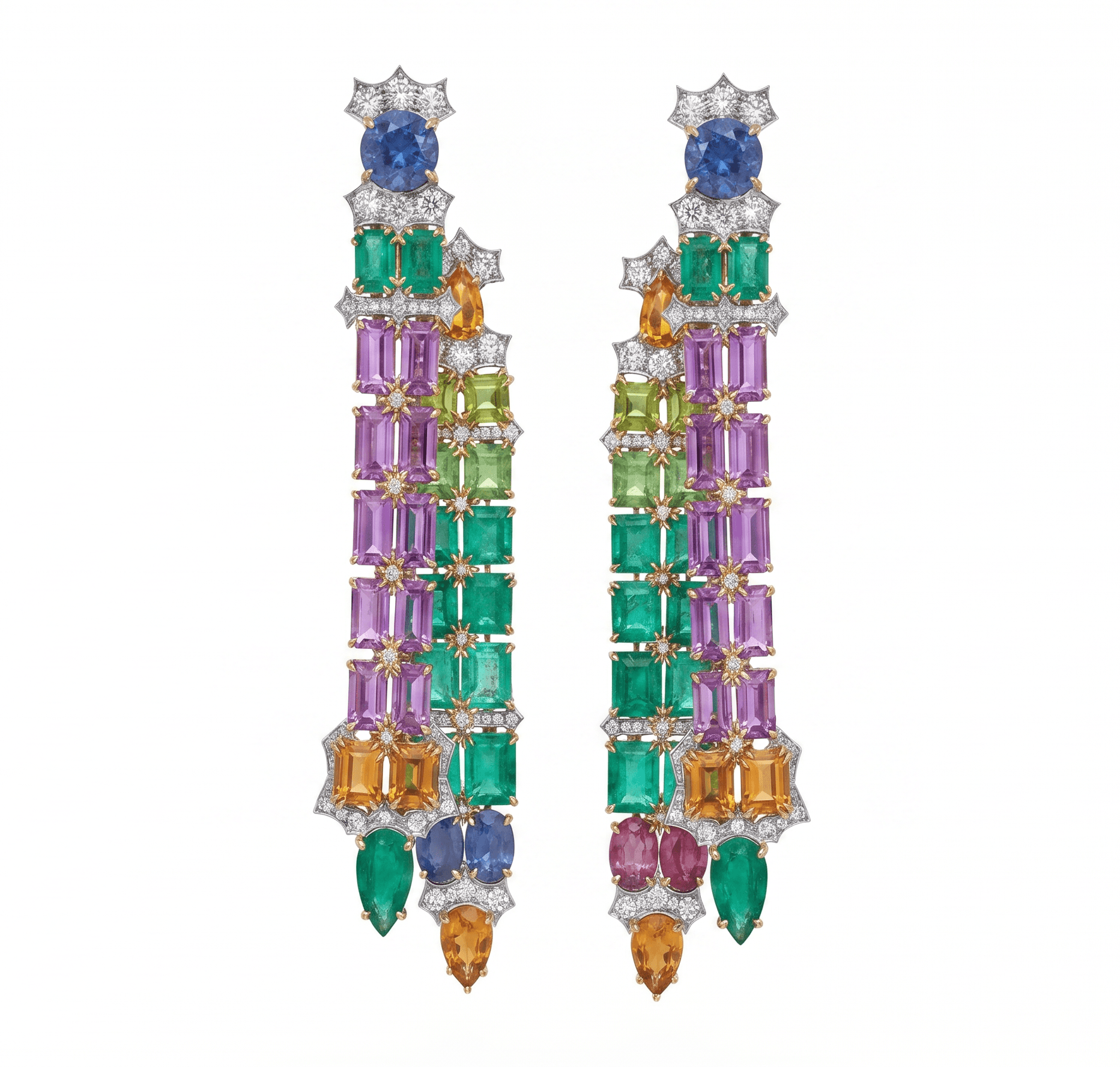
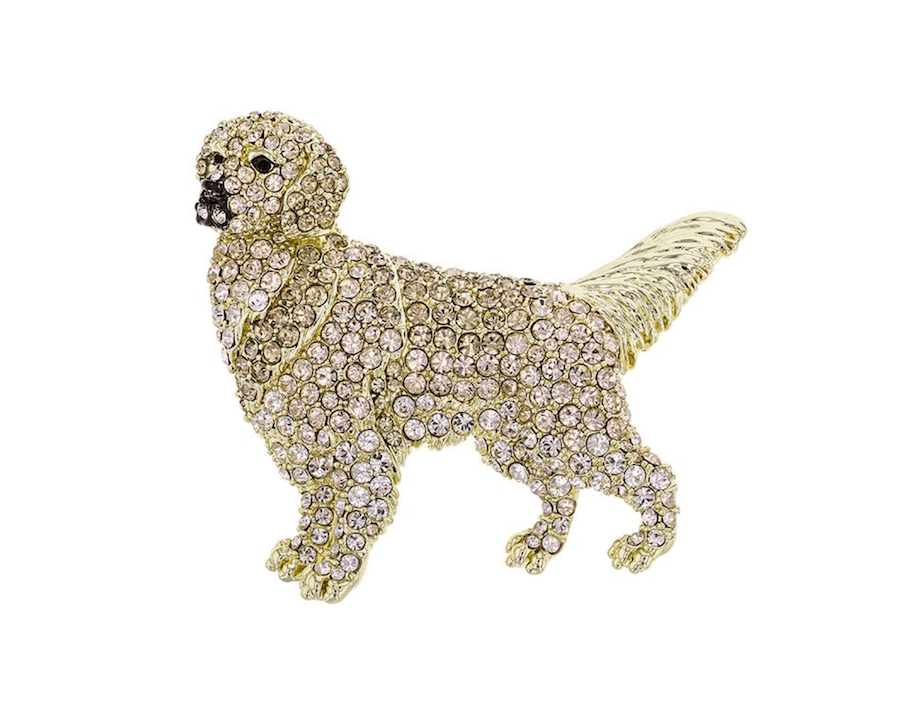
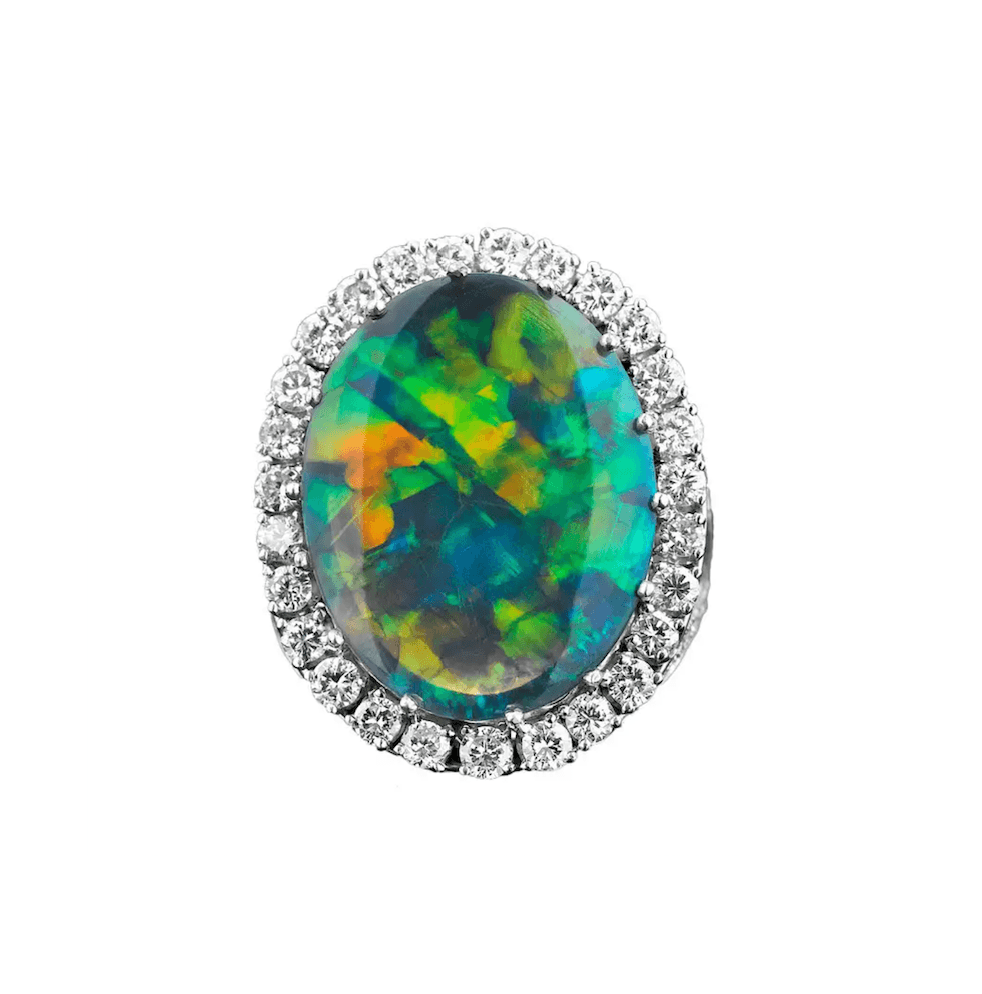
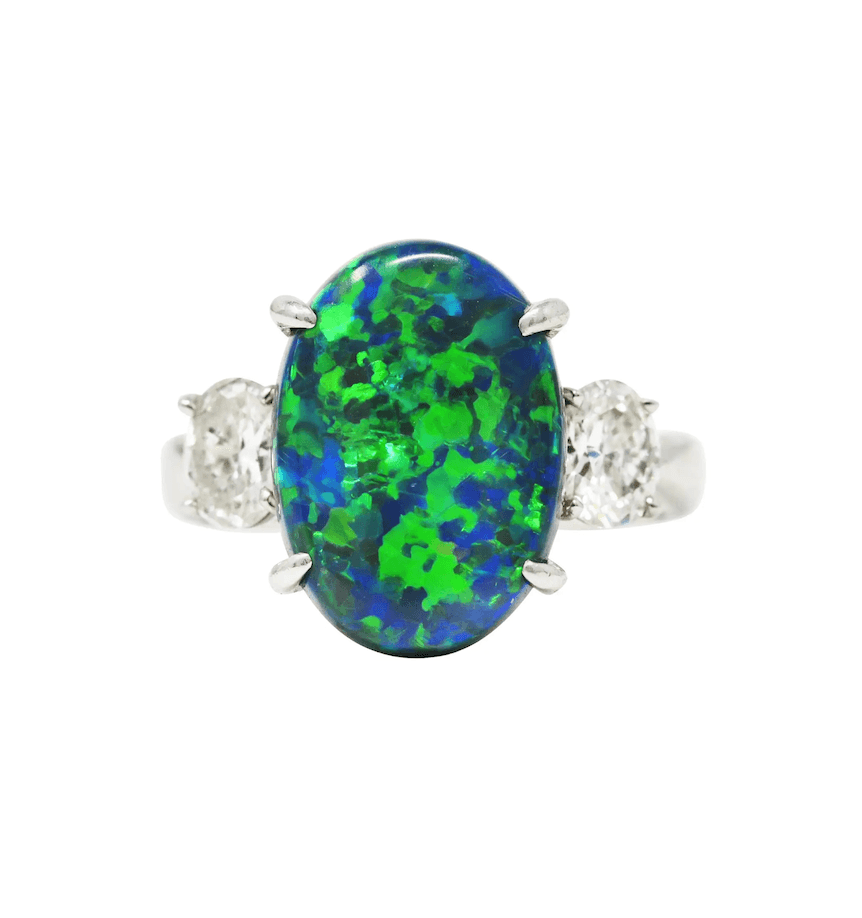
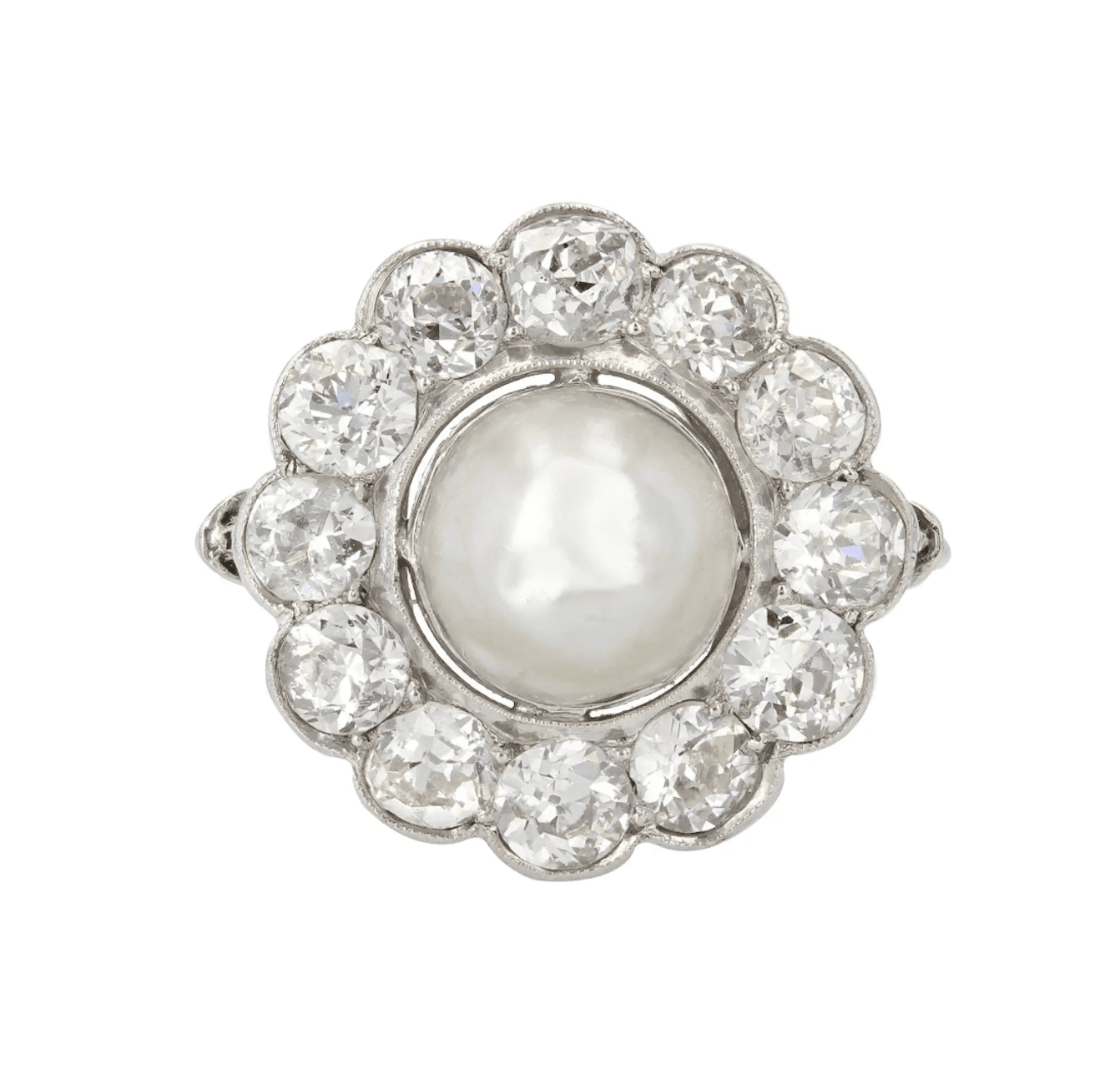
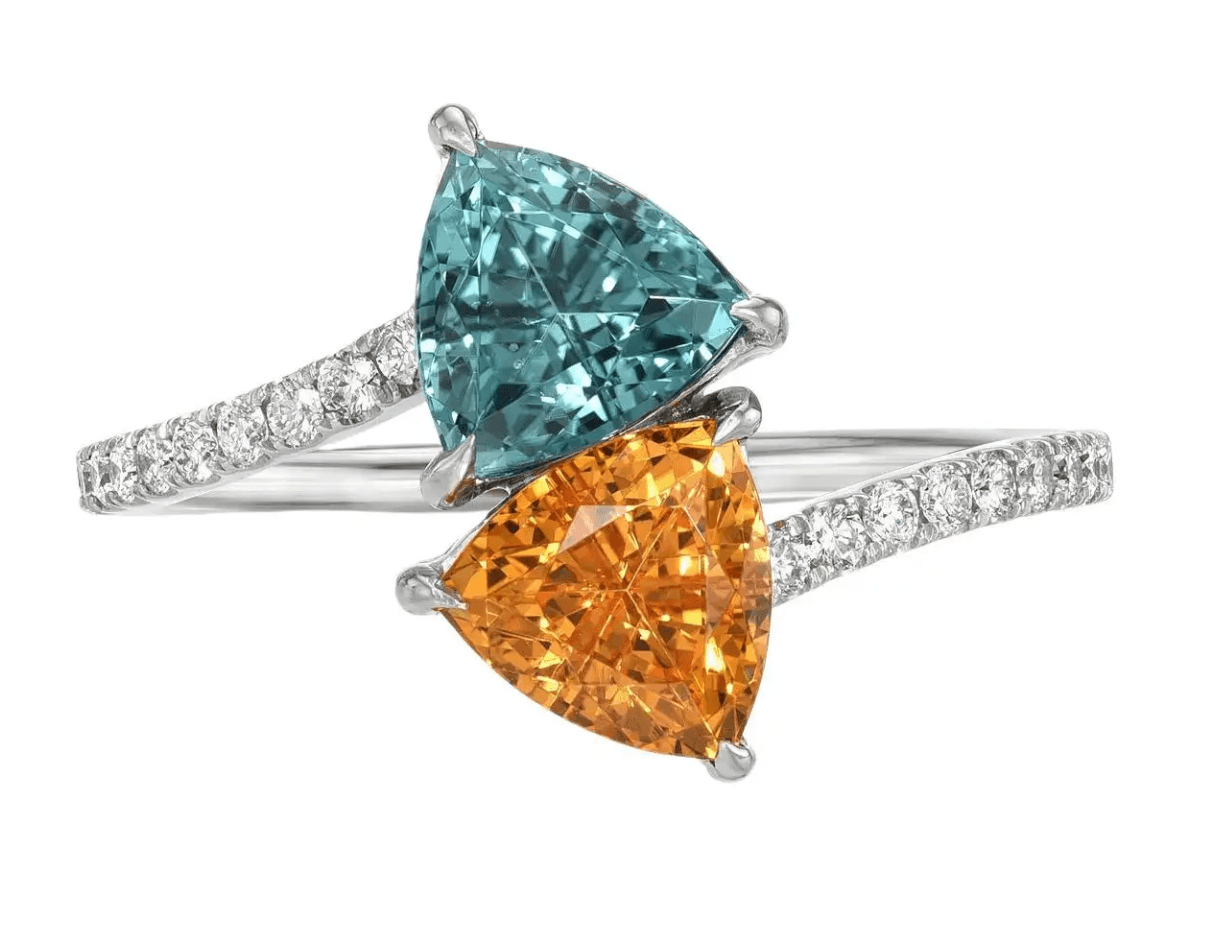
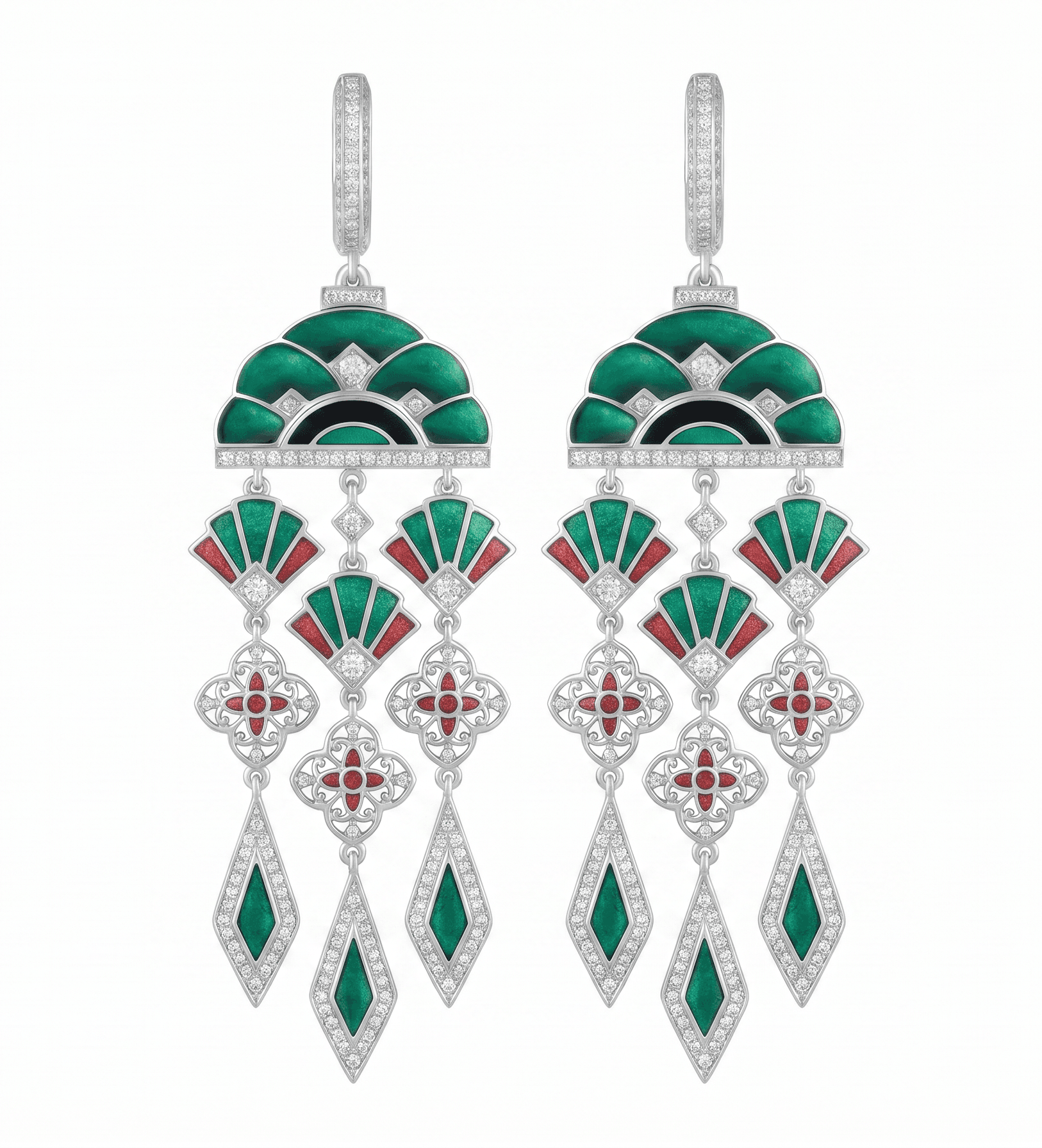
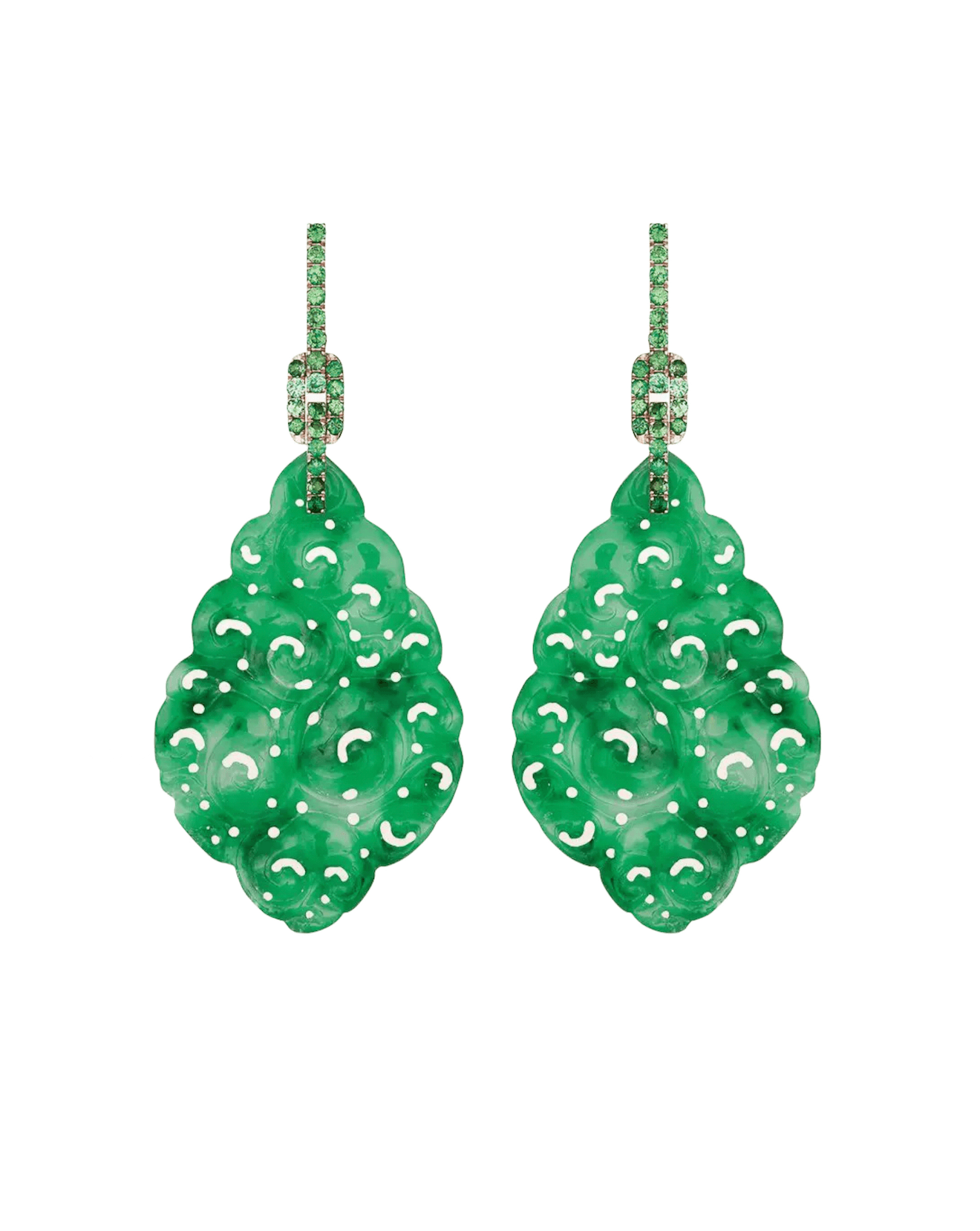
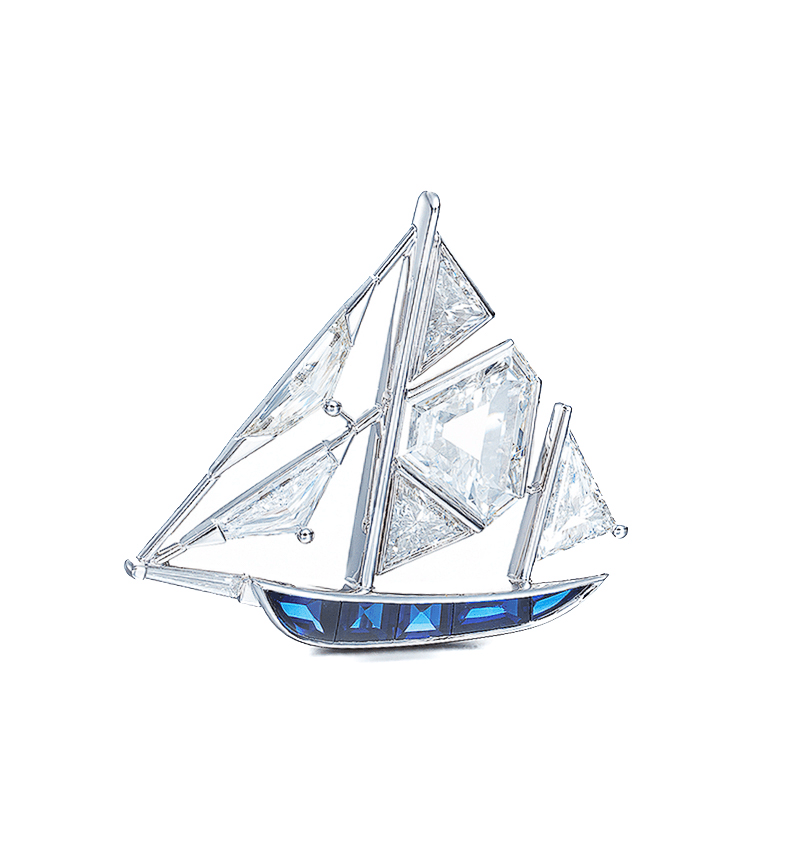
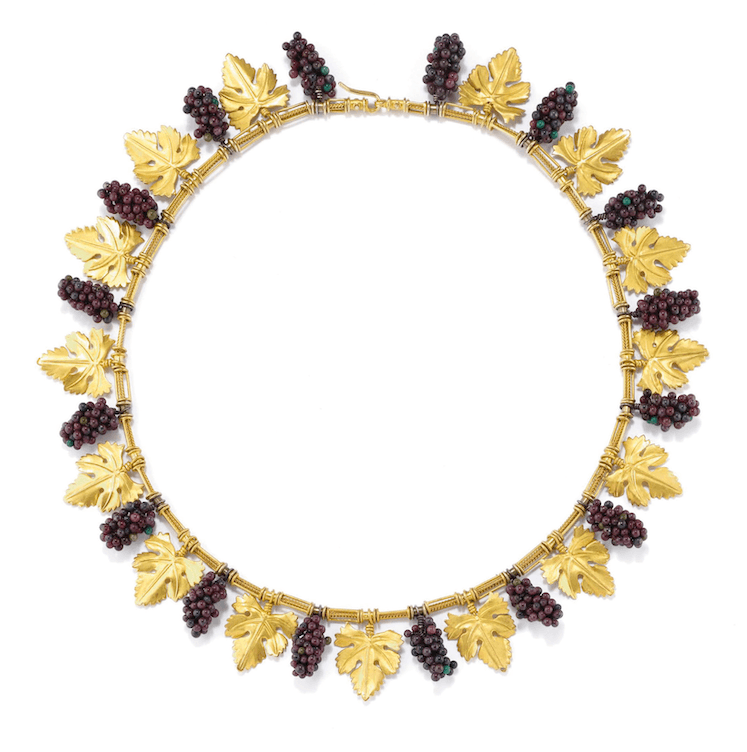
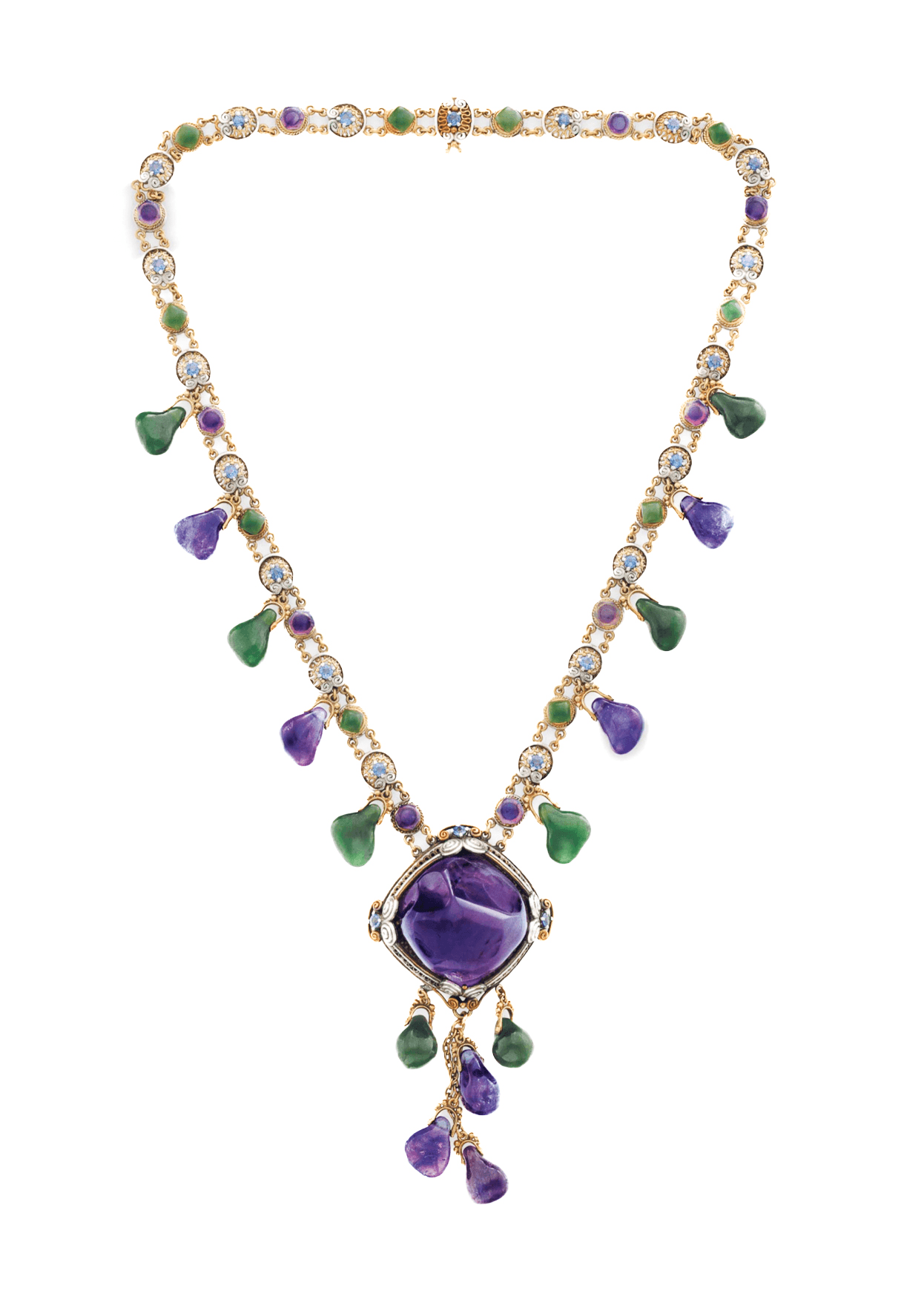
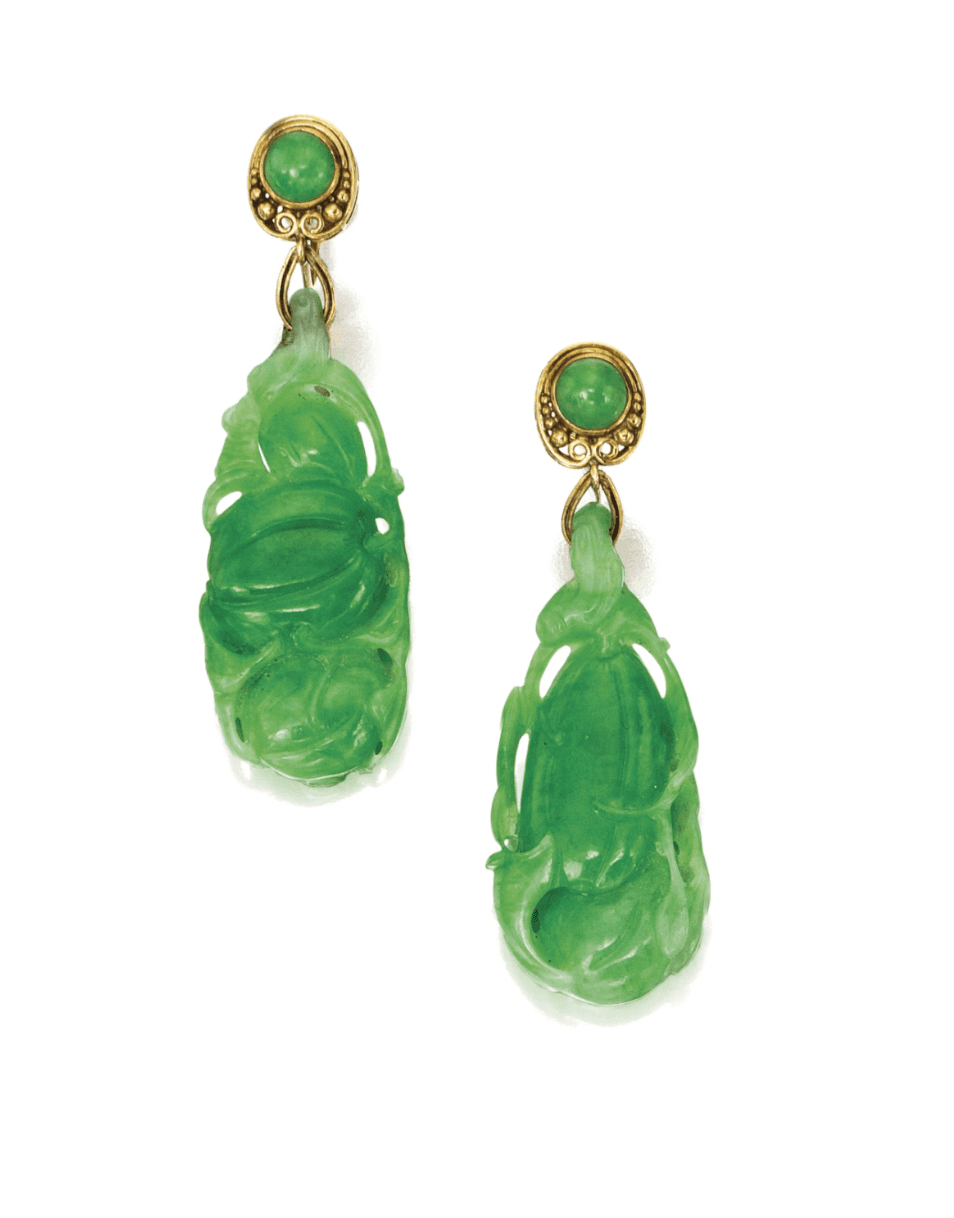
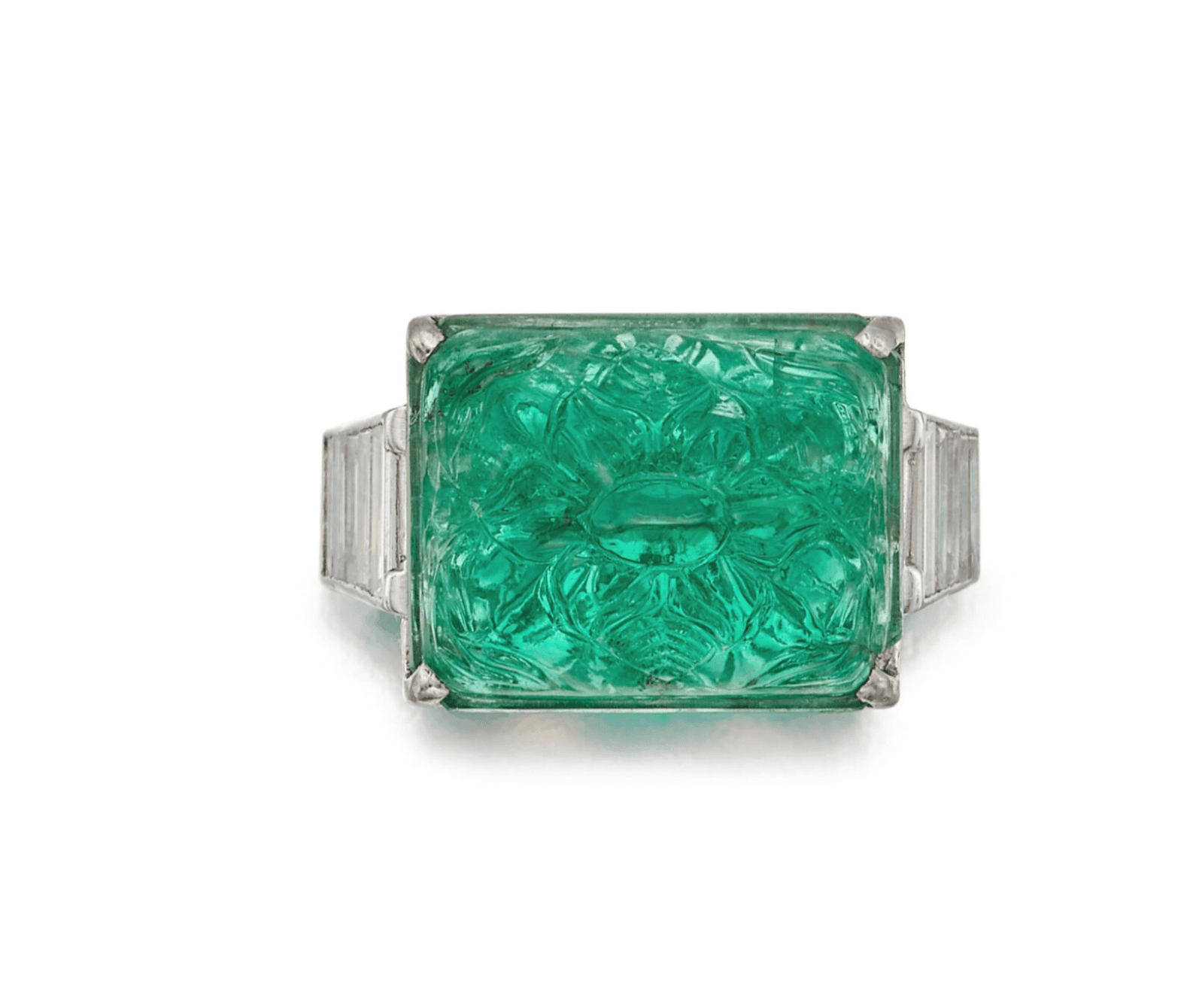
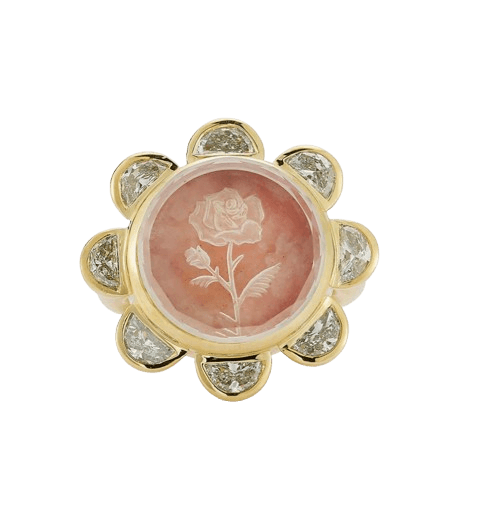
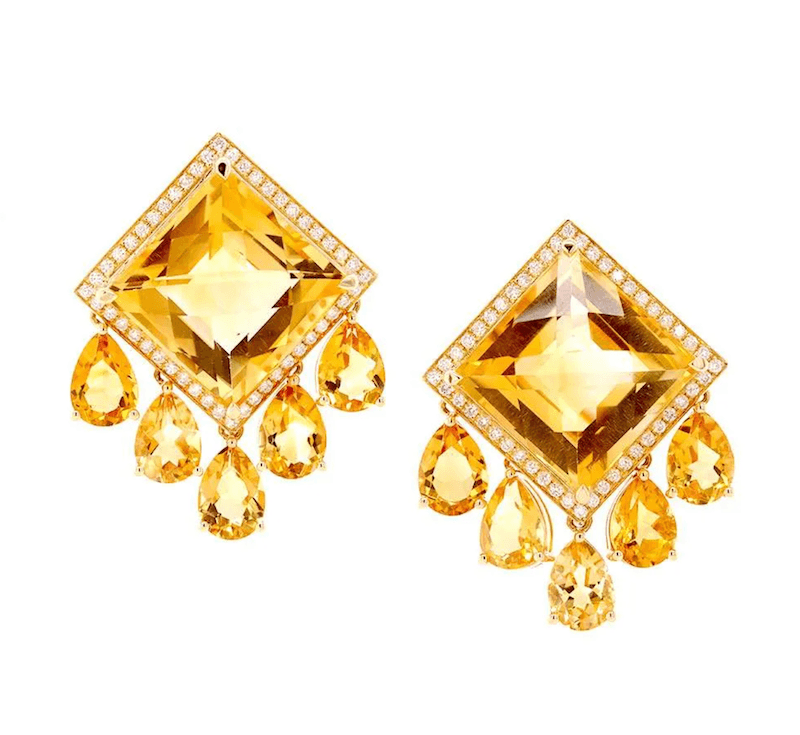
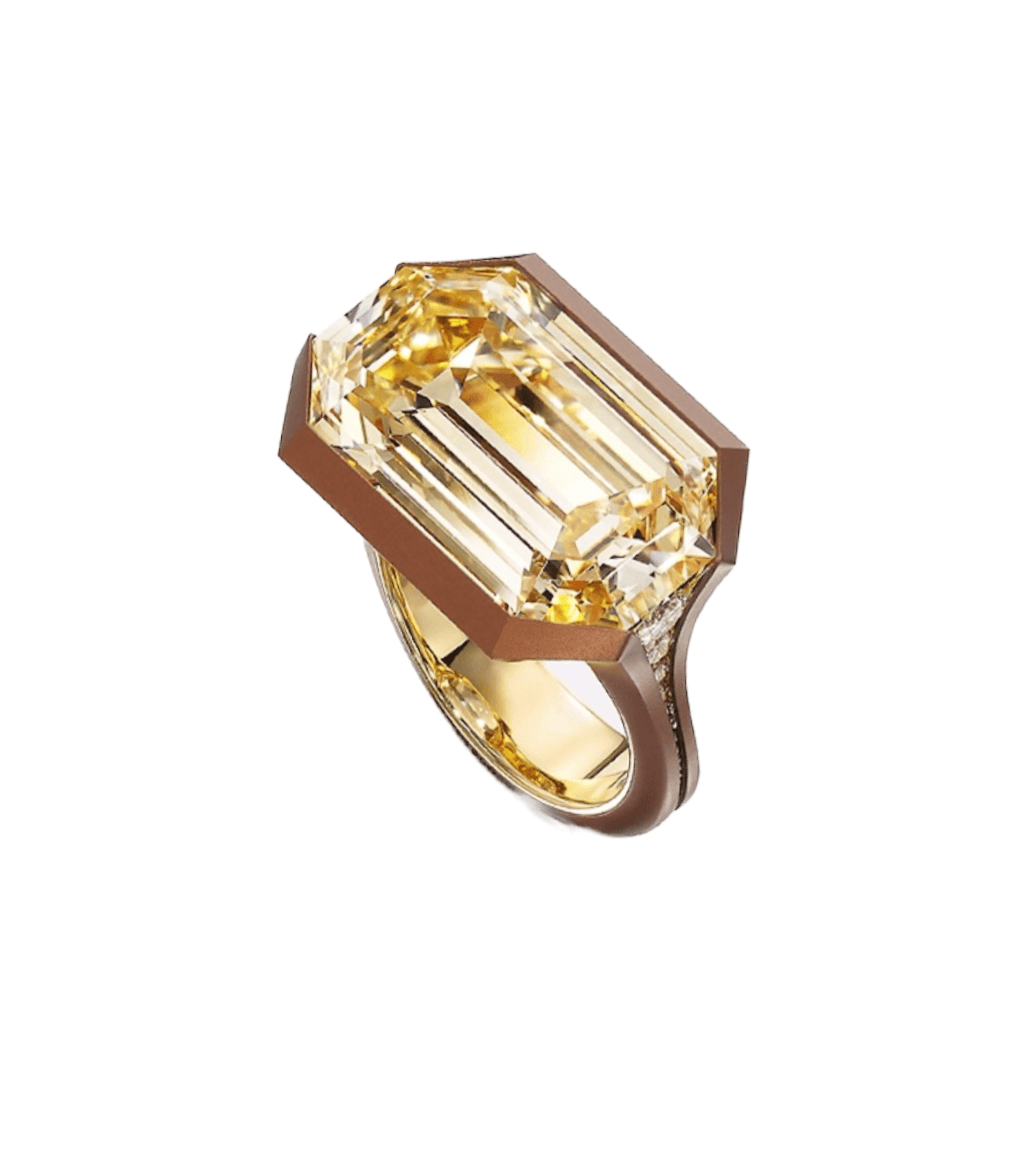
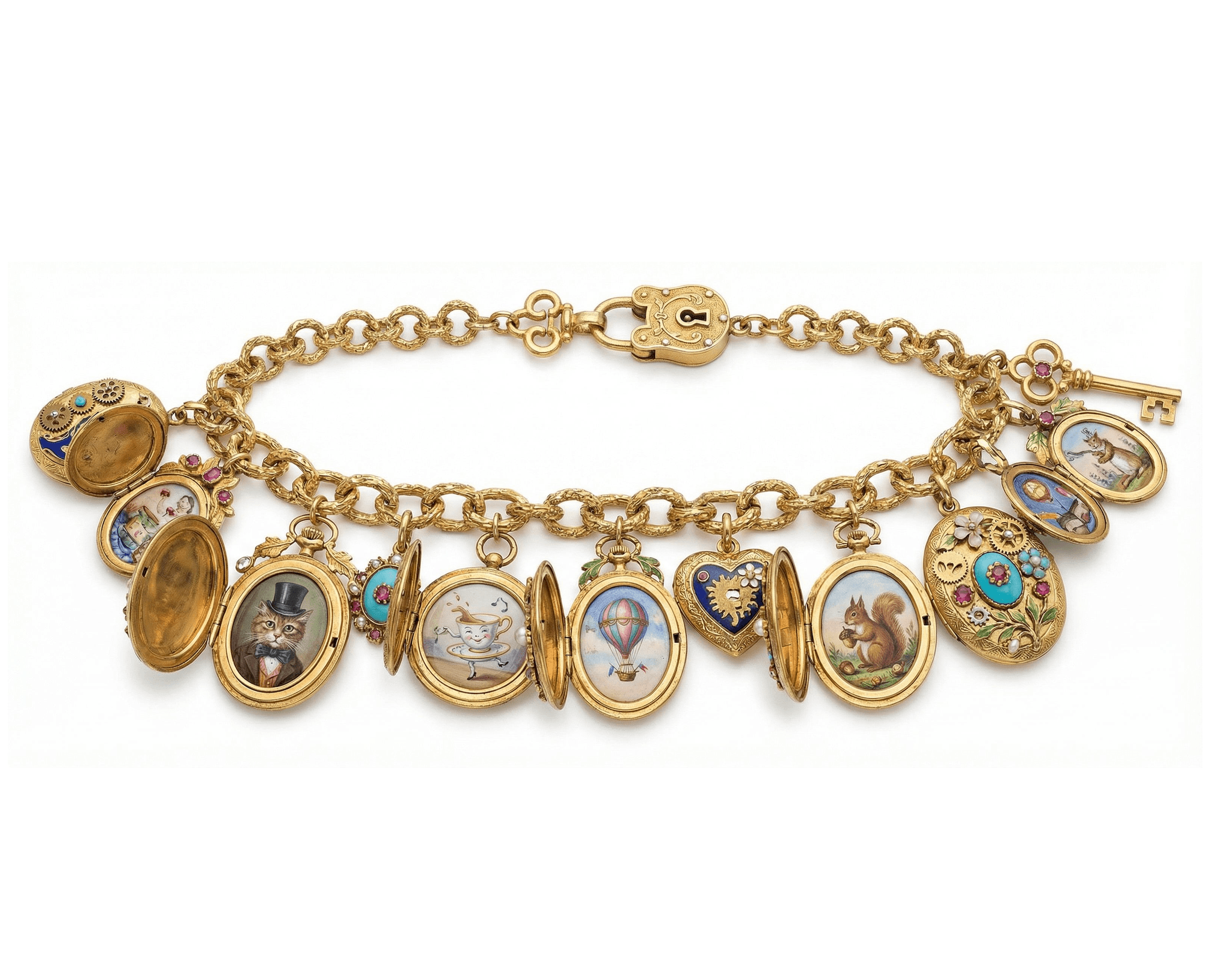
One composition. Several pieces. Same brand, same hand.
Rendered on Ruby Kinglet
The design toolkit
An AI-native design system designed from scratch for jewelry.
Jewelry-aware component builders
Settings, stones, metals, and findings each get their own builder. You pick from your own workflow assets or our library at every step. The model knows the difference between a prong head and a bezel because the components are jewelry, not generic shapes.
Settings · stones · metals · findings as first-class components
Mix your own workflow assets with the platform library
Component swaps preserve scale, fit, and proportion
Integrate your own assets
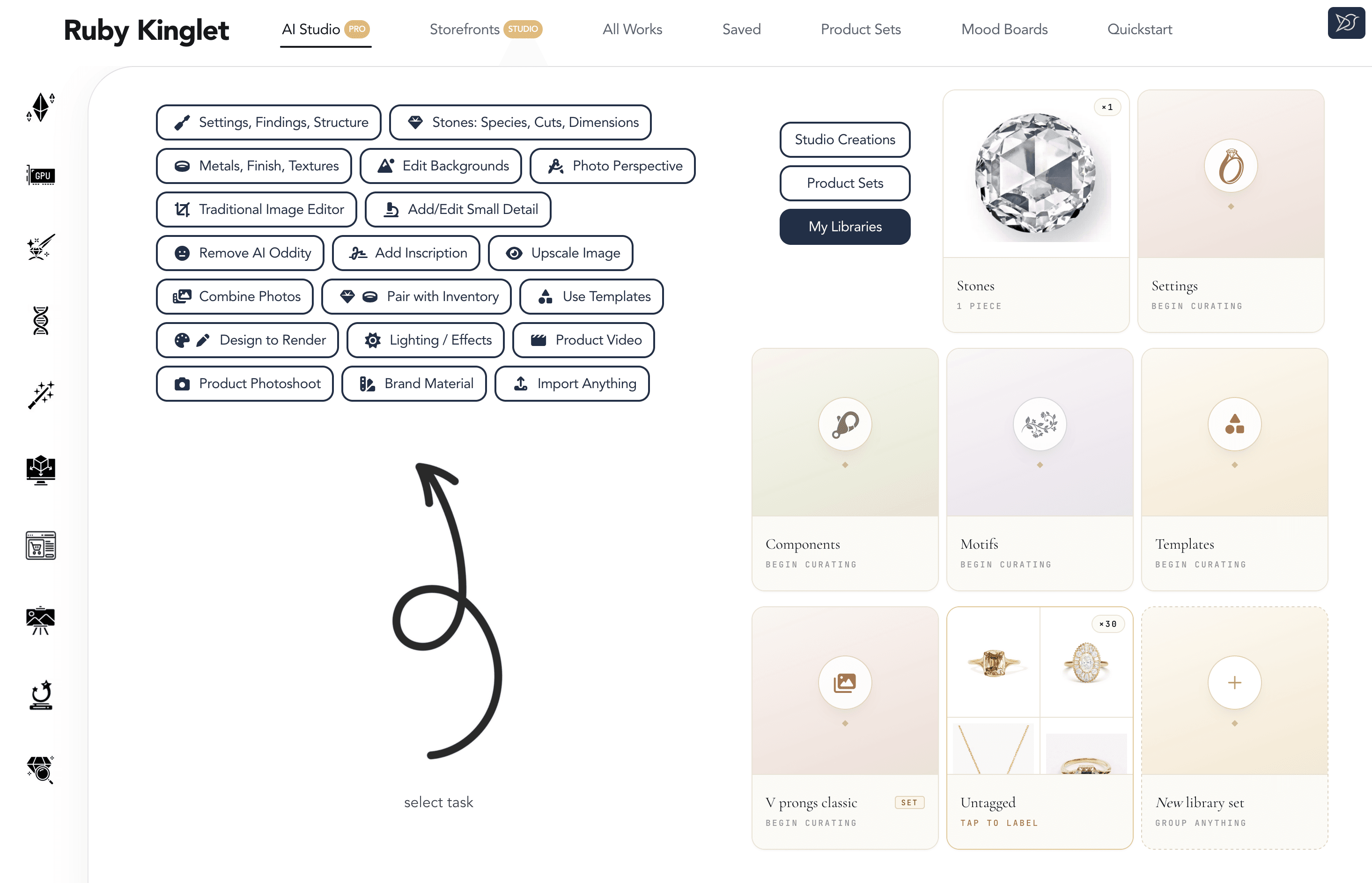
Your preferred settings, stones, references, and mood boards live inside the platform. The builders and AI Studio compose around them so the system fits the way you already work, rather than asking you to start from a blank slate every time.
Upload references, settings, stones, and foundations once, reuse everywhere
Asset libraries shared across pieces, clients, and team members
No vendor lock-in: your assets stay yours
Your library
Mood boards
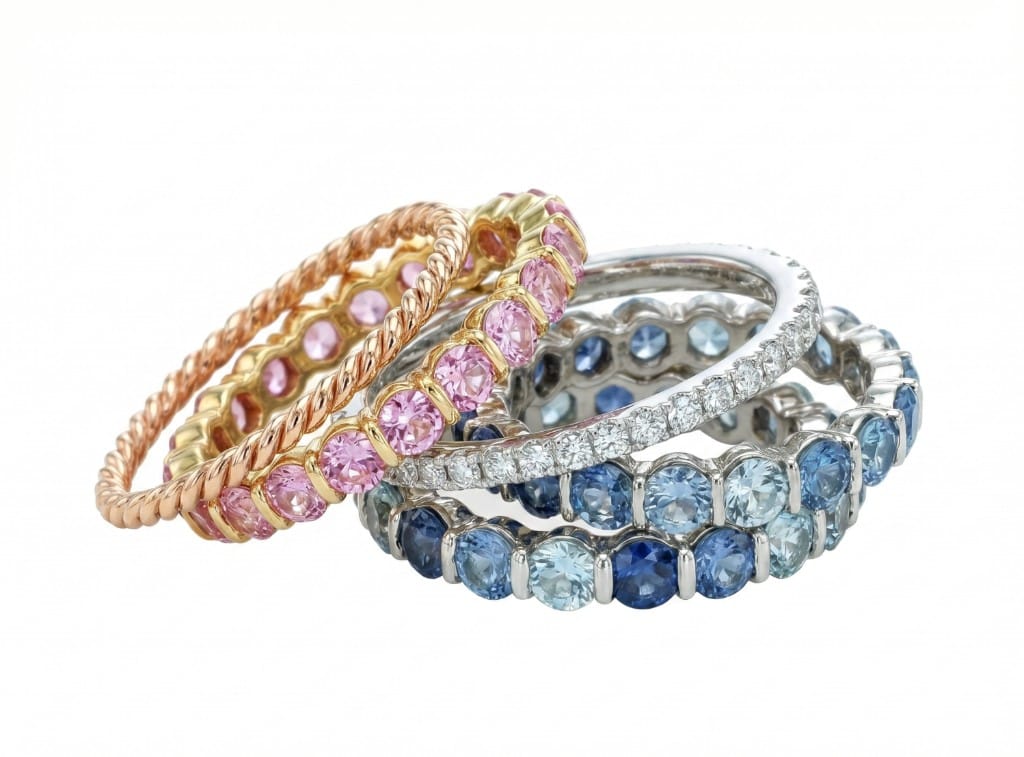
Eternity stacks
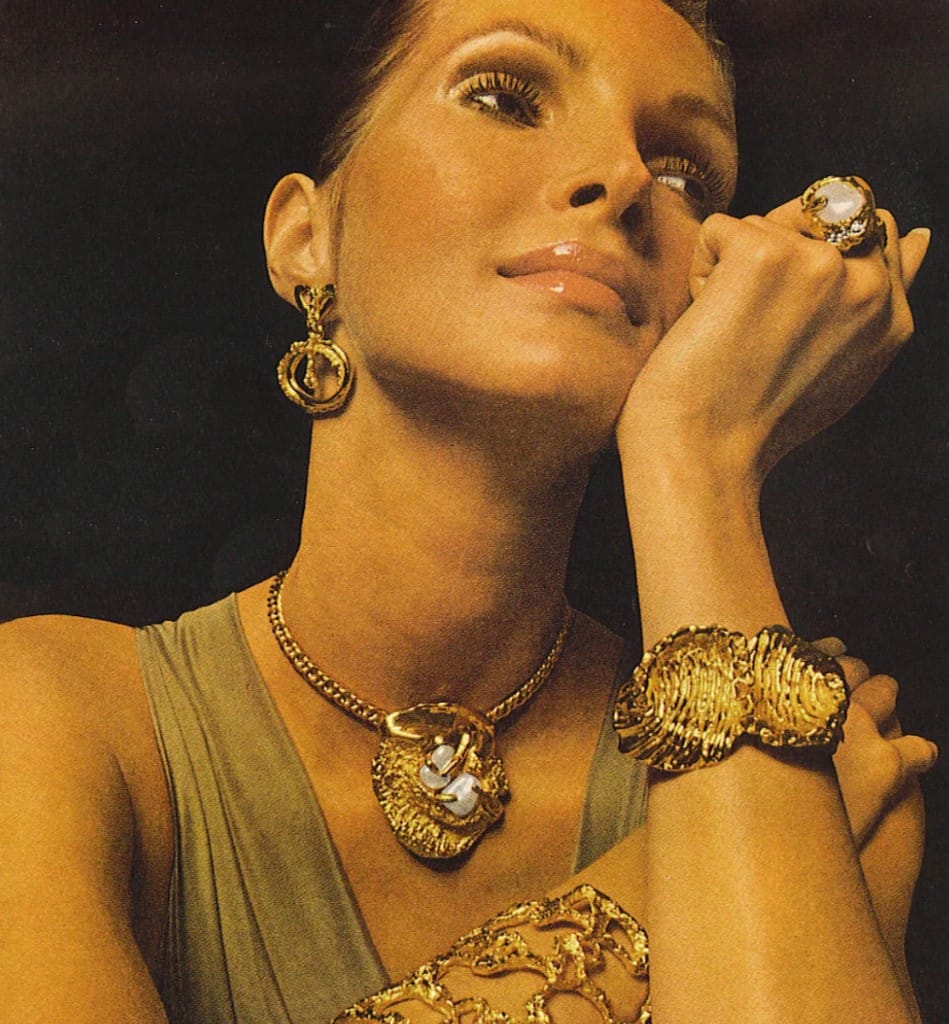
Archival glamour
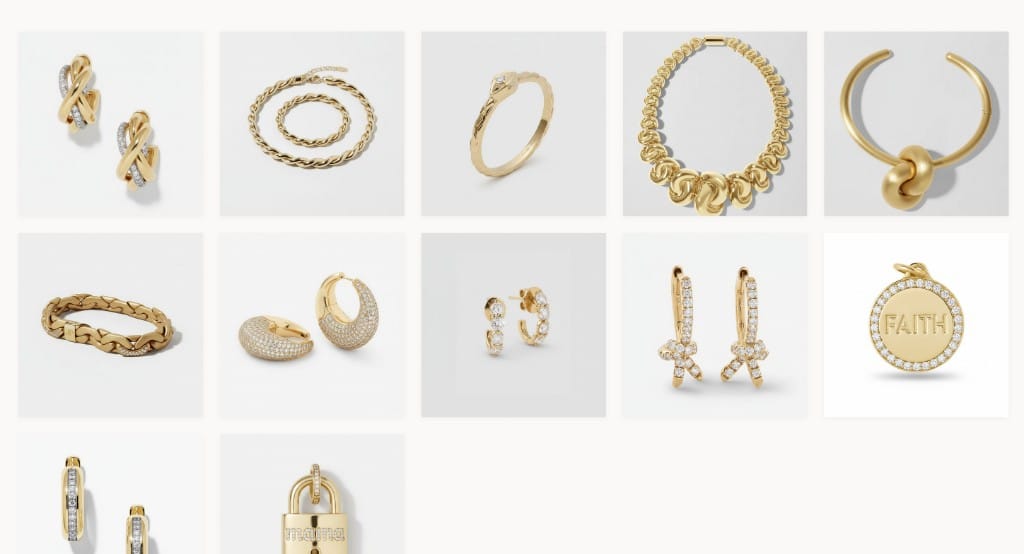
Demi-fine sculptural
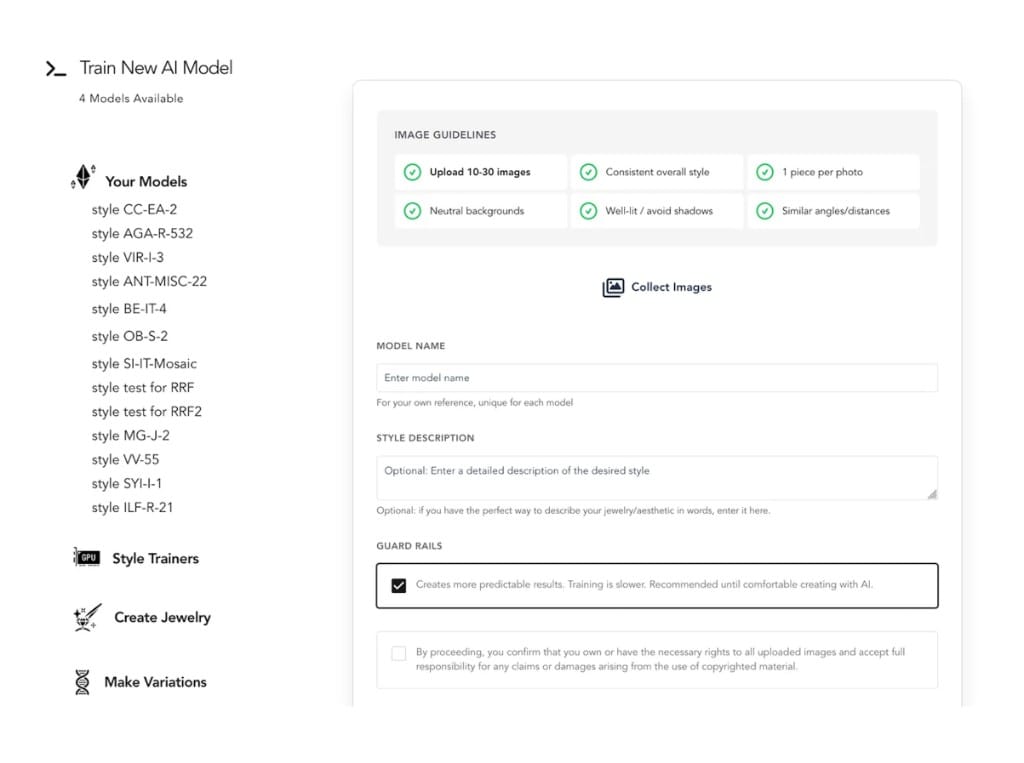
Train AI models in your own style
Train models on your own portfolio. Use them across the platform: in builders, in AI Studio, in photoshoots, in customizers. Results are rooted in your style world rather than a generic jewelry aesthetic. Community models are also available for studies and inspiration.
Models trained on your own portfolio
Use the same model across builders, edits, and renders
Community models for cross-style exploration
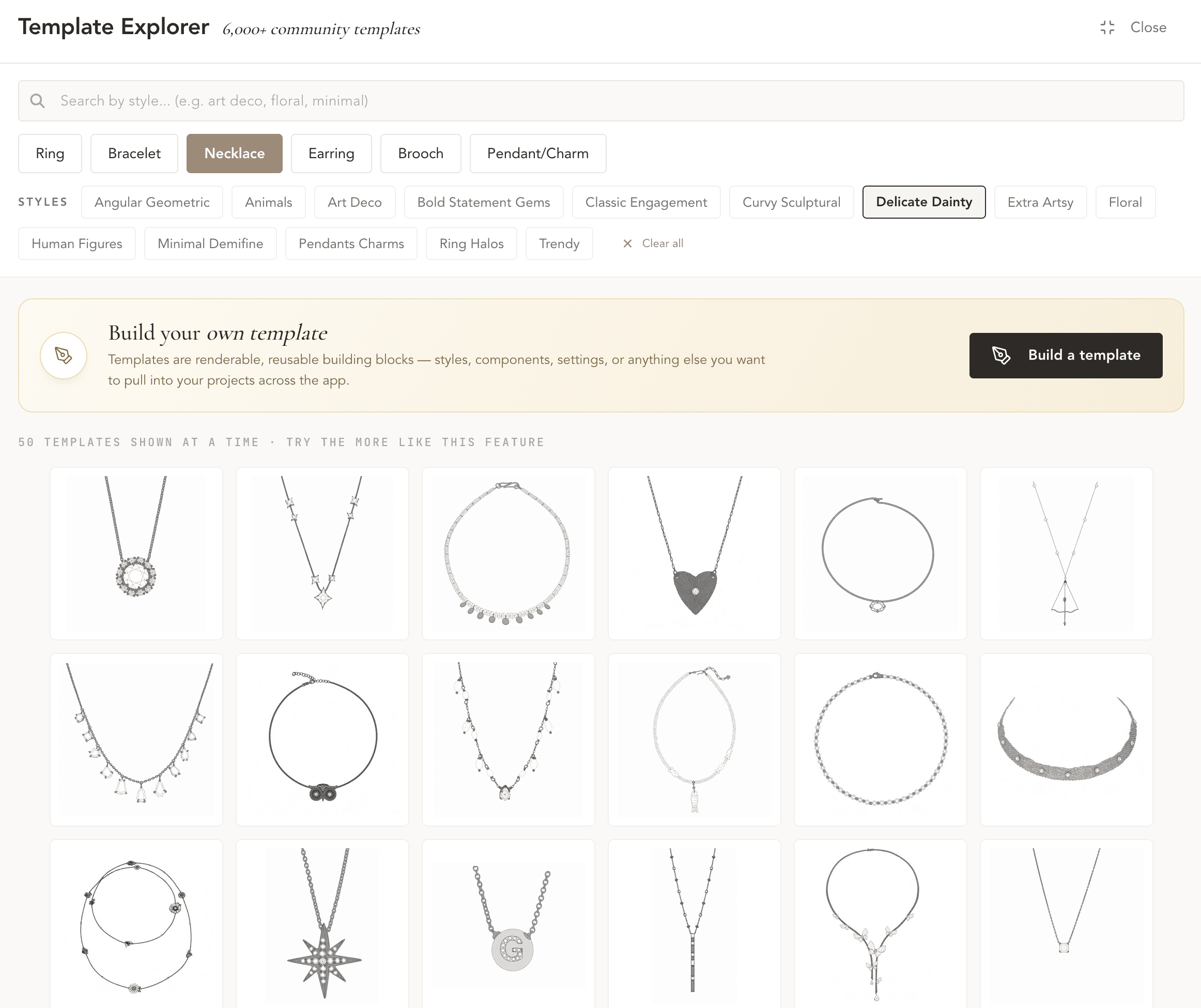
6,000+ community templates
Browse 6,000+ community templates as starting points for complex pieces. Build your own templates for designs you make often, then re-render them with new stones, metals, or styles.
6,000+ community templates, browsable by style
Personal templates for repeat designs
Re-render any template in your own style
The AI Studio
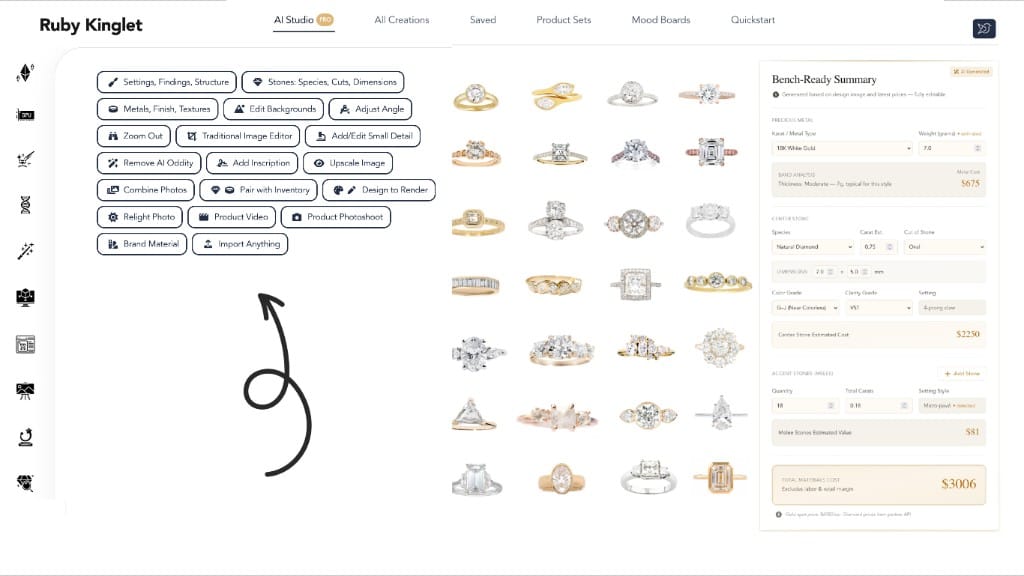
AI Studio · 20+ editing tasks.
A focused suite of editing and composition tasks built from the ground up for jewelry. Restyle a setting, change a stone shape, swap metal, recolor a stone, generate a piece variation. Each task is its own purpose-built tool, not a single prompt box.
Restyle settings · re-cut stones · swap metals
Brand-material edits for catalog and editorial work
Each task uses controls a jeweler recognizes
Use cases
Use cases.
Real workflows from jewelers using Ruby Kinglet today. Each one is end-to-end inside the design tools, so you can take a piece from idea to client-ready artwork in one place.
Bespoke jeweler
Sketch to client-ready render
The problem
A client sends a rough sketch and a few reference photos. You need a render they can react to within 24 hours.
What we do
Drop the sketch into a builder, pick the setting and stone components, run AI Studio to refine the render, and finish in the traditional editor if needed.
The outcome
A clean, on-brand render the client can approve or comment on before any CAD or casting starts.
Brand and design studio
Variations for a catalog launch
The problem
You have one hero piece and need 8–12 colorways and metal options for a catalog drop.
What we do
Build the hero in the component builder. Use AI Studio to swap stones and metals across the variation matrix. Train a brand-style model so all renders match.
The outcome
A consistent variation set in a fraction of the studio time, all in your brand style.
Designer with a defined house style
Style-matched concepts for repeat clients
The problem
Your house style is the product. Generic AI tools generate work that does not look like yours.
What we do
Train a model on your own portfolio. Run all builder and AI Studio outputs through that model. Save the results as personal templates for future clients.
The outcome
New work that reads as yours from the first concept, without re-explaining your style every time.
Creative director
Mood-board to mock-up
The problem
You want to develop a collection direction before any pieces are designed.
What we do
Assemble references on a mood board. Pull elements into the builder. Generate explorations in AI Studio so the team can react to a real visual direction, not just words.
The outcome
A grounded brief with visuals the team can iterate on, before a single CAD file exists.
FAQ
Common questions about jewelry design AI.
Are AI tools good enough to design jewelry yet?
+
For concepting and client-facing renders, yes. Bespoke jewelers producing artwork for client approval are seeing real time savings today. For the manufacturable file itself, no. You still need a CAD step to produce a printable mesh. The split that has become standard across our 3,000+ jewelers is to use AI for the front of the workflow (concept, refine, present) and CAD for the back (variations, manufacturing prep).
Should jewelers train their own AI models?
+
If your style is the product, yes. Generic image tools blend toward a generic luxury-jewelry aesthetic, and the clients who chose you over a competitor can feel that drift in the work. A model trained on 30–100 of your own pieces produces concepts that read as yours from the first render. That matters more for designers and bespoke jewelers than it does for retailers selling someone else's catalog.
What's the difference between a general AI image tool and jewelry-specific design AI?
+
A general tool treats jewelry as small shiny objects and has no concept of a prong, a bezel, or a halo. Jewelry-specific tools expose those as components you can swap independently. Change the stone and the setting fits, the prongs scale, and the proportions stay manufacturable. The practical effect is fewer regenerations and outputs you can hand to a CAD jeweler without re-modeling the piece.
How do AI design tools handle stone settings (prongs, bezels, halos)?
+
Two ways, with very different results. Prompt-based tools generate a setting that "looks like" a halo but rarely passes a manufacturability check. Component-based tools (including Ruby Kinglet's builders) treat the setting as its own object with its own scale and fit constraints, so the output reads as a real piece rather than a styled image of one.
Are AI-designed pieces actually manufacturable?
+
Not directly. An AI render is not a CAD file, and any responsible jeweler treats it as a concept. But the gap is closing fast: photo-to-STL workflows now produce manufacturable meshes from one or several AI-rendered images in a single pass, which means a piece designed in AI can reach a printable file in minutes rather than hours. The bench step still exists; the path to it has compressed dramatically.
How is AI changing how bespoke jewelers work?
+
The biggest shift is at the client-facing front of the workflow. Same-day or even same-meeting renders are replacing back-and-forth sketch revisions, and clients now approve and deposit on pieces before any CAD time is spent. The bench work itself has not changed. But the path from "first conversation" to "approved design" has compressed from weeks to days for the jewelers who have leaned in.
Will AI replace jewelry designers?
+
No, and the question misses the lever. AI compresses the time from idea to render. Designers who use it well take on more clients, charge for taste rather than time, and spend their saved hours on the work AI cannot do (relationships, materials, the physical bench). The designers losing ground are not the ones using AI; they are the ones still in 6-week sketch revisions while a competitor closes the same job in 6 days.
Can I train an AI model on my own jewelry style on Ruby Kinglet?
+
Yes. You upload your own portfolio, train a model, and use that model anywhere on the platform: in builders, in AI Studio, in photoshoots, in customizers. The model is yours; nothing about it is shared with other users unless you choose to publish it to the community.
Do my designs and uploaded assets stay private?
+
Yes. Images you upload and models you train are exclusively yours. You can share them with the Ruby Kinglet community if you want, but that is opt-in. We treat your aesthetic IP the same way a casting house treats a wax: your work, returned to you.
Can I use my own settings, stones, and findings?
+
Yes. You upload them once and they become first-class components in the builder. The platform composes around your assets rather than asking you to abandon what you already work with.
How does Ruby Kinglet design connect to CAD, photoshoots, and storefronts?
+
Designs flow into the CAD tools for STL and 3DM files, into the Photoshoots tools for retail-ready imagery and product video, and into the Customizer tools to power on-store configurators. The four toolsets share the same workspace, assets, and trained models, so a brand model trained for design carries through to every piece of imagery and every customizer render.
Start a piece. In your style.
3,000+ jewelers on the platform. Images you supply and models you train are always exclusively yours.