Competition Submission Guide
Design → Submission
Create, refine, and submit designs to Ruby Kinglet competitions
1Step 1
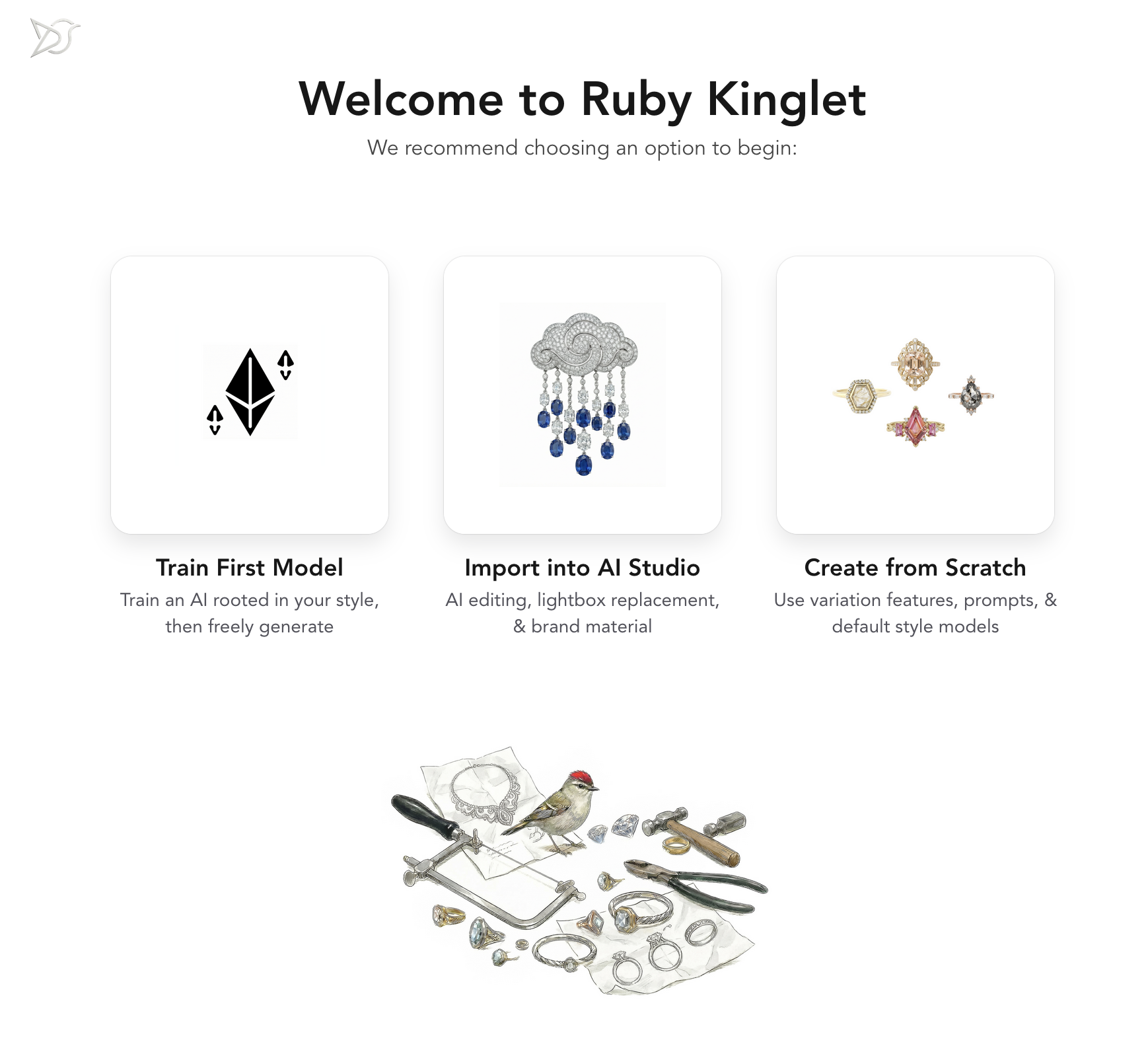
Start at Welcome Screen
Choose how you want to begin: train your own AI model, import existing designs into AI Studio, or create from scratch using the platform's tools.
- Train First Model
- Import into AI Studio
- Create from Scratch
2Step 2
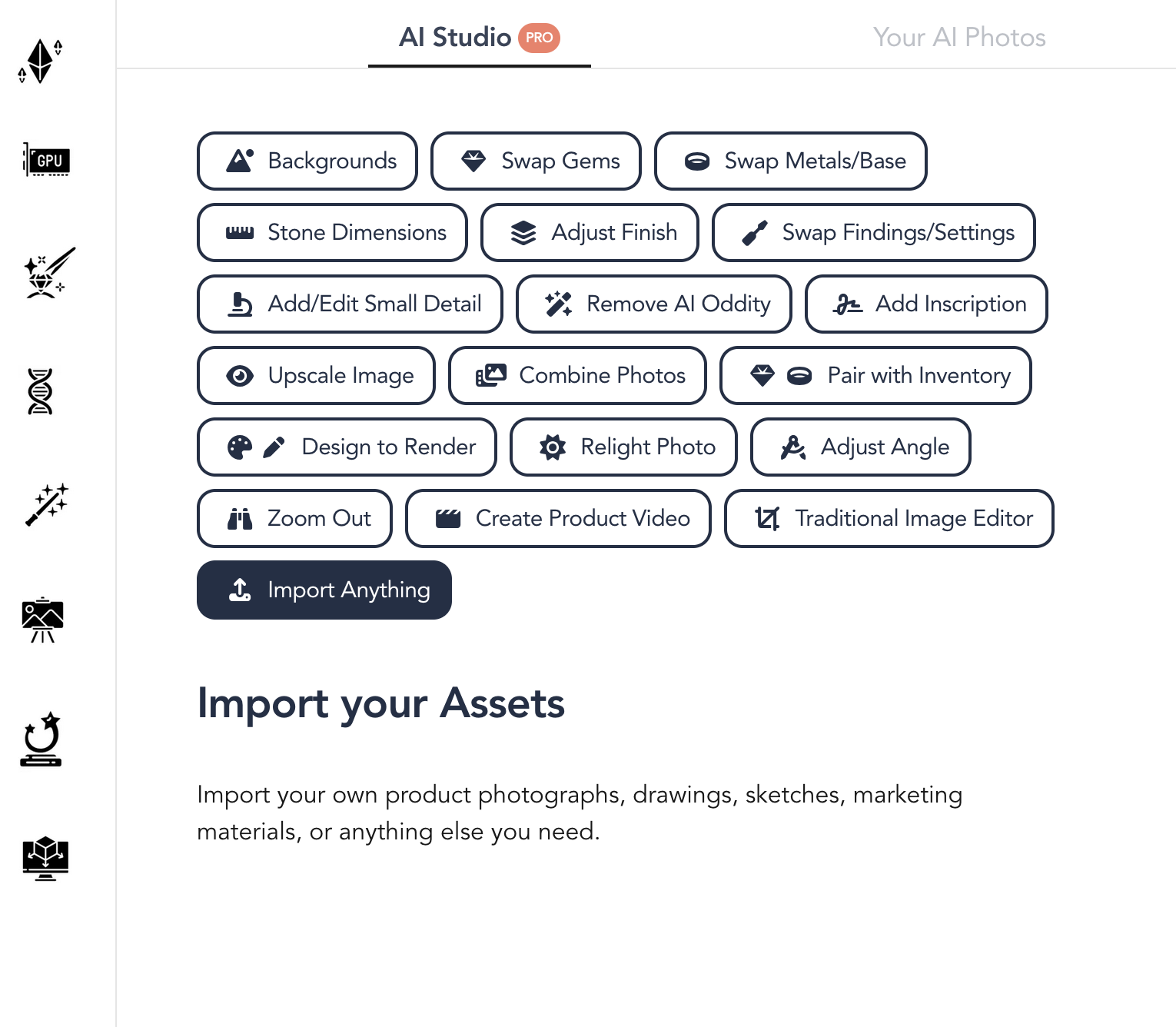
Edit in AI Studio
Access powerful AI-powered editing tools to perfect your jewelry designs. Swap gems, adjust lighting, change backgrounds, and more.
- Change Backgrounds
- Edit Any Aspect
- Turn a Sketch into a Render
3Step 3
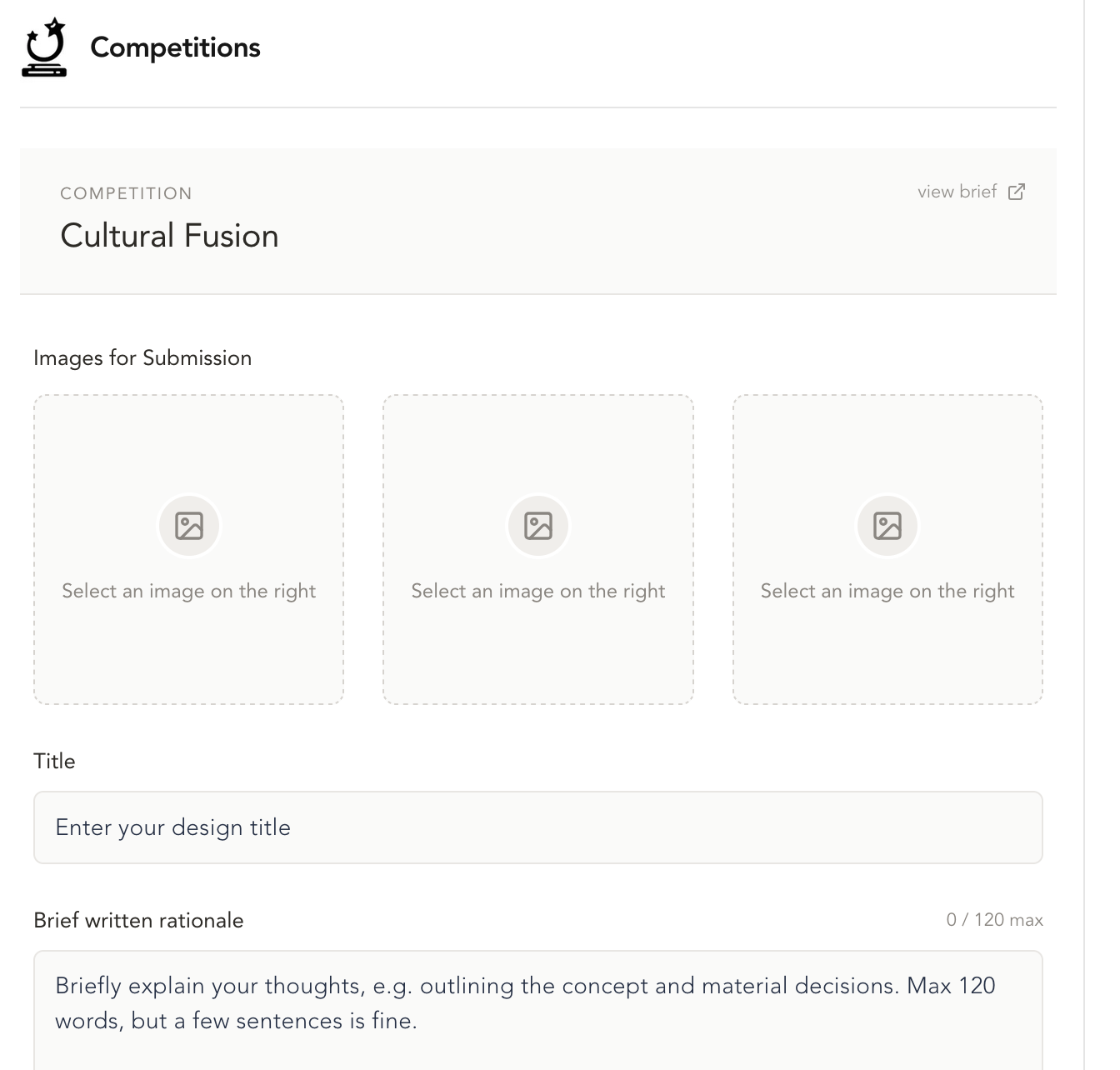
Submit to Competition
When your design is ready, submit it directly to competitions. Add your title and a brief rationale explaining your concept and material choices.
- Upload Multiple Images
- Add Design Title
- Write Brief Rationale